
7.6/10
Premium15 yr life
Mignon Specialita, Matte Black, 110 V
Eureka
A compact Italian espresso grinder with 55 mm flat burrs, quiet mounting, stepless adjustment and timed touch dosing.
- Repair
- 7.2/10
- TCO
- 7.3/10
$549.00
Durable buying guide
Select a grinder for the intended brew range and adjustment needs. Then verify burr availability, calibration, cleaning access, motor or gearbox service, and whether high-wear parts can be replaced.
Limits: A grinder that performs well for filter coffee may not provide the adjustment required for espresso. Burr availability and current model support need model-specific evidence.
4 products
Superior features, extended warranties, and high-end materials for enhanced performance.
Eureka
A compact Italian espresso grinder with 55 mm flat burrs, quiet mounting, stepless adjustment and timed touch dosing.
Niche
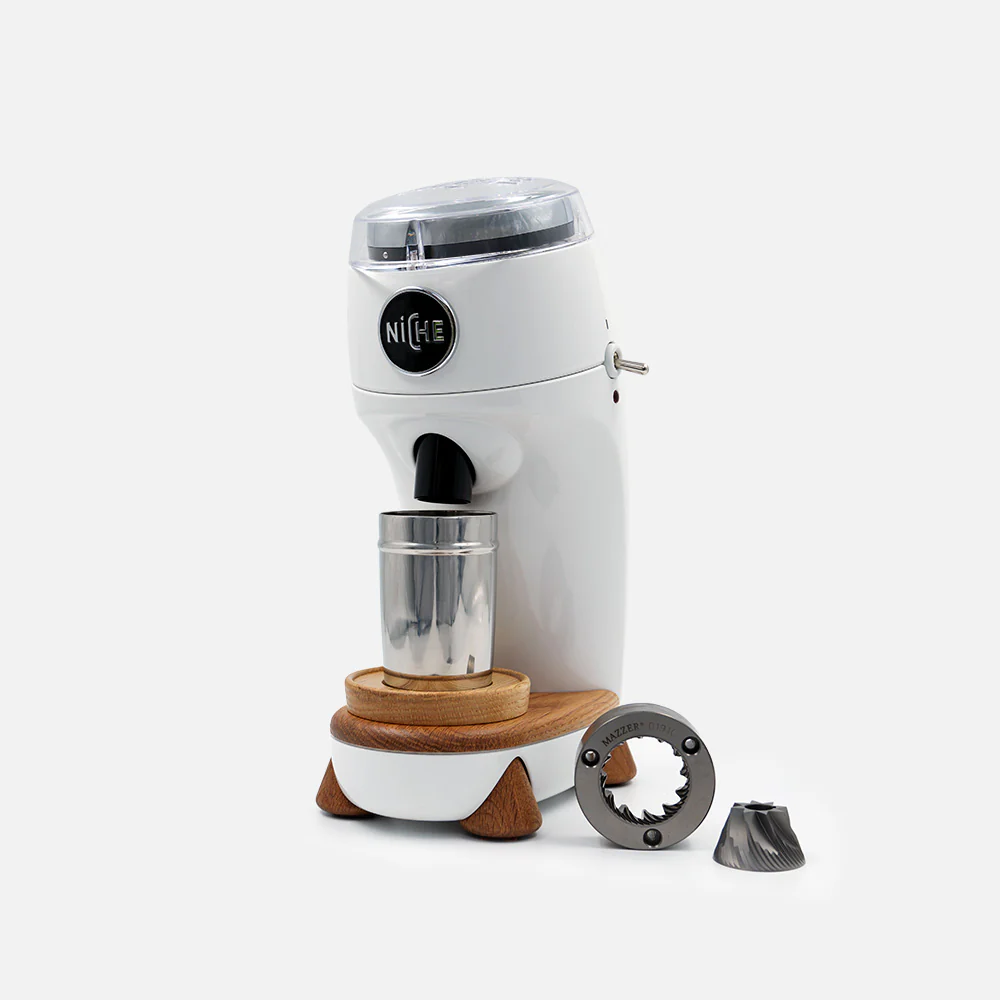
A quiet single-dose grinder with 63 mm Mazzer conical burrs, stepless adjustment and an exceptionally direct grind path.
Mazzer
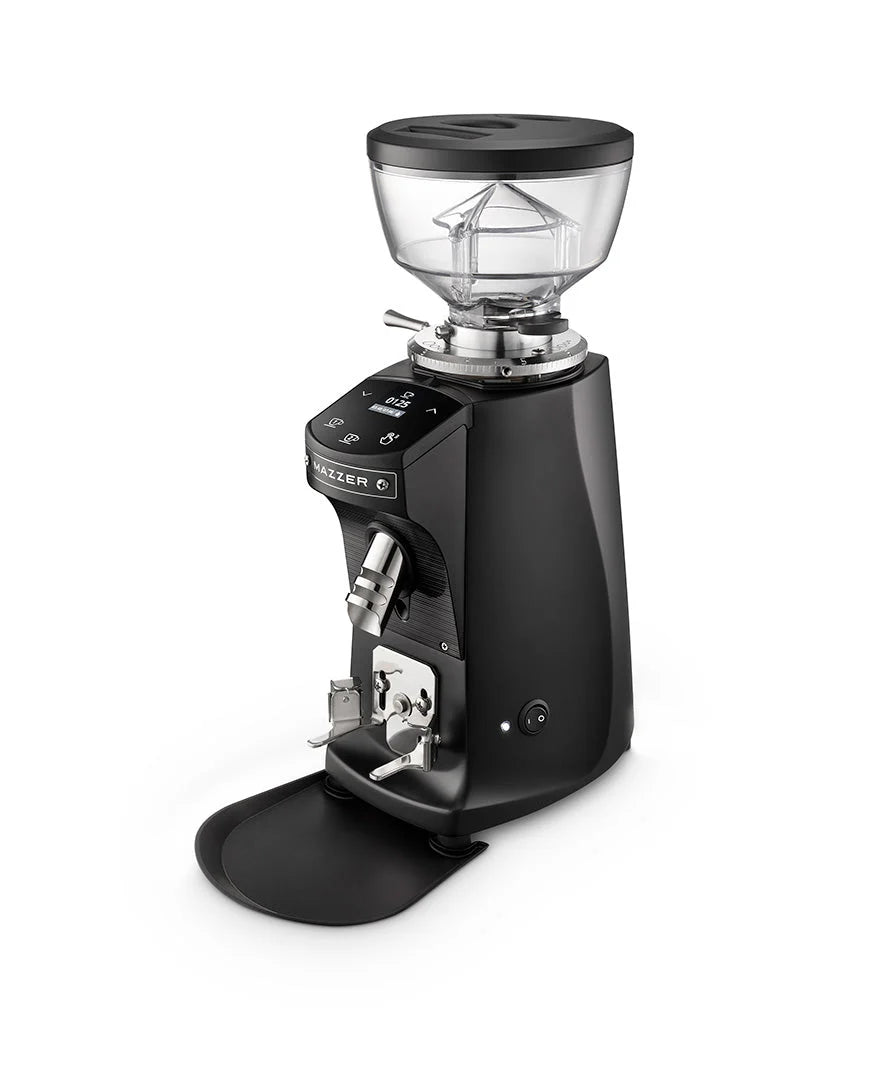
Mazzer's redesigned compact grinder with 64 mm flat burrs, stepless collar and two programmable timed doses.
Mahlkönig
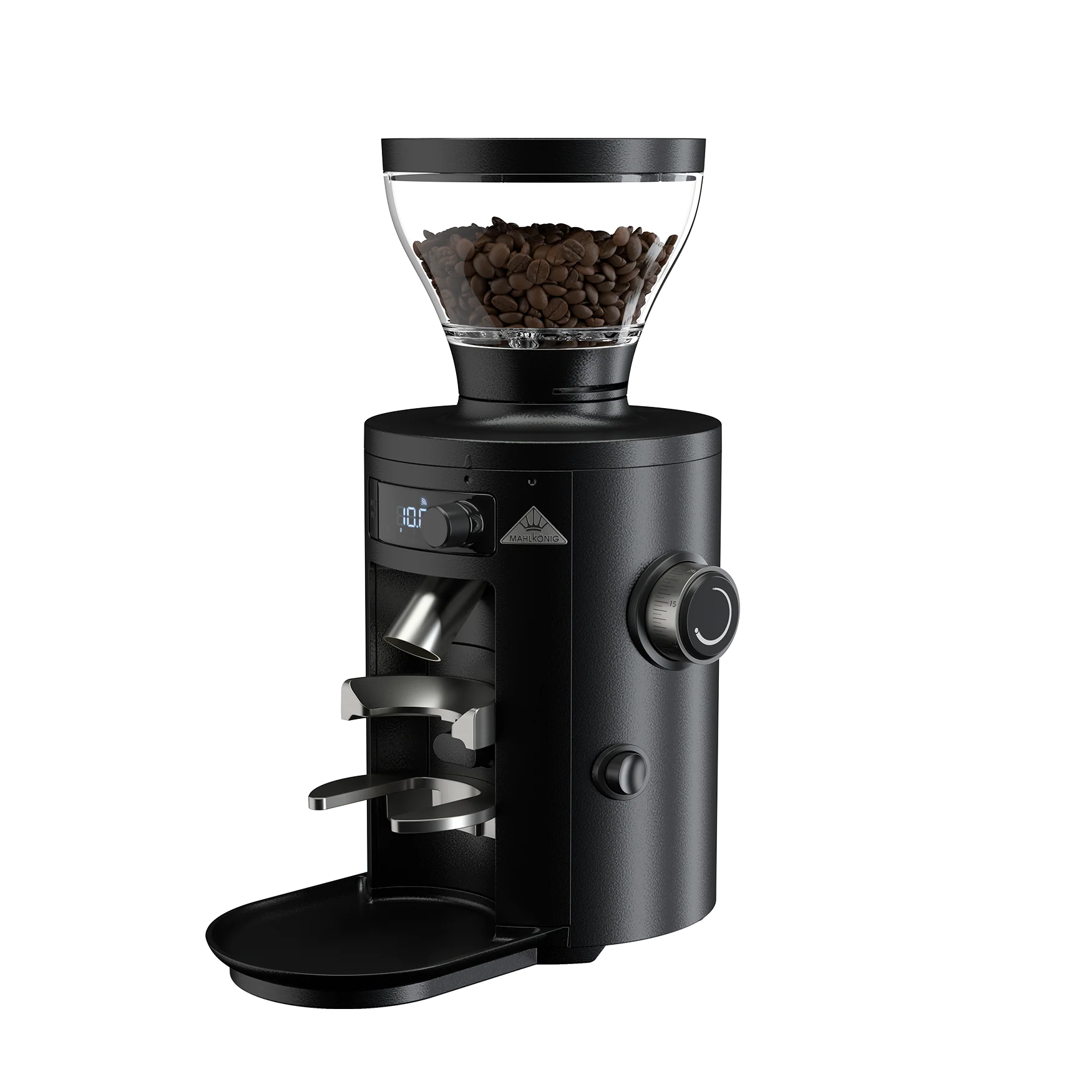
An all-purpose flat-burr grinder with stepless adjustment, four timed presets, swappable fronts and official spare parts.
7 products
A balanced blend of performance, quality, and price for the discerning user.
Baratza
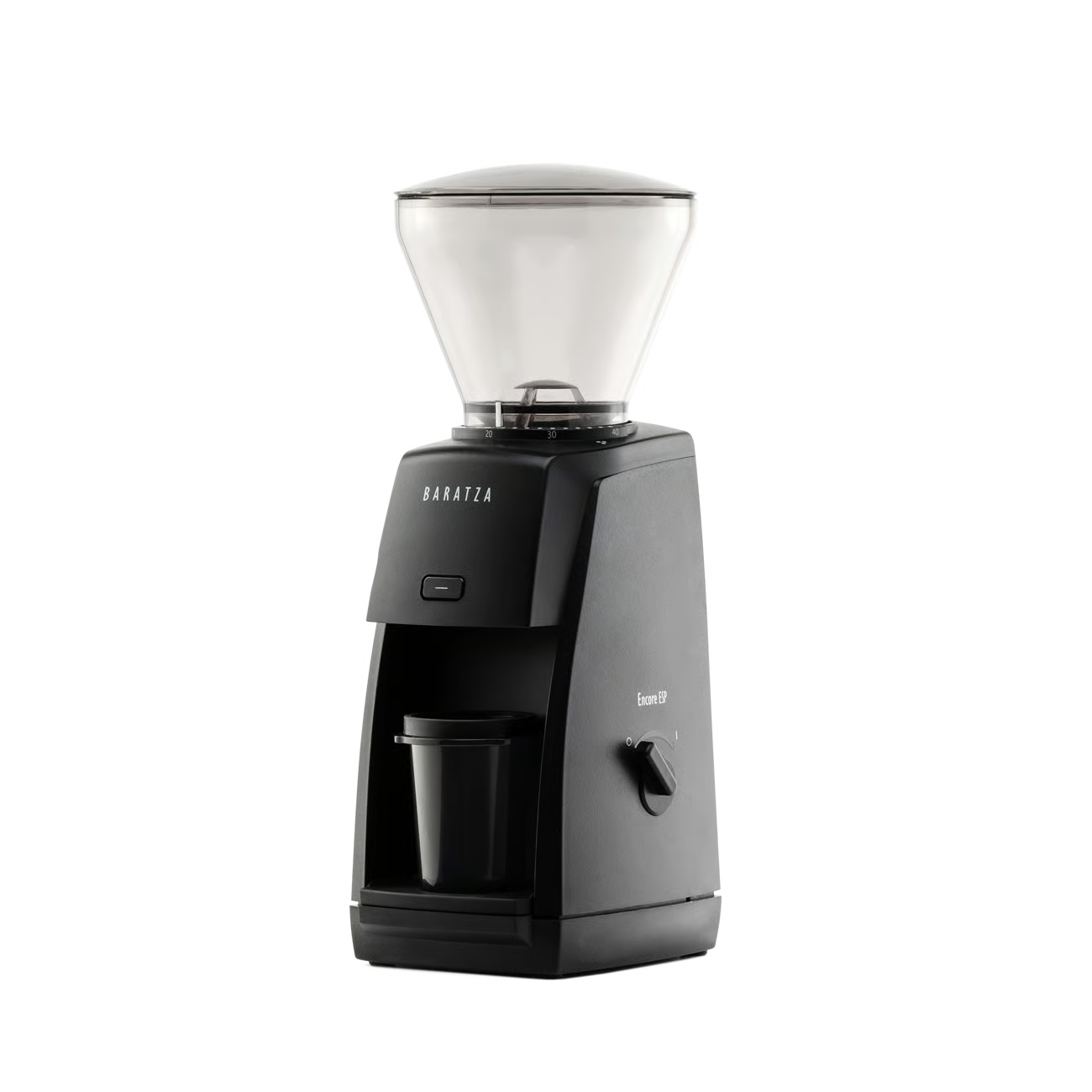
A repair-supported entry grinder with a 40 mm M2 conical burr and a split adjustment range for espresso and filter coffee.

Baratza
A fast, low-retention espresso grinder with macro steps, stepless micro adjustment and three repeatable timed doses.
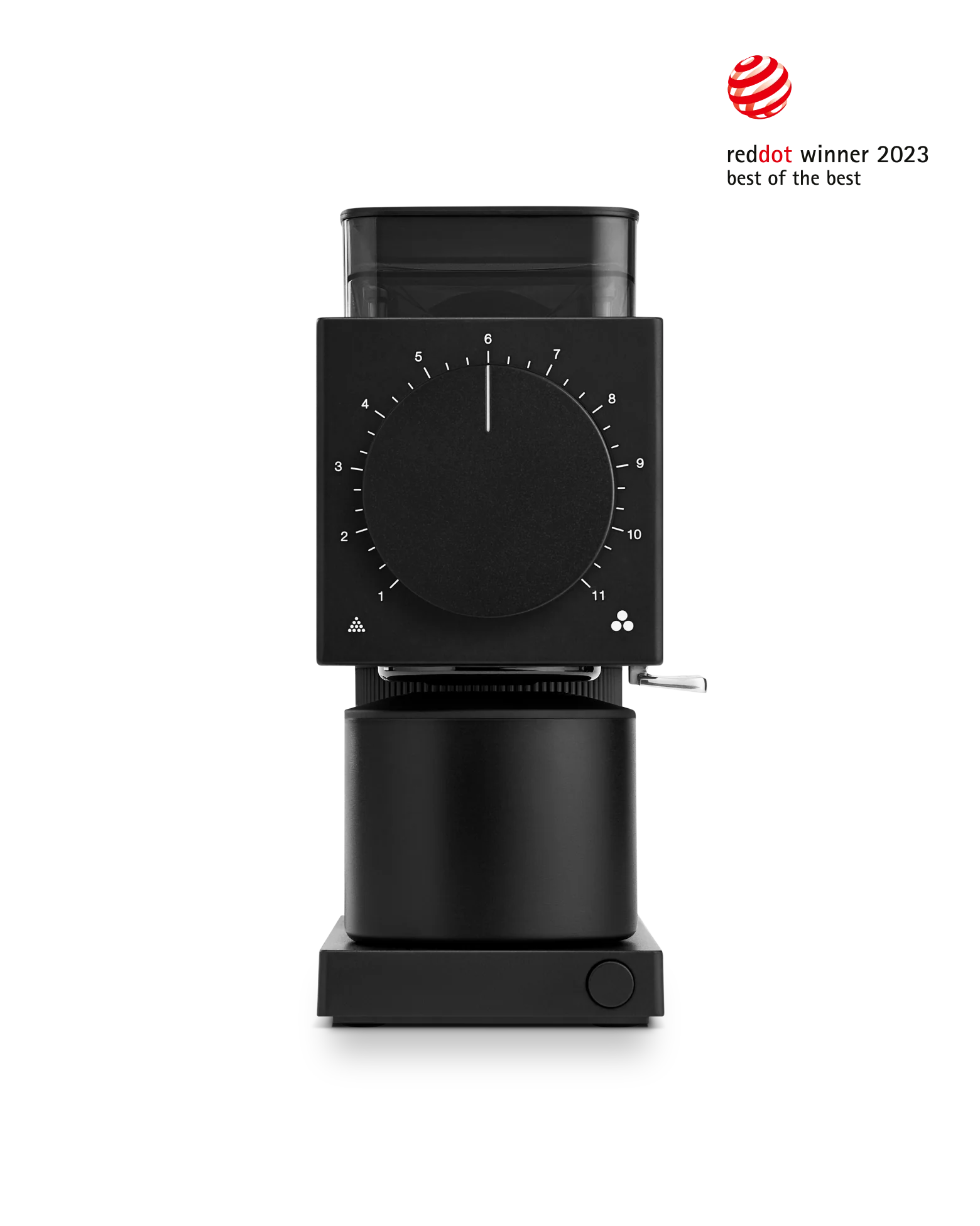
Fellow
A quiet single-dose brew grinder with 64 mm flat burrs, anti-static ionizer, auto-stop and a compact metal body.
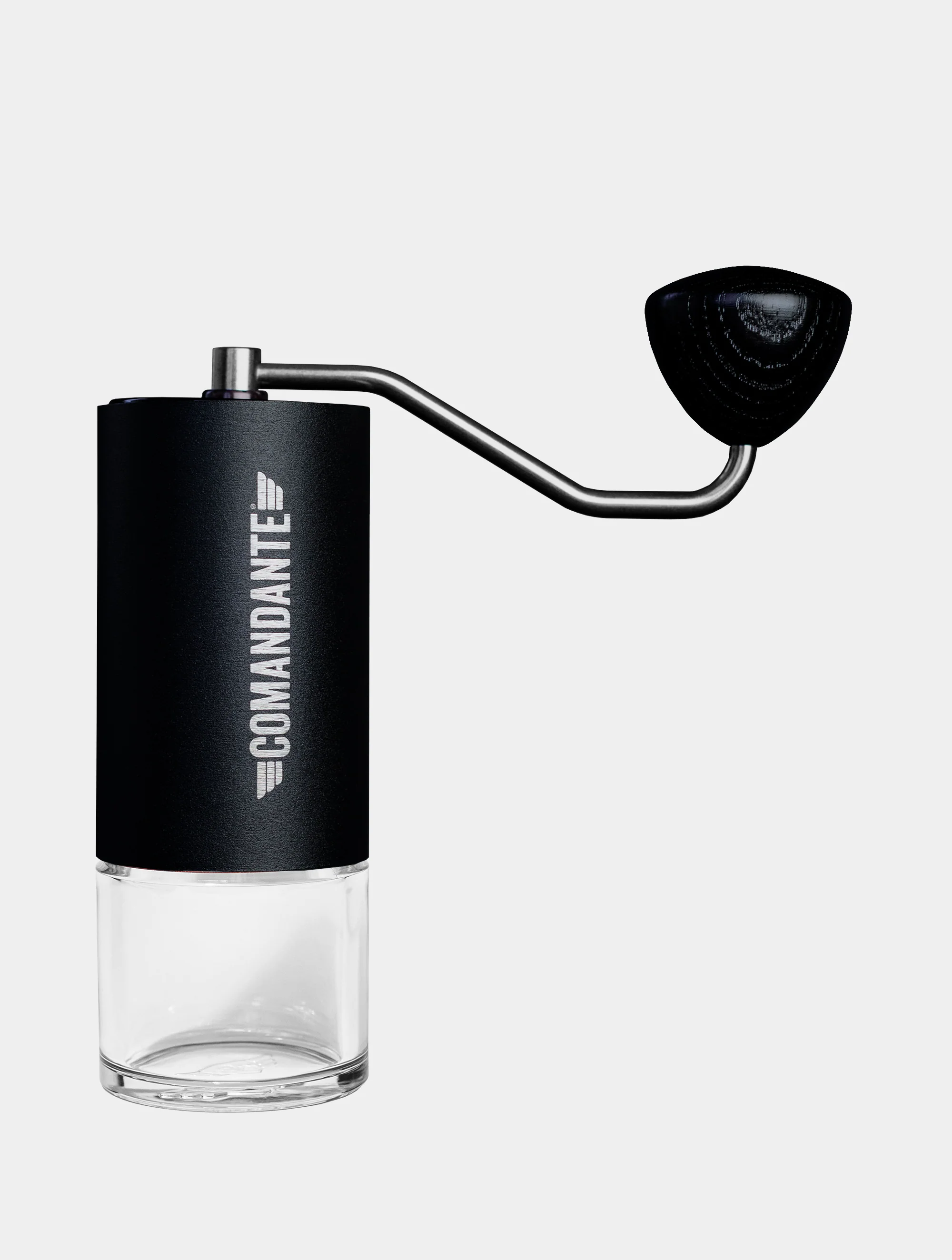
Comandante
A German-made manual grinder with a high-nitrogen steel conical burr, dual bearings and backward-compatible service parts.
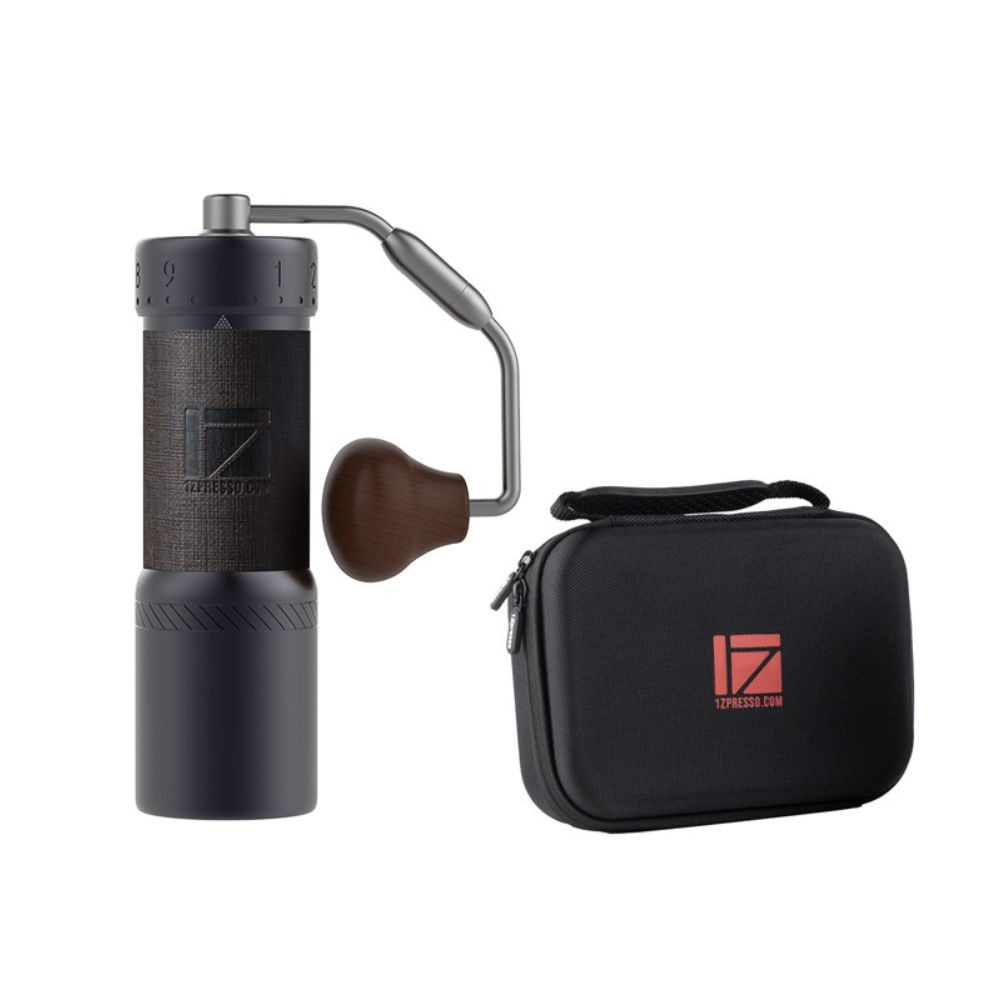
1Zpresso
An espresso-focused hand grinder with a coated 48 mm burr, 8-micron external adjustment and magnetic catch cup.
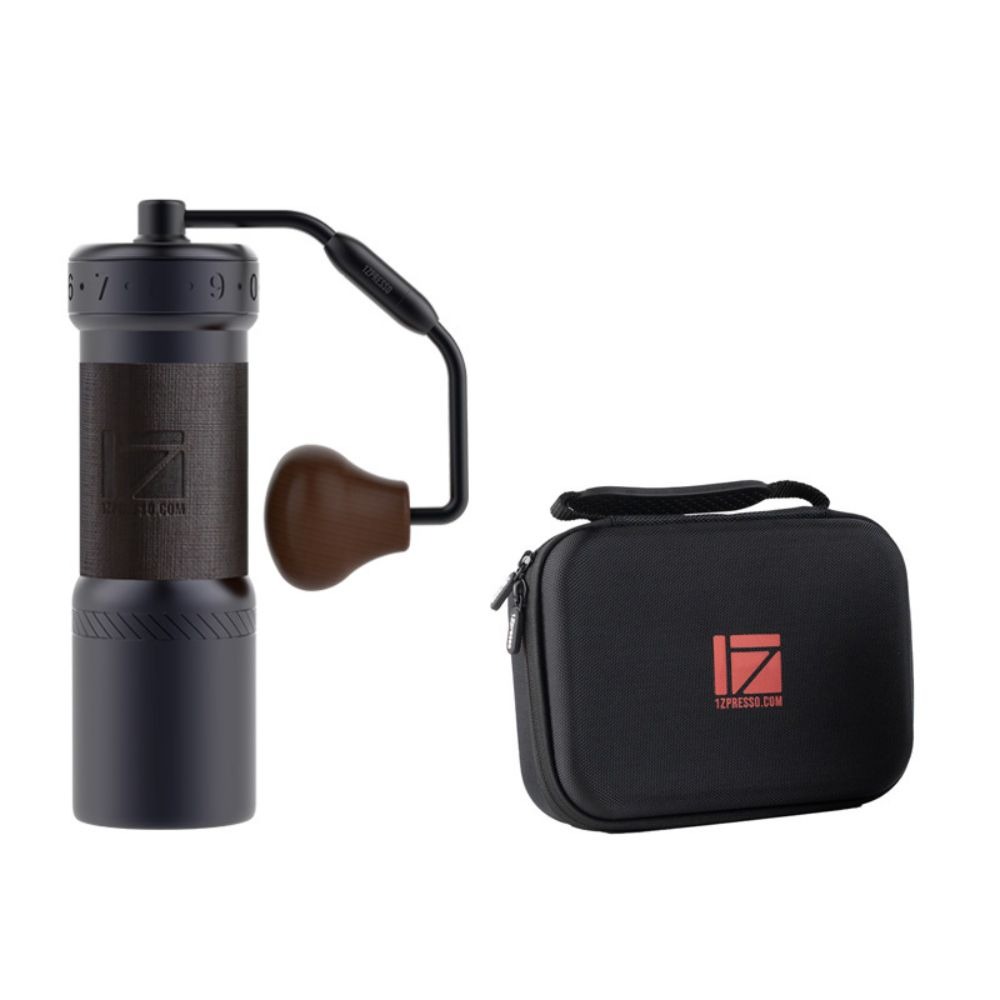
1Zpresso
A general-purpose hand grinder with a 48 mm heptagonal burr, external adjustment, folding handle and magnetic cup.
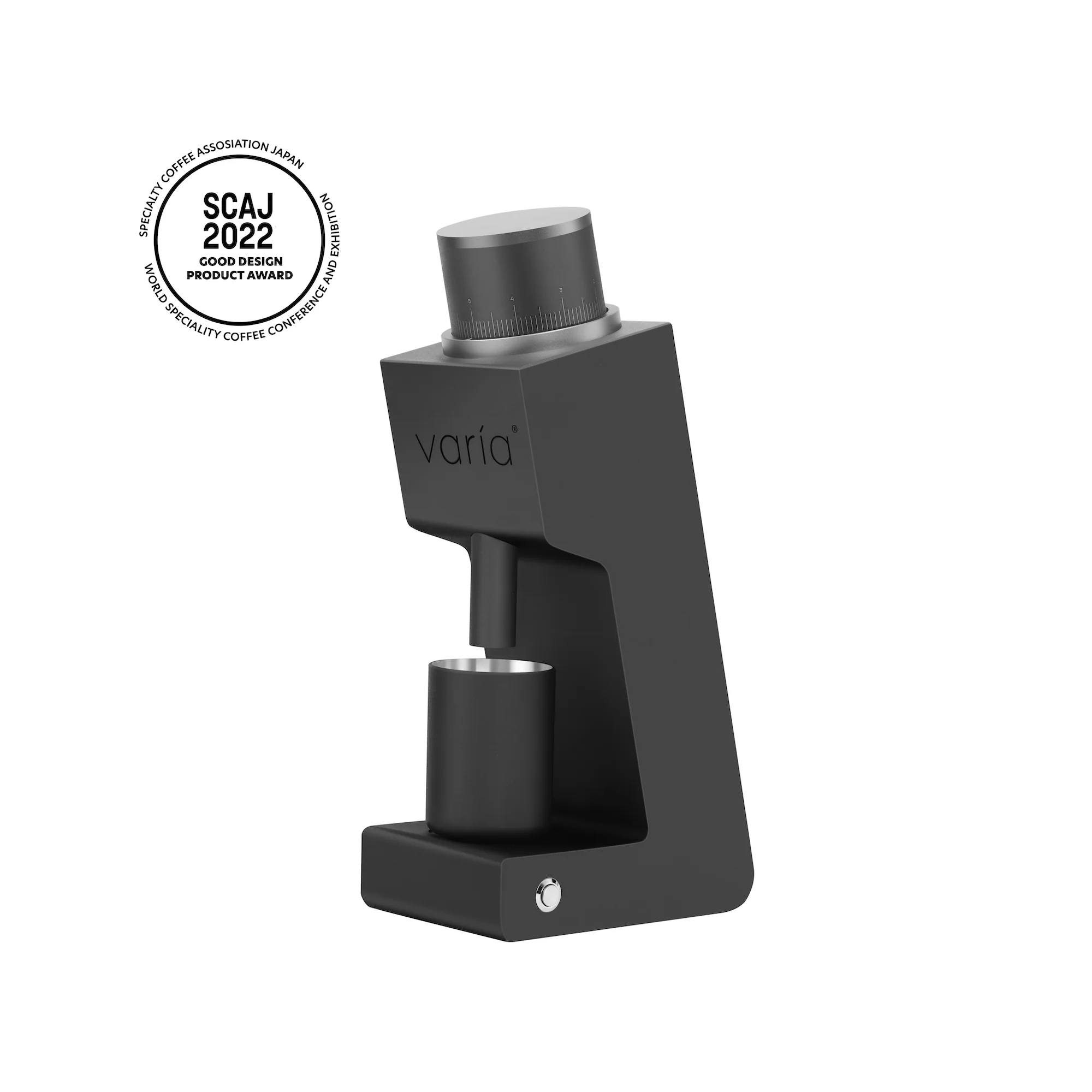
Varia
A compact low-speed single-dose grinder with a 48 mm conical burr, stepless 10-micron adjustment and universal-voltage supply.
1 products
Budget-conscious selections offering the best value and reliability for essential needs.

Timemore
A compact aluminum hand grinder with 38 mm S2C660 steel burrs and a straightforward stepped dial for daily filter coffee.
Buying guide
Burr shape and material change the grinder’s behavior, so treat them as design tradeoffs rather than a universal ranking. Baratza’s guide contrasts conical burrs, which it describes as producing a rounder profile and more fines, with flat burrs, which it describes as offering a cleaner profile and lower retention; it also distinguishes steel and ceramic burr character. Use those claims as a starting point, then check the exact model’s burr material, intended brew range, and replacement procedure before comparing products.
A grinder can look capable on a specification sheet yet be inconvenient when you switch coffees or brew methods. Retained grounds can make the first dose after a changeover partly reflect the previous setting, while purging costs time and coffee. Baratza specifically highlights low retention as a Sette-series dialing benefit. Ask how the grounds path is accessed, how the manufacturer defines or measures retention, and whether the stated workflow assumes a purge; compare those details with your actual single-dosing or hopper routine.
A high number of displayed settings does not guarantee useful control. Look for the mechanism that actually moves the burrs, the size of the smallest meaningful change, and whether separate macro and micro controls can be returned to a known reference. Baratza’s guide uses macro adjustment to get close and micro adjustment to refine on some series, and notes that small clicks can make large espresso differences on the Encore ESP. Prefer a documented, repeatable control path over a headline setting count.
Before treating inconsistent coffee as a grinder defect, separate grind error from preparation and machine variables. Baratza’s troubleshooting guide links a sour, thin, fast shot with grinding finer and a bitter, harsh, slow shot with grinding coarser, while identifying channeling as a puck-preparation issue that may not originate in the grinder. Keep dose and the recipe fixed, change one variable at a time, and inspect distribution and tamping before paying for a replacement grinder.
Bean temperature deserves a place in a serious grinder comparison because the Scientific Reports paper “The effect of bean origin and temperature on grinding roasted coffee” examines that variable directly. When reading tests or running your own, record roast, storage, bean temperature, dose, grind setting, and brew method. A result from chilled, room-temperature, or warmed beans should not be treated as a universal verdict about the grinder without matching those conditions.
FAQ
Dark-roasted beans leave more oil in the hopper, burr chamber, and chute, so they can need more frequent cleaning and have a higher risk of clogging. Light roasts are less oily but can produce more static and chaff. Treat these as different maintenance patterns: brush away loose chaff, wash only maker-approved removable parts, and inspect the feed path sooner if oily or flavored coffee starts sticking. Follow the grinder’s own manual for cleaning products and disassembly.
For a substantial move finer on an electric grinder, make the adjustment while the motor is running. If coffee is trapped between burrs, changing finer while stopped can compress it and strain the motor or burr carrier; running lets the burrs move freely. A coarser move can be made stopped because the burrs move apart. If the chamber is empty, small fine changes are generally safe, but grind through the last beans before a large change.
Use the exact manual, because zero points are model-specific. The 1Zpresso K-Ultra guide defines zero as the point where the handle begins to turn with resistance, not the absolute tightest position. Set the dial to zero, check whether the pointer aligns with #0, and adjust the knurled nut if it does not. Avoid overtightening, and do not wash or soak the grinder; clean with a brush and air blower as directed.
Yes. A peer-reviewed study found that, under its test conditions, grinding cold coffee produced a narrower particle-size distribution and a smaller mean particle size than grinding at room temperature. That does not make cold grinding a universal recipe: the study used a particular grinder and protocol, while a manufacturer warns that condensation from refrigerated or frozen beans can contribute to clogs. If experimenting, keep temperature and other variables consistent and watch the feed path.
Unplug the grinder before clearing it. Remove the hopper and upper burr if the model allows, then use the maker’s brush—or a small stiff tool such as an unfolded paperclip where the manufacturer permits—to loosen packed coffee in the chute from above and below. Reassemble and test at a coarse setting. Do not force parts or introduce water unless the manual explicitly allows it; oily, flavored, over-fine, or re-ground coffee can increase clog risk.
Clean sooner if the grinder’s speed, consistency, or flavor clarity declines; if coffee stops feeding smoothly; or if grounds and oil are building up in the burr chamber or exit chute. Baratza also identifies a growing risk of clogs as a maintenance signal. Dark or flavored coffees can accelerate buildup, while light roasts may leave more static and chaff. Unplug the grinder and follow its model-specific disassembly and washing instructions rather than waiting for a calendar interval.
Honoring the visionaries whose work paved the way for the products we rely on today.
Richard Dearmann, an English blacksmith from Birmingham, is credited with making the first coffee grinder in 1799. The category history identifies his grinder as widely distributed in the United States, marking an early dedicated hand-grinder in coffee preparation.
Increase Wilson patented the first wall coffee grinder in 1818. This documented design milestone extended coffee grinding into a fixed format and represents an early United States contribution to the development and adoption of dedicated coffee-grinder equipment.
Jean Mantelet developed Moulinex's first electrically operated appliance, a motorized coffee grinder, in the mid-1950s. His documented work connected coffee grinding with a mass-market kitchen-appliance line and helped establish powered grinding as a household format.
Research last refreshed
Naoaki Oka, Seiichiro Katsura · 2019
This IEEE study targets coffee-grinder repeatability by comparing conventional full-wave-rectified DC-motor control with a servo mechanism. The servo reduced speed error and improved particle-size variance, directly linking grinder drive control to consistent grounds and extraction.
Adam Głowacz · 2019
This Sensors paper evaluates acoustic fault detection on two coffee grinders, including damaged bearings, shaft damage, and motor-off states. Its reported recognition rates show how condition monitoring can support grinder safety, maintenance, and long service life.
Frans Jusuf Daywin, Lina Gozali, Carla Olyvia Doaly, Adnan Salim, Abdurrafi Ibrahim, María de Fátima, Pingkan Inggrid · 2020
This IOP conference paper presents a portable knockdown grinder with eight coarseness levels, using reverse engineering and VDI 2221 to design the grinder, housing, and drawers. It directly informs adjustment range, serviceable construction, and usability of coffee grinders.
Masayuki Akiyama, Kazuya Murakami, Noboru Ohtani, Keiji Iwatsuki, Kazuyoshi Sotoyama, Akira Wada, K. Tokuno, Hisakatsu Iwabuchi, Kiyofumi Tanaka · 2003
This Journal of Agricultural and Food Chemistry study measures volatile compounds released while an electronic grinder processes roasted beans using dynamic SPME, GC/MS, and GC/O. It directly characterizes grinding-generated aroma and how grinder operation affects coffee sensory output.
Masayuki Akiyama, Kazuya Murakami, Michio Ikeda, Keiji Iwatsuki, Sadayuki Kokubo, Akira Wada, Katsuya Tokuno, Masanobu Onishi, Hisakatsu Iwabuchi, Kiyofumi Tanaka · 2005
This Food Science and Technology Research paper analyzes volatiles released during grinding of roasted Robusta beans across Vietnamese and Indonesian origins and roast levels. GC/MS, GC/O, and PCA link grind-stage emissions to bean and roast conditions, informing grinder-related aroma behavior.
Chiang Liang Kok, Yuwei Dai, Yit Yan Koh, Maoyang Xiang, Tee Hui Teo · 2025
This Applied Sciences paper proposes acoustic EMD and FPGA-based stone detection to prevent foreign objects from reaching coffee-grinder burrs. It addresses a grinder-specific failure mode: burr damage, recalibration, downtime, and maintenance cost when stones are ground with beans.