8.4/10
Luxury15 yr life
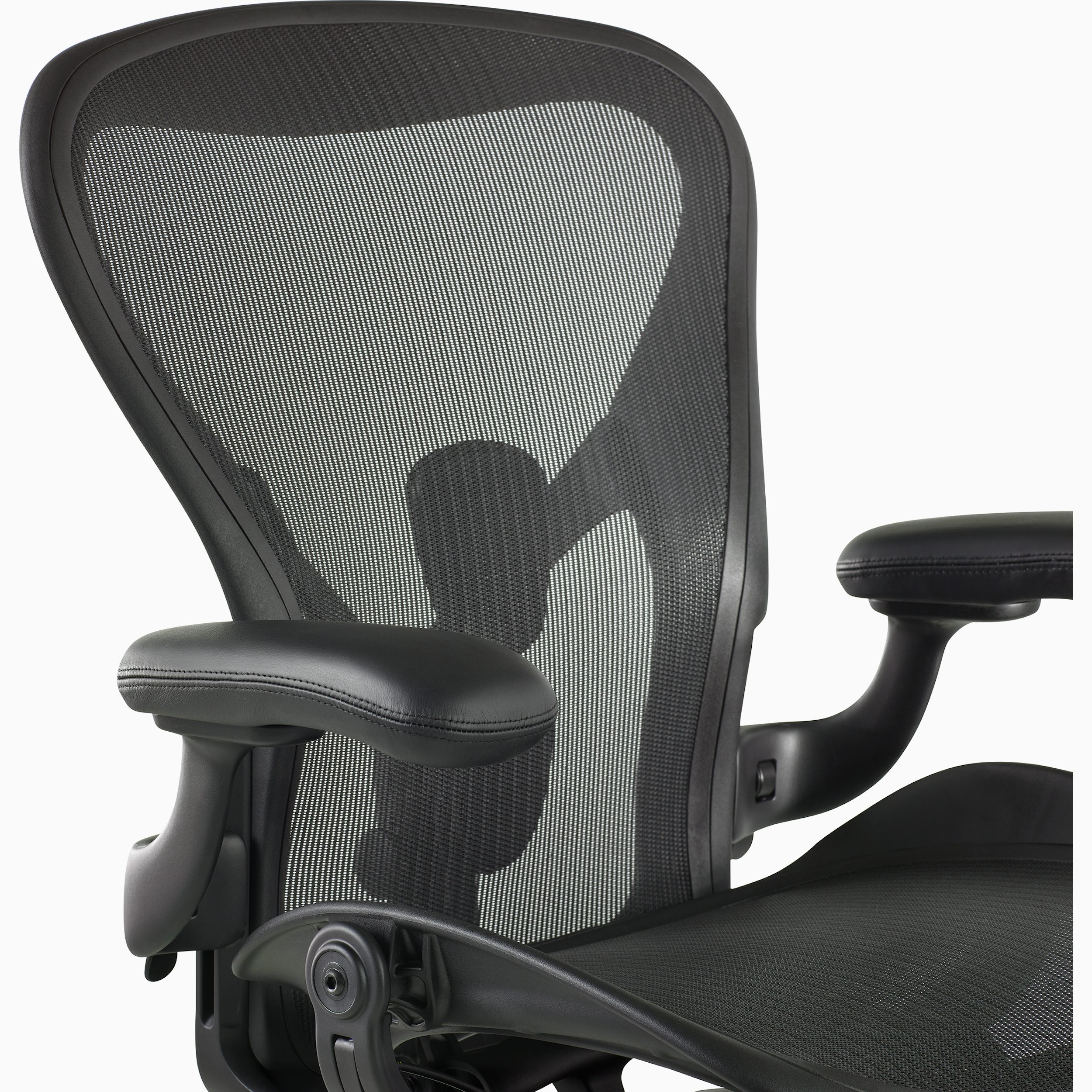
Aeron Chair
Herman Miller
An iconic three-size suspension chair with zoned 8Z Pellicle, Harmonic 2 Tilt, optional PostureFit SL and a 12-year three-shift warranty.
- Repair
- 8.0/10
- TCO
- 7.4/10
$2215.00
Durable buying guide
Ergonomic office chairs should fit the user and task, with adjustable seat height and depth, a supportive backrest, suitable armrests, a stable five-point base, and floor-appropriate casters. Compare adjustment ranges, control access, support across postures, and maintenance or repair needs before buying.
3 products
Higher-priced options whose materials, features, service, and tradeoffs still need evidence-based comparison.
Herman Miller
An iconic three-size suspension chair with zoned 8Z Pellicle, Harmonic 2 Tilt, optional PostureFit SL and a 12-year three-shift warranty.
Herman Miller
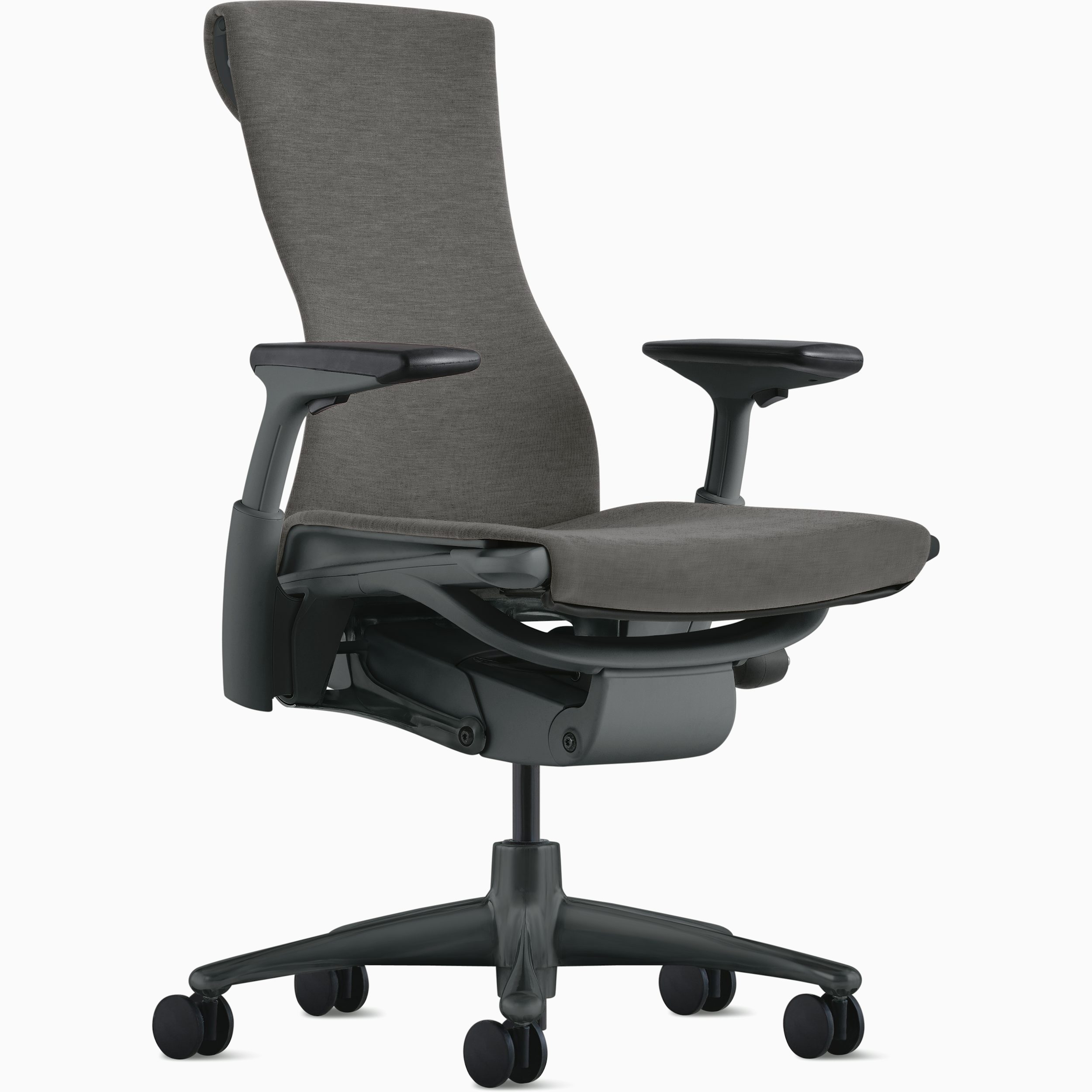
A 300-pound-rated work chair with independently moving Pixelated Support, Backfit tuning, a four-layer seat and 12-year warranty.
Steelcase
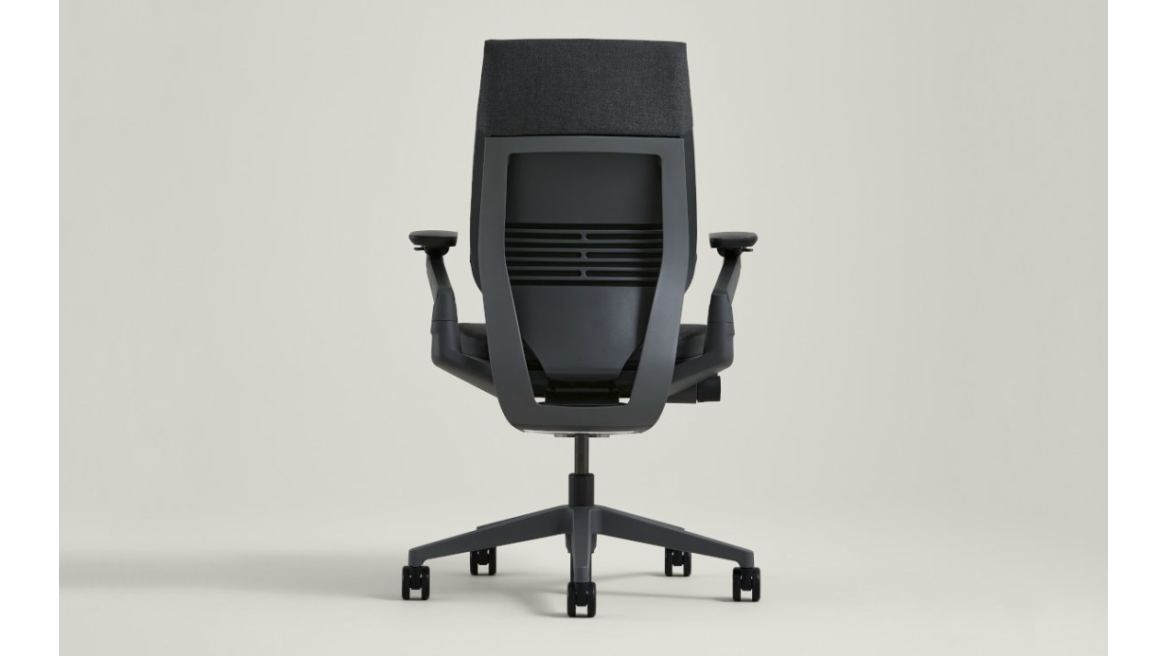
A technology-posture-focused chair with 3D LiveBack, extremely wide-ranging 360 arms, adaptive seat edges and 12-year warranty.
6 products
Superior features, extended warranties, and high-end materials for enhanced performance.

Steelcase
Steelcase's highly adjustable 400-pound-rated task chair with LiveBack, Natural Glide recline, four-dimensional arms and 12-year multi-shift coverage.
Haworth
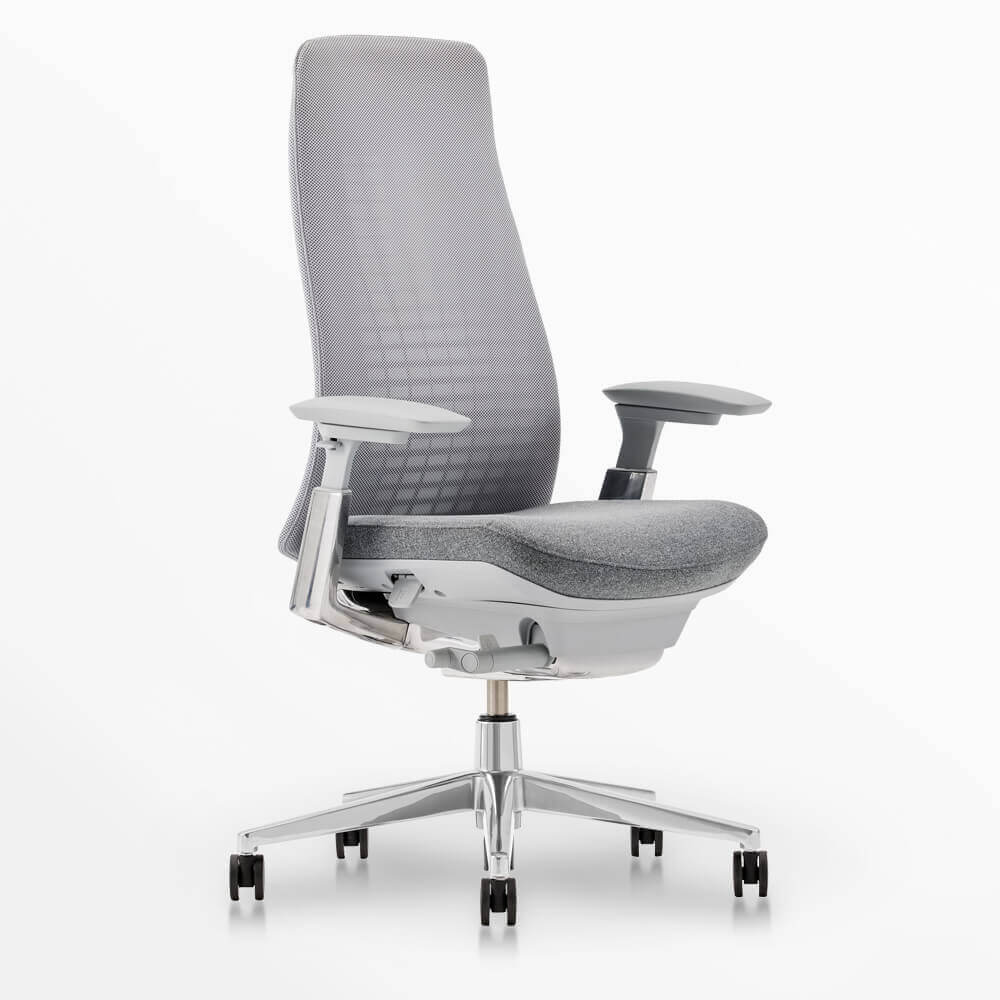
A 350-pound-rated, USA-assembled chair with edgeless Wave Suspension, three-inch seat-depth adjustment, optional 4D arms and 12-year warranty.
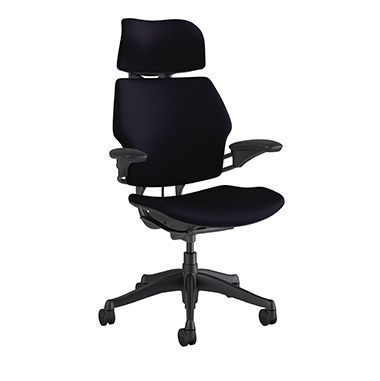
Humanscale
Niels Diffrient's self-adjusting 400-pound-rated chair with weight-sensitive recline, articulating headrest, linked arms and 15-year 24/7 warranty.
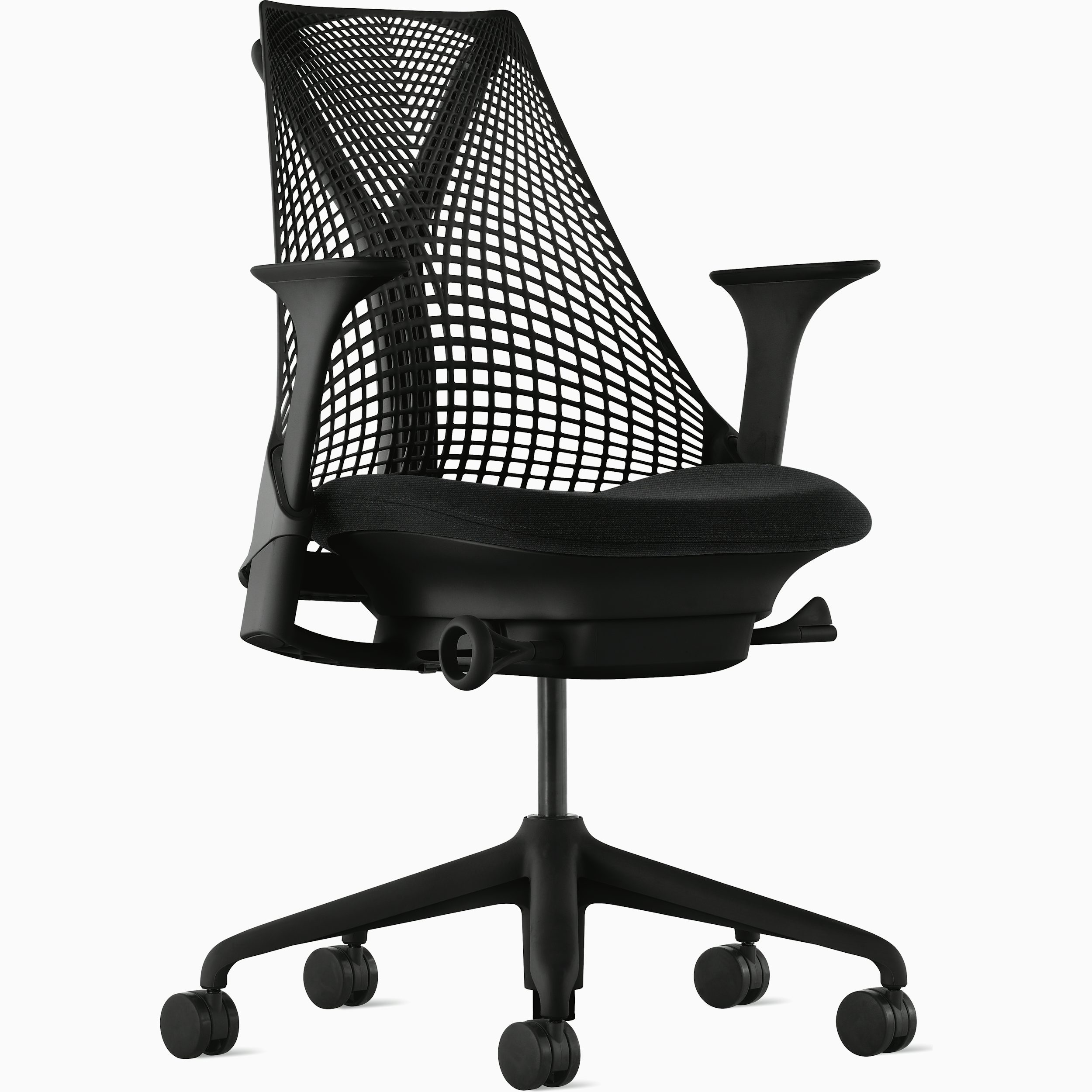
Herman Miller
A 350-pound-rated compact chair with ventilated unframed elastomer suspension, Harmonic Tilt and 12-year warranty.
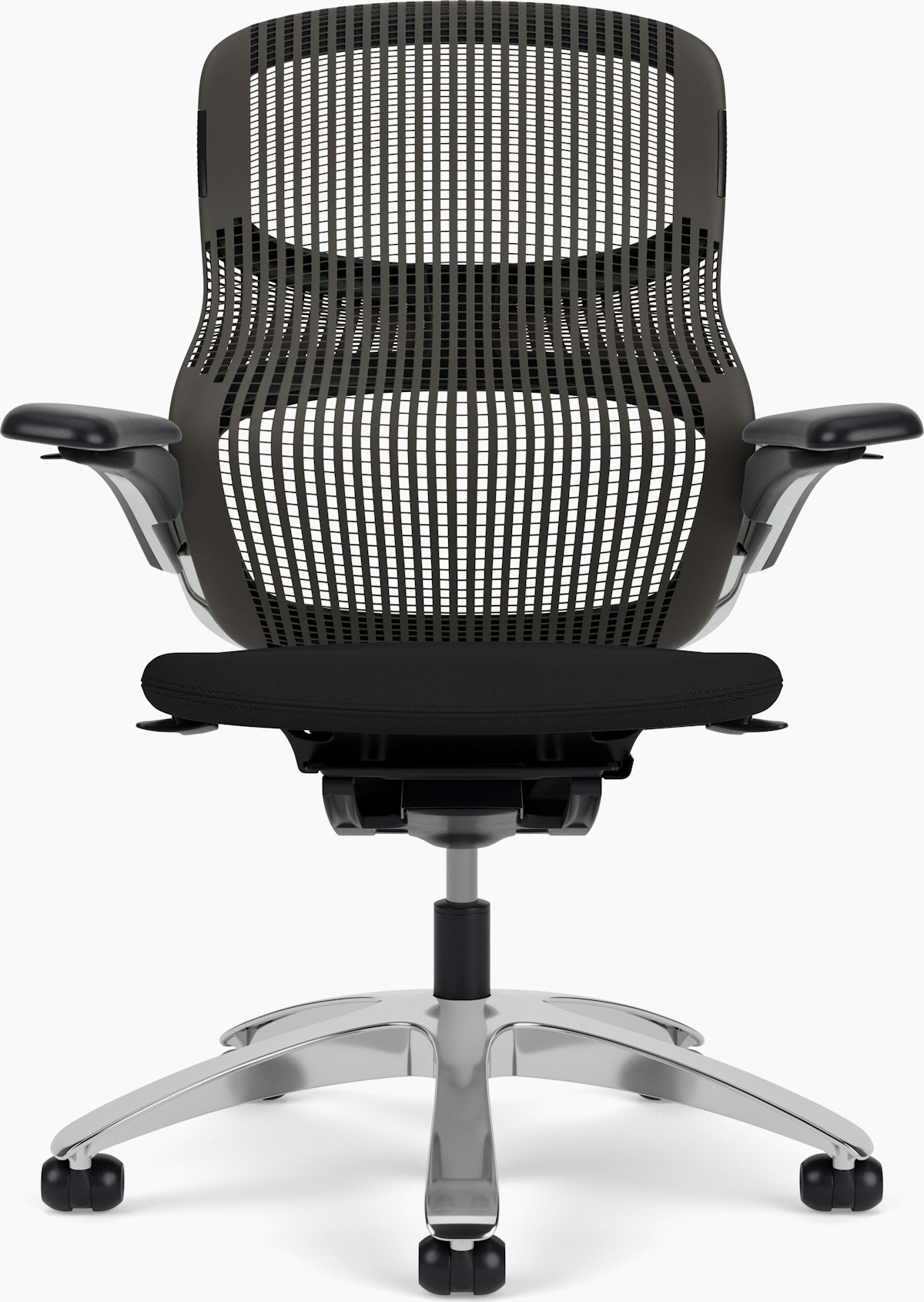
Knoll
A 300-pound-rated dynamic chair with figure-eight elastomer Flex Back, 270-degree Flex Seat edge, three-inch depth adjustment and 12-year warranty.

Nightingale
A 350-pound-rated mesh-and-ENERSORB task chair with adjustable headrest, four-way lumbar, multi-axis arms and synchronous knee tilt.
3 products
A balanced blend of performance, quality, and price for the discerning user.
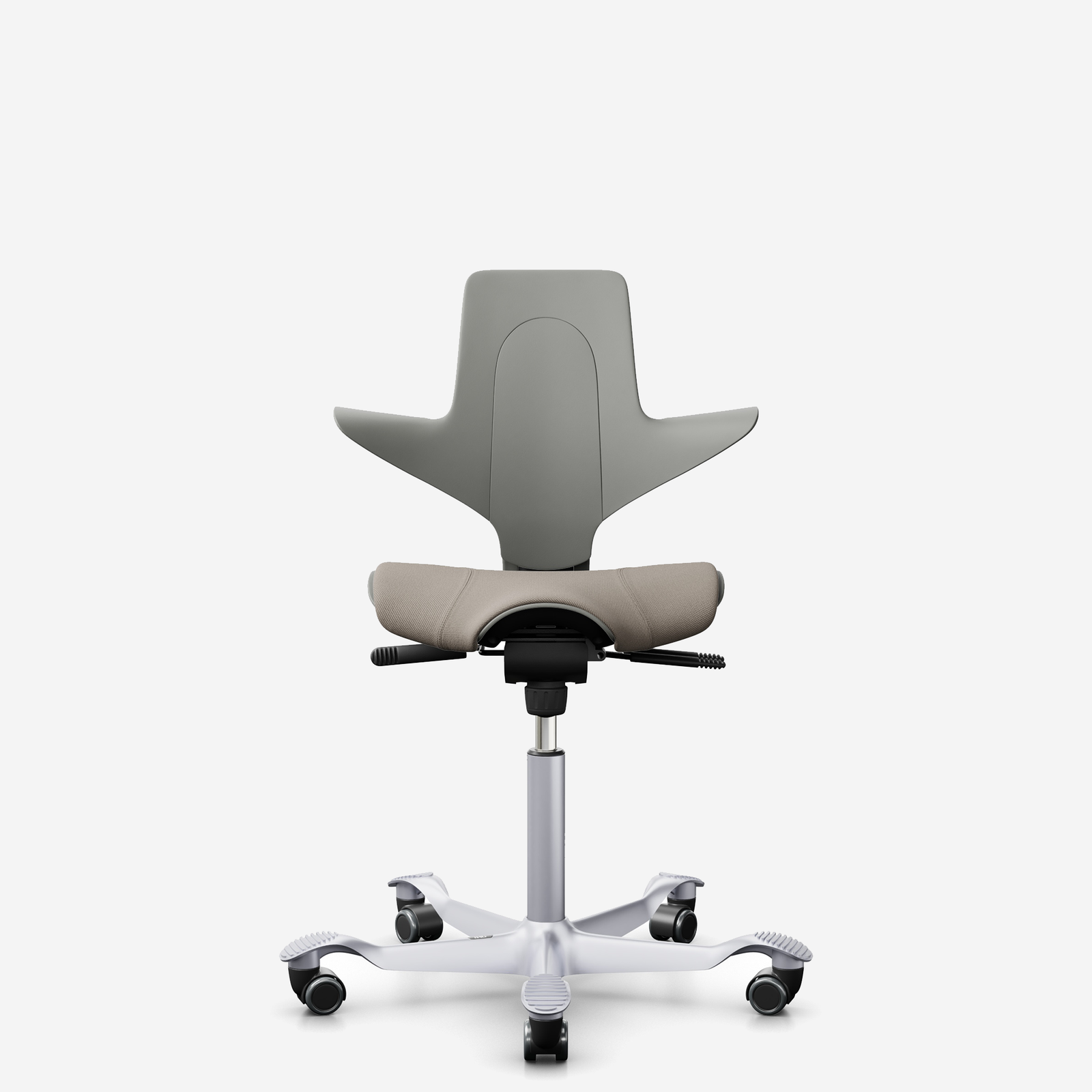
HÅG
A fully upholstered saddle-seat chair for standard through sit-stand heights, with HÅG inBalance tilt, adjustable depth/back height and 10-year guarantee.

Branch
A 275-pound-rated mesh-and-foam chair with eight adjustment points, 3D arms, height-adjustable lumbar and seven-year parts warranty.
Eurotech
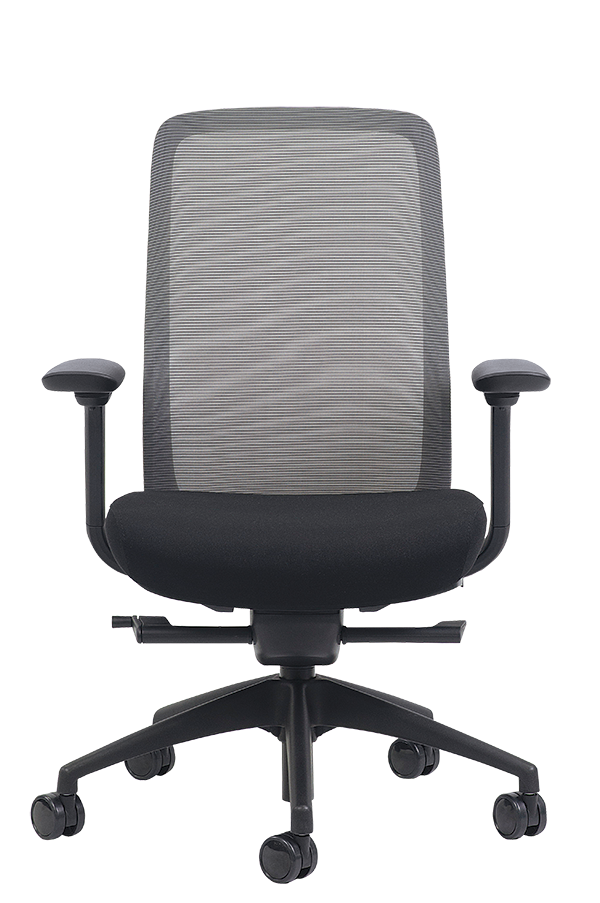
A 275-pound-rated frameless-mesh chair with adjustable seat depth, synchro tilt, six-way arms and lifetime component/five-year upholstery coverage.
Shop by brand
Buying guide
Arrange a real seated trial rather than relying on an ergonomic label. With the back supported, the feet should rest flat on the floor or a footrest, the seat edge should not press behind the knees, and the armrests should let the shoulders relax. Verify the published seat-height and seat-depth ranges against the intended user; OSHA's purchasing guide gives 15–22 inches as a general seat-height range but notes that its criteria may not fit every body type. Confirm the rated load and test every control while seated.
A chair can fit in isolation yet conflict with the desk. Roll it into working position and confirm that the armrests clear the work surface, elbows can stay near the torso, and the keyboard and monitor remain reachable without leaning forward. OSHA recommends adjustable lumbar support, seat depth, soft arm support, and at least 15 degrees of controlled recline. Also check that the five-leg base is stable and that the caster type rolls appropriately on the actual floor; a footrest may be needed when desk height prevents lowering the seat enough.
Feature count says little about service life. Check the base, caster sockets, back attachment, arm structure, tilt controls, fasteners, upholstery edges, and access to the gas lift. During a used-chair inspection, look for side-to-side seat play, cylinder drift, loose or noisy back joints, failed tilt locks, damaged mesh, and worn arm pads. Ask the seller to identify the exact model's load rating and any named safety or durability test rather than assuming that a broad brand claim applies. OSHA specifically calls for a sturdy five-legged base and casters suited to the floor.
Compare coverage by component, duration, purchaser, labor, shipping, and sales channel. A long headline term can conceal shorter coverage or exclusions. Steelcase's February 2026 global-products warranty, for example, lists lifetime coverage for specified seating structures and 12 years for mechanisms, pneumatic cylinders, arm caps, foam, casters, and glides, while also limiting coverage to the original end user and reserving restrictions for unauthorized sellers. Treat that as a model-specific example: verify the exact chair, market, seller, upholstery terms, and whether replacement parts remain orderable before purchase.
FAQ
Compare the published seat-height and seat-depth ranges with your body and desk, rather than relying on the chair's ergonomic label. Your feet should be supported, the seat edge should clear the backs of your knees, and the backrest should support your lower back. Also check recline resistance, armrest range, control reach, load rating, a stable five-leg base, and casters suited to your floor. A trial is useful because stated ranges do not prove that every control or contour will fit you.
Begin with seat height: keep both feet flat and place the seat just below kneecap height when standing. Leave roughly a fist of clearance between the seat edge and your calves, then move the backrest so its support meets the hollow of your lower back. Set the armrests to barely contact your forearms with relaxed shoulders and elbows near a right angle. If raising the chair to desk height leaves your feet unsupported, add an adjustable footrest rather than letting them dangle.
Armrests can reduce load on the shoulders and neck when they support the forearms without lifting the shoulders or pushing the elbows away from the body. They become counterproductive if they prevent the chair from approaching the desk, force you to reach for the keyboard, restrict entry, or cannot be lowered enough. Look for height and width adjustment, soft rounded pads, and removable arms; remove or stop using them when they cannot be positioned without distorting your posture.
No single sitting position fits every person or task for an entire workday. A useful chair supports the back across several seated positions and makes seat, backrest, and recline adjustments easy to reach. OSHA notes that greater adjustability supports varied sitting positions, while CCOHS recommends a workstation that permits voluntary changes in working position. Treat posture-correction claims cautiously if the chair lacks measured adjustment ranges or makes movement difficult.
Read the warranty document for its term, covered components, labor, service costs, usage limits, upholstery exclusions, and whether coverage follows the chair or only the original buyer. Then confirm how repairs are requested and whether common wear parts can actually be ordered. As one manufacturer example, Herman Miller says many products have 12-year parts-and-labor coverage, directs owners through authorized dealers for service, and lists some chair casters and Aeron arm pads among purchasable parts; terms must still be checked for the exact model and seller.
Only partly. Chair height, desk or keyboard height, monitor placement, and floor support work as a system. If the desk is too high, you may need to raise the chair and add a footrest; if it is too low, leg clearance can remain inadequate. OSHA also advises adjusting the chair together with the monitor, keyboard, and desk. Check that you can sit close to the work surface with relaxed shoulders, supported feet, clear knees, and the primary screen positioned without repeated leaning or twisting.
Honoring the visionaries whose work paved the way for the products we rely on today.
Designed the Centripetal Spring Chair in 1849, an early American office chair with a revolving seat, caster wheels, armrests and a spring-supported tilt mechanism. Its documented features connect 19th-century office seating to functions common in later ergonomic chairs.
American industrial designer Niels Diffrient focused on ergonomic seating and designed the Freedom and Liberty chairs for Humanscale. His documented focus on ergonomic seating and these designs provides a direct link between industrial design practice and modern office-chair ergonomics.
Furniture designer Bill Stumpf conducted detailed ergonomic studies of office seating and developed scientific criteria for supporting the body across upright, reclining, slouching and forward-leaning positions. He co-designed the Ergon, Aeron and Embody chairs for Herman Miller.
Industrial designer Don Chadwick specialized in office seating and, with Bill Stumpf, designed the Equa 1 and Aeron chairs for Herman Miller. The 1994 Aeron project is a documented example of collaboration between industrial design and ergonomic office-chair development.
Research last refreshed
Rolf P. Ellegast, Kathrin Kraft, Liesbeth Groenesteijn, Frank Krause, Helmut Berger, P. Vink · 2012
This applied-ergonomics comparison evaluates four specific dynamic office chairs against a conventional chair, measuring muscle activation, physical activity, and posture. It directly informs whether chair mechanisms and movement-promoting designs change seated biomechanics.
Roland Zemp, William R. Taylor, Silvio Lorenzetti · 2015
This review evaluates whether pressure mapping can assess comfort and discomfort in office chairs. It is directly relevant to comparing seat and backrest support because it examines the measurement basis for linking pressure distribution with users’ comfort responses.
Roland Zemp, William R. Taylor, Silvio Lorenzetti · 2016
This study measures seat-pan and backrest pressure distributions while people sit in office chairs. It directly supports chair evaluation by identifying how seat and back support load is distributed, a core mechanism behind comfort and posture.
Scott Haynes, Karen Williams · 2008
This study examines how seating posture affects comfort and typing performance in people with chronic low back pain. It is directly relevant to office-chair adjustment because it links chair-supported posture with task performance and user comfort.
Arnas Martinaitis, Kristina Daunoraviciene · 2018
This study develops and tests inexpensive pressure sensors and a prototype pressure-distribution system for ergonomic-chair posture monitoring. It reports acceptable sensitivity and repeatability, directly informing maintainable, measurable approaches to chair posture and support evaluation.