7.2/10
Luxury15 yr life
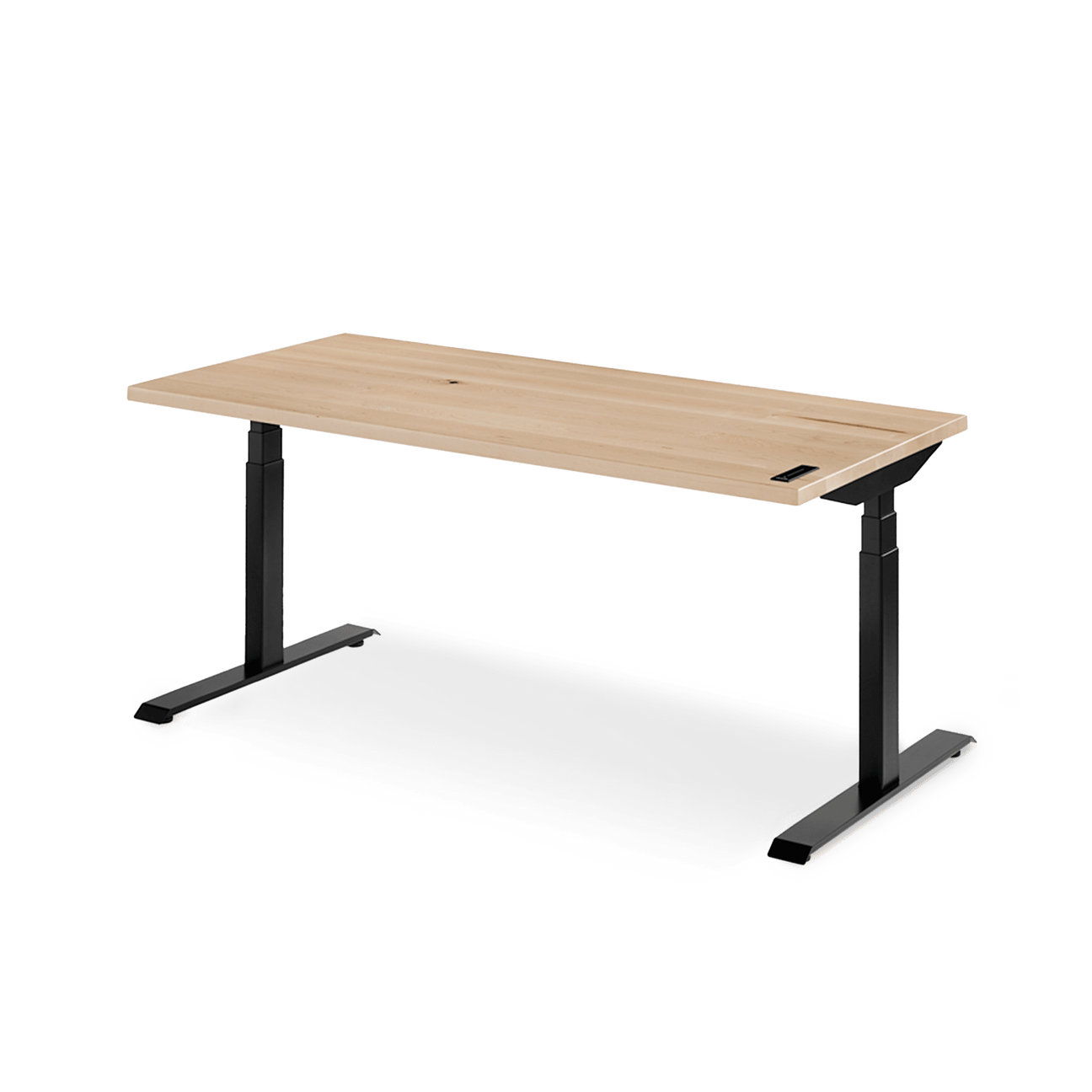
Sway Standing Desk
Ergonofis
A premium solid-wood standing desk with swipe control, four user presets, reminders, anti-collision and a 360-pound lifting frame.
- Repair
- 6.0/10
- TCO
- 6.6/10
$1895.00
Durable buying guide
Standing desks support alternating between seated and standing work, but their adjustment range must fit the user in both positions. Compare desktop area, load capacity, raised-height stability, controls, cable clearance, warranty, and parts support, and avoid prolonged sitting or standing.
1 products
Higher-priced options whose materials, features, service, and tradeoffs still need evidence-based comparison.
Ergonofis
A premium solid-wood standing desk with swipe control, four user presets, reminders, anti-collision and a 360-pound lifting frame.
5 products
Superior features, extended warranties, and high-end materials for enhanced performance.
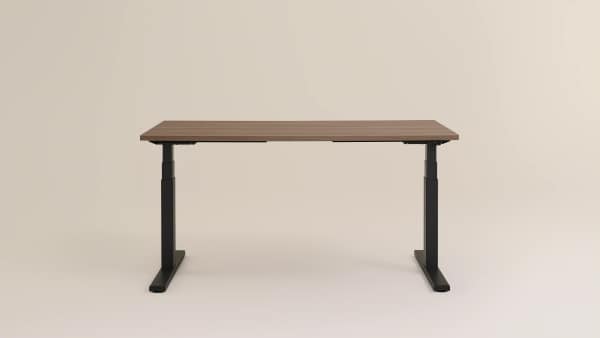
Steelcase
A commercial-grade height-adjustable desk with basic or extended range, obstruction sensing and a 12-year three-shift warranty.
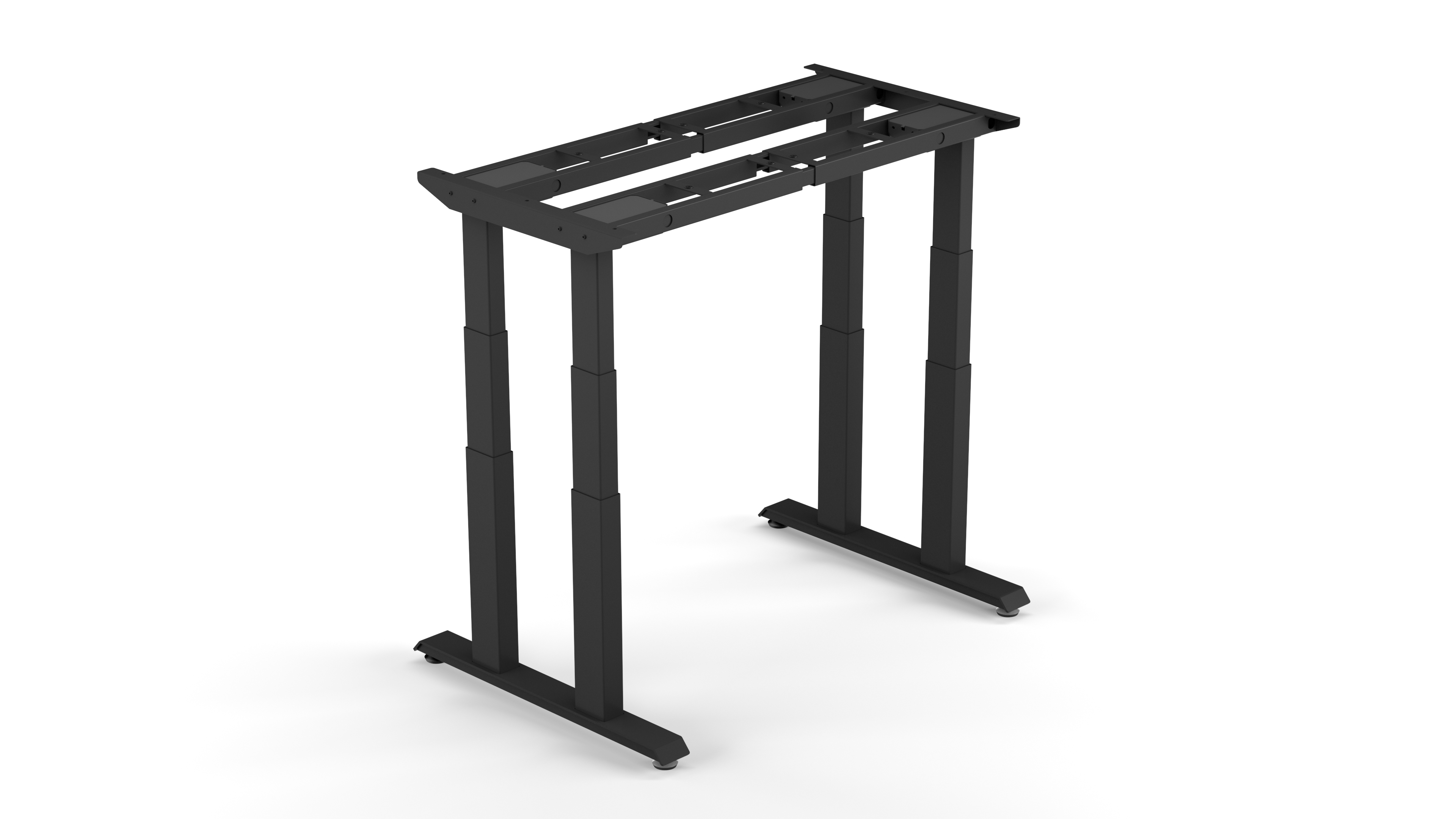
Deskhaus
A four-leg, four-motor frame engineered for large and heavy tops, with a 600-pound lifting rating and 20-year frame warranty.

Herman Miller
A refined commercial sit-stand desk with a 250-pound lift rating, simple or programmable controls and extensive finish and cable options.
Humanscale
A compact 28-by-36-inch bamboo sit-stand desk with a single central lifting column, electric touchpad and five-year commercial warranty.
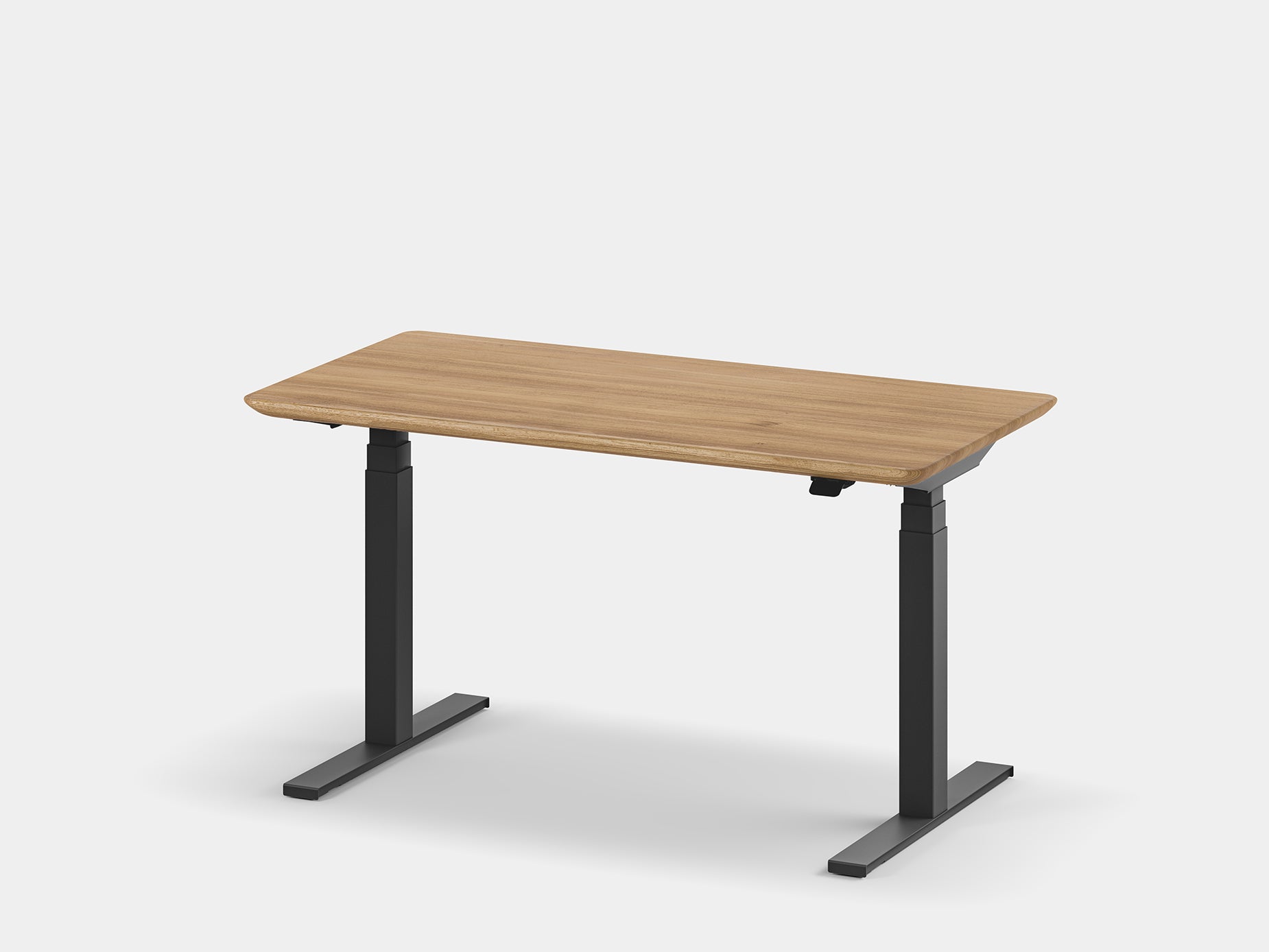
Oakywood
A handcrafted solid-wood or veneer desk built around a fast, quiet LINAK dual-motor frame with app control, four presets and anti-collision.
6 products
A balanced blend of performance, quality, and price for the discerning user.
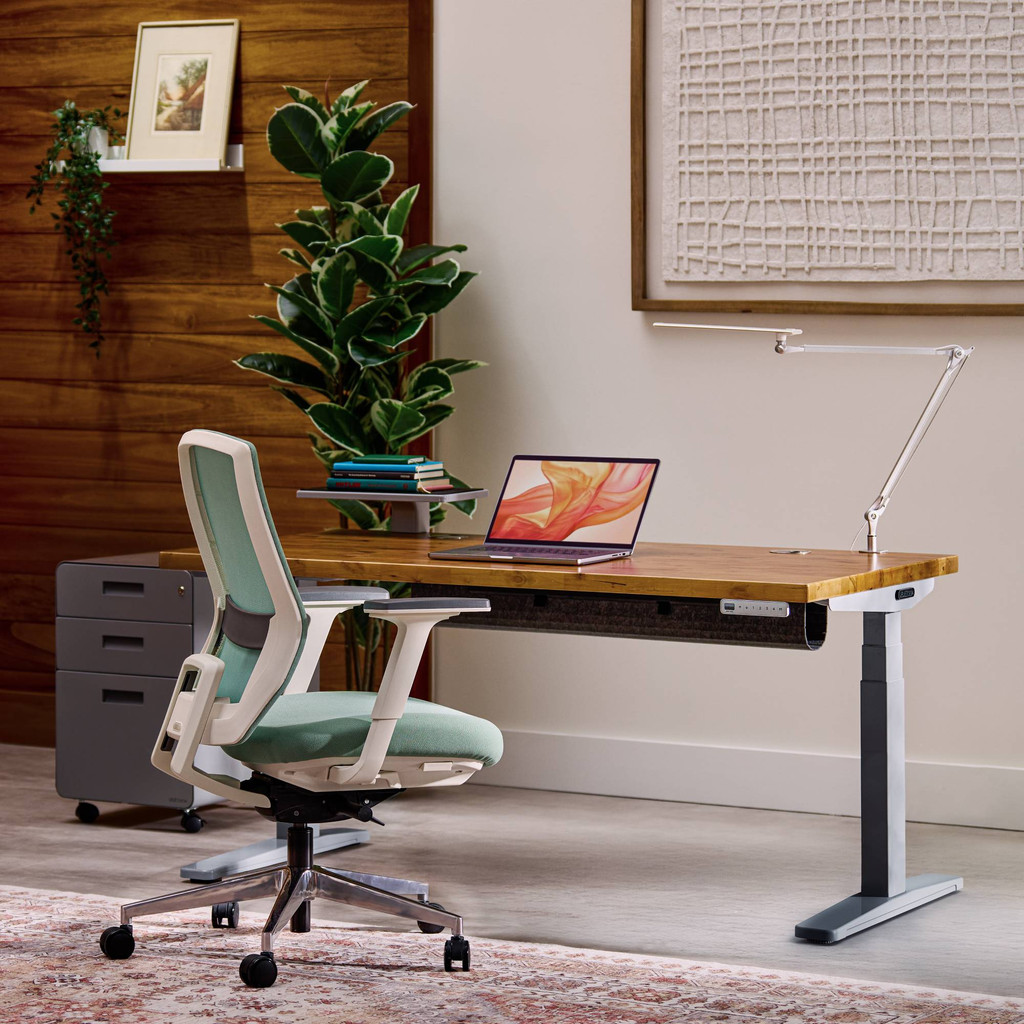
UPLIFT Desk
A proven dual-motor, three-stage standing desk with a wide ergonomic range, 355-pound lift rating and long parts coverage; the current official successor is V3.
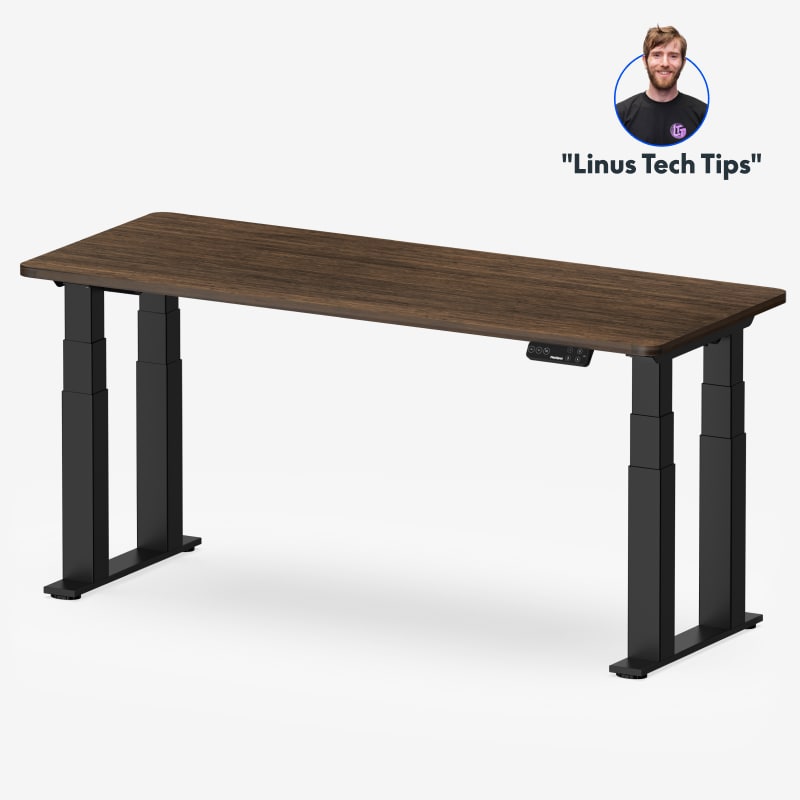
FlexiSpot
A four-column, dual-motor frame built for high stability, with a 440-pound moving load rating, four presets and 15-year frame and electronics coverage.
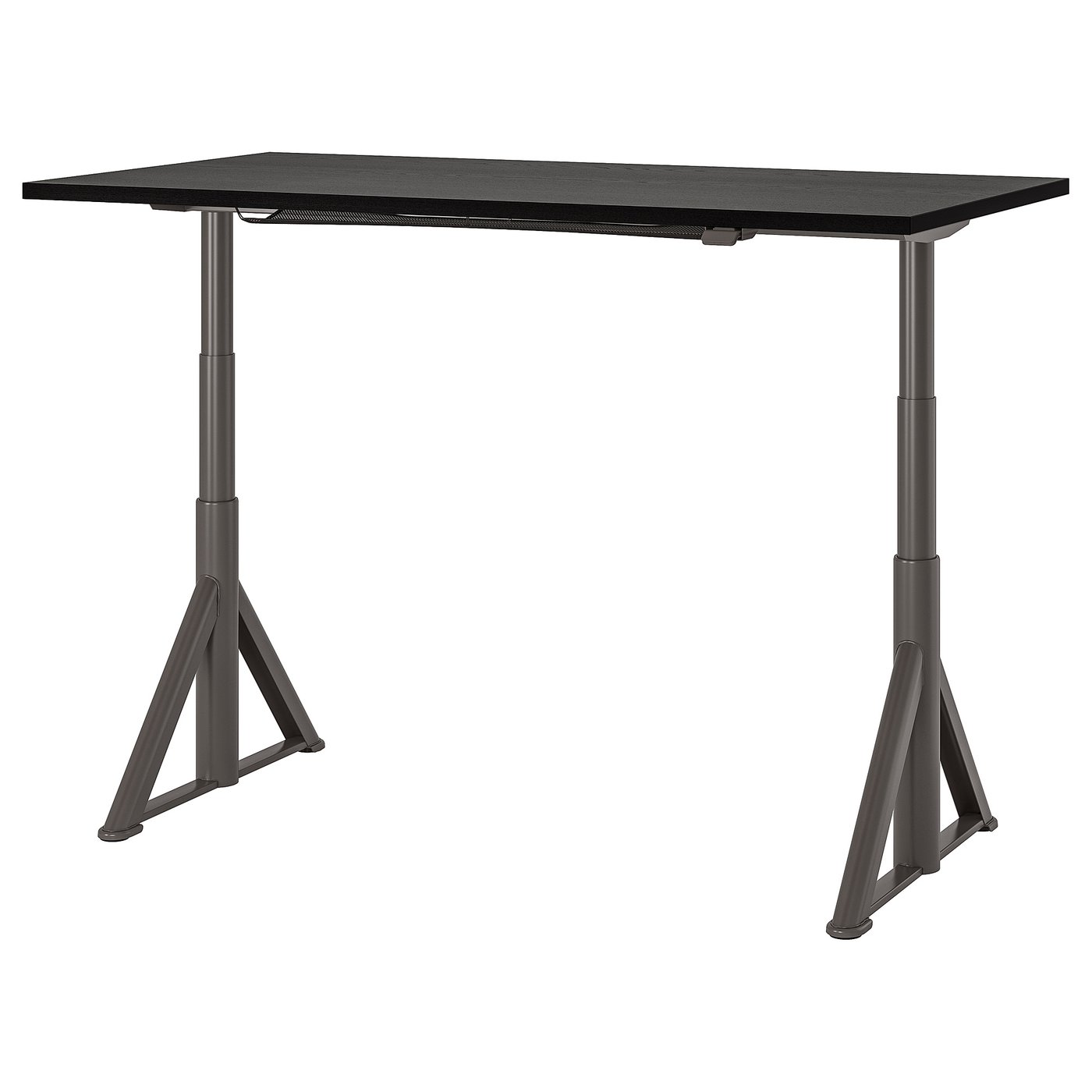
IKEA
A contract-grade 63-inch electric desk with distinctive angled legs, app control, under-top cable net and a 10-year limited warranty.
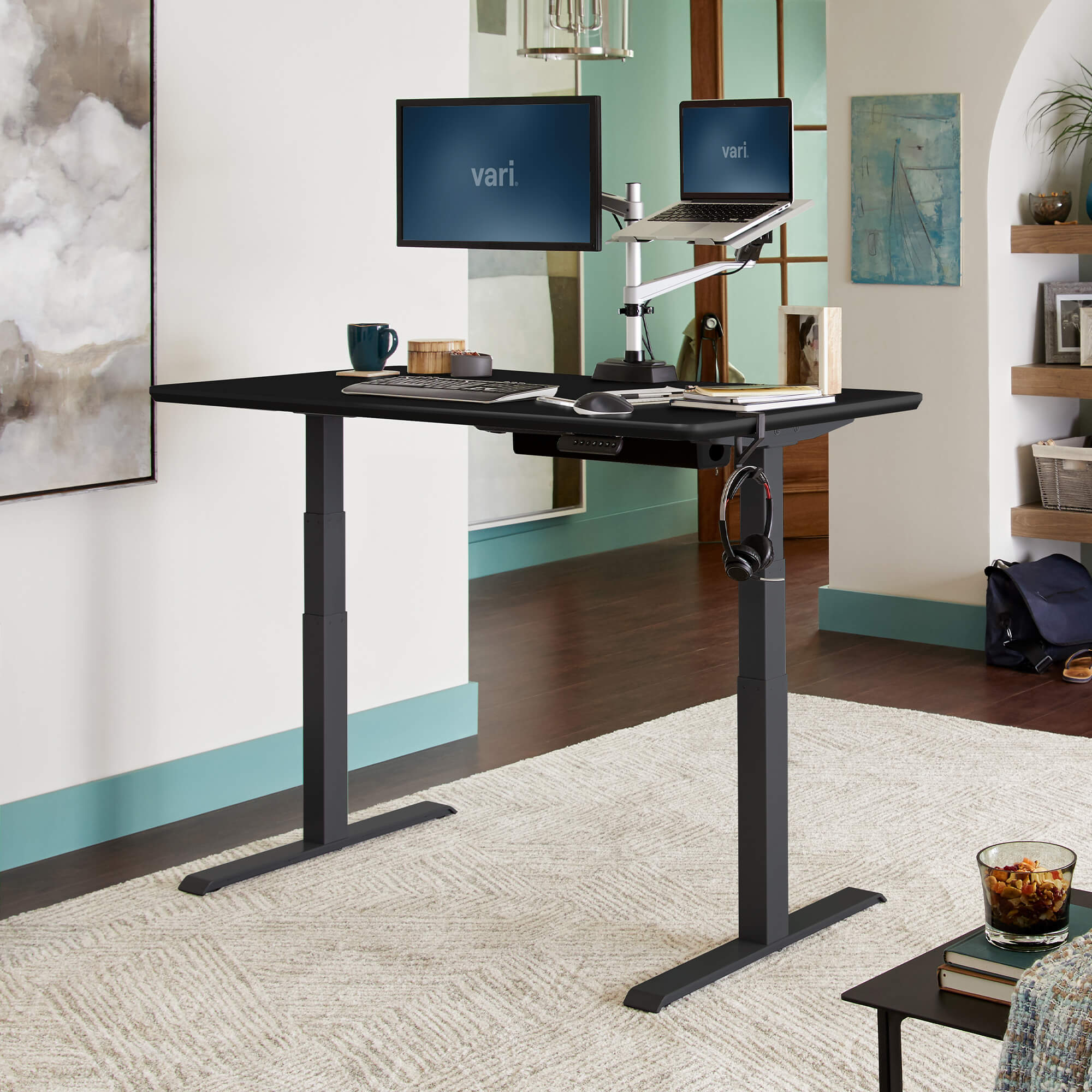
Vari
A fast-assembly 60-by-30-inch commercial-grade desk with four memory heights, a 25-to-50.5-inch range and lifetime original-owner warranty.

Branch
A compact frameless standing desk with an OLED paddle, two presets, reminders, collision detection and a 275-pound lift rating.

Autonomous
A dual-motor 53-by-29-inch standing desk offered with two- or three-stage frames, up to 310-pound capacity and ten-year frame coverage.
Shop by brand
Buying guide
Measure the keyboard or desktop height that gives each user relaxed shoulders and roughly elbow-height input devices in both seated and standing positions; do not rely only on a maker's user-height chart. Confirm that the advertised range applies with the chosen top installed, and allow for shoes, casters, or a keyboard tray. OSHA's purchasing guide gives broad reference ranges of 22–30 inches for seated keyboard height and 36–46.5 inches for standing work, but individual measurements should decide the fit.
Compare desks at the highest height you will actually use, with the monitor arms, computers, and other equipment you expect to move. Check front-to-back and side-to-side sway, then raise and lower the loaded desk while listening for uneven motion. Leave margin below the stated capacity rather than treating it as a target. For powered models, look for credible third-party safety certification and verify the exact model: UL identifies weight support, stability, pinch or entrapment points, shock, fire, and flammability among relevant hazards, and describes UL 962 as a primary evaluation standard for height-adjustable desks.
Plan the top around equipment placement, not just room width. OSHA recommends enough depth to keep a monitor at least 20 inches from the eyes, room for the keyboard and pointing device directly in front, and clear space below for legs and feet. Include the footprint and leverage of monitor arms, speakers, docks, and lamps, plus cable slack through the full travel. Favor rounded contact edges and a matte surface; a thick, conventional top attached with accessible hardware is easier to replace than a proprietary one-piece assembly.
Read the written warranty before purchase and separate coverage for the frame, motors, control box, handset, power supply, and top. Check who handles a claim, whether labor and return shipping are included, and whether repair, replacement, or refund is promised. The FTC notes that warranty coverage can exclude parts or repairs and may leave shipping or labor to the buyer. For long service, ask whether revision-matched controls, cables, and drive components are sold separately and whether the maker provides reset procedures and assembly documents.
A sit-stand desk is most useful as a convenient way to vary posture, not as evidence that standing all day is healthier. A Cochrane summary found low- or very-low-quality evidence that sit-stand desks reduced workplace sitting by roughly 30 minutes to two hours in the studies reviewed, while the health benefits remained uncertain. Choose controls that make frequent adjustment easy, then alternate comfortable sitting and standing with brief movement breaks rather than replacing prolonged sitting with prolonged standing.
FAQ
Choose from your measured seated and standing elbow heights, not from your height alone. OSHA says the keyboard should sit around elbow height and gives broad purchasing-guide ranges of 22–30 inches for seated work and 36–46.5 inches for standing work. Confirm the desk can place your keyboard comfortably at both positions, with relaxed shoulders and supported feet.
Size the surface around the equipment you will actually use. OSHA’s purchasing guide says a desk should be deep enough for a monitor at least 20 inches from the eyes and large enough for a monitor, keyboard, and input device. Allow additional room for speakers, a laptop, or paperwork without forcing the primary monitor aside or making you reach awkwardly for the mouse.
No. Treat height adjustment as a way to change posture and add movement, not as a mandate for continuous standing. OSHA notes that staying in the same posture for prolonged periods is not healthy and recommends changing position and taking brief movement breaks. NIOSH’s review of workplace interventions also discusses sit-stand desks alongside walking and organizational support, rather than standing as a complete solution.
They are conveniences, not substitutes for fit, usable range, and a properly sized surface. An official IKEA listing, for example, advertises both manual-handle and app adjustment, but the consequential specification is its stated 24¾–50-inch range. Compare controls only after confirming that every intended user can work neutrally while seated and standing and that the desk fits the room and equipment.
Map the desk’s entire travel path before buying: shelves, windowsills, chair arms, storage, cables, and anything beneath the top can interfere. Do not treat anti-collision as permission to leave obstacles in the path. UPLIFT’s official reset procedure explicitly tells users to clear the area below because the desk travels to its lowest position. Test movement with your normal equipment and provide cable slack at both limits.
Read the written warranty, support documentation, and parts policy before purchase. A long warranty is useful only when its terms cover the likely failure and service is obtainable. Look for model-specific reset instructions and ask whether the handset, control box, power supply, cables, leg motors, and desktop can be replaced separately. UPLIFT publishes reset steps; IKEA’s IDÅSEN listing states a 10-year limited warranty, illustrating the evidence to verify for each exact model.
Honoring the visionaries whose work paved the way for the products we rely on today.
At Herman Miller Research Corporation, Robert Propst studied how people worked and developed the Action Office system, introduced in 1968 as a reconfigurable office system that changed workplace furniture design.
Herman Miller records that Jack Kelley worked alongside Robert Propst through the 1960s and early 1970s and played a central role in designing many Action Office components, helping make the system modular in practice.
The Metropolitan Museum of Art catalogs Jean Henri Riesener as the maker of a 1778 Mechanical table (Table mécanique), documenting an early mechanically operated piece of desk furniture and a historical precedent for adjustable work surfaces.
Research last refreshed
J. Jay Keegan · 1953
Keegan related lumbar curvature to trunk-thigh and knee angles, arguing that the curve flattens as the trunk-thigh angle closes in sitting. The paper also emphasized low-lumbar support and the ability to change position—useful historical context for evaluating adjustable work surfaces, not evidence that standing alone prevents pain.
Alf Nachemson · 1963
In lumbar-disc specimens from 16 autopsies, Nachemson measured pressure under vertical loading and forward, backward, and sideward tilt. Tilted loading increased intradiscal pressure, with larger changes beyond small angles. This is foundational biomechanical evidence about alignment under load, but it did not test desks or workplace health outcomes.
Morihiko Okada, Kazutaka Kogi, Masaru Ishii · 1970
Eight men performed sustained back extension at several percentages of maximum strength while endurance, discomfort, heart rate, and electromyography were tracked. Lower tensions lasted longer, yet muscular pain appeared well before exhaustion. The study also estimated low back-muscle activity in upright standing and much greater activity during forward bending.