8.4/10
Luxury15 yr life
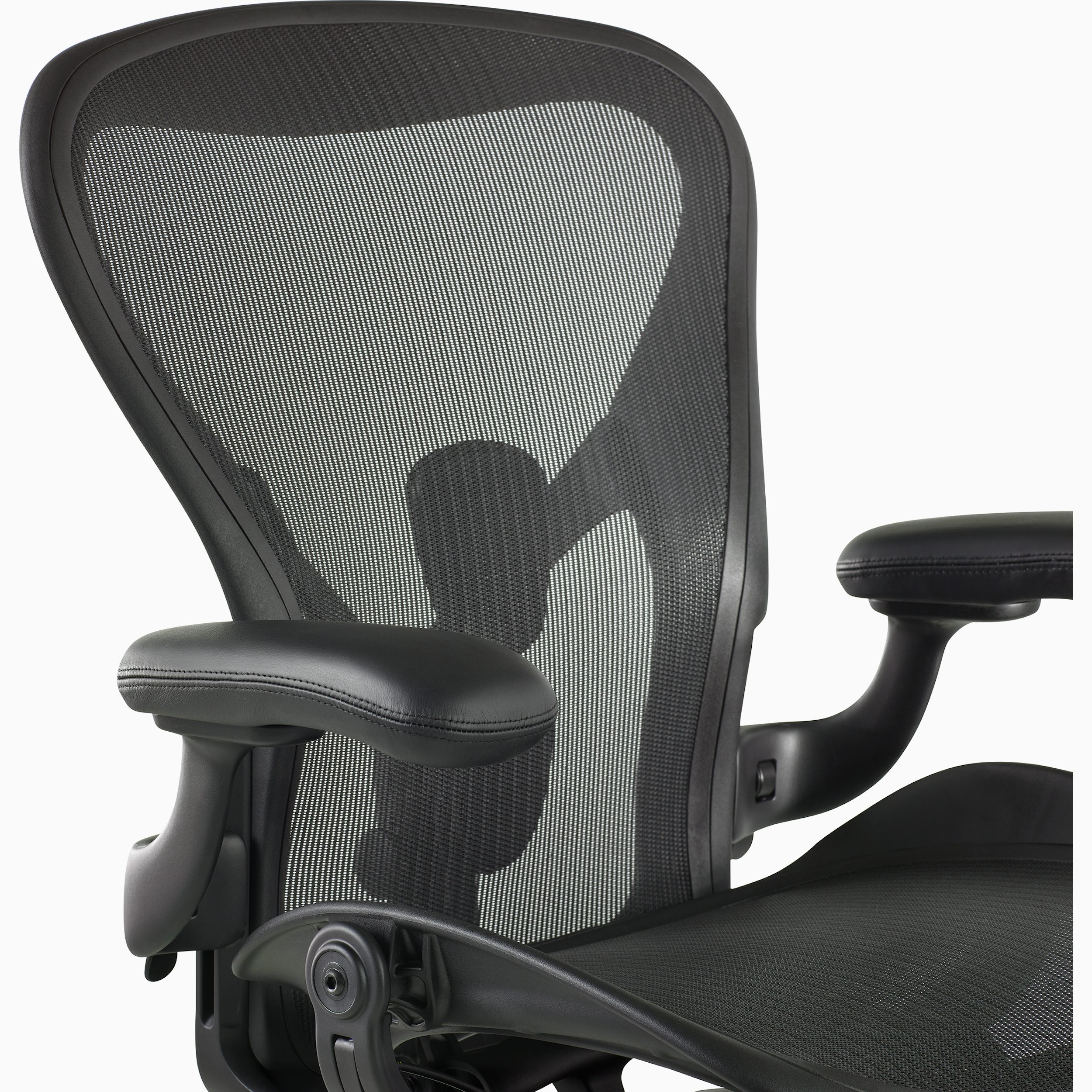
Aeron Chair
Herman Miller
An iconic three-size suspension chair with zoned 8Z Pellicle, Harmonic 2 Tilt, optional PostureFit SL and a 12-year three-shift warranty.
- Repair
- 8.0/10
- TCO
- 7.4/10
$2215.00
Durable buying guide
Home-office ergonomics treats the chair, desk, monitor, keyboard, pointer, lighting, and accessories as one adjustable workstation. Compare fit, support, stability, component placement, adjustment range, and replaceable wear parts—not an “ergonomic” label.
4 products
Higher-priced options whose materials, features, service, and tradeoffs still need evidence-based comparison.
Herman Miller
An iconic three-size suspension chair with zoned 8Z Pellicle, Harmonic 2 Tilt, optional PostureFit SL and a 12-year three-shift warranty.
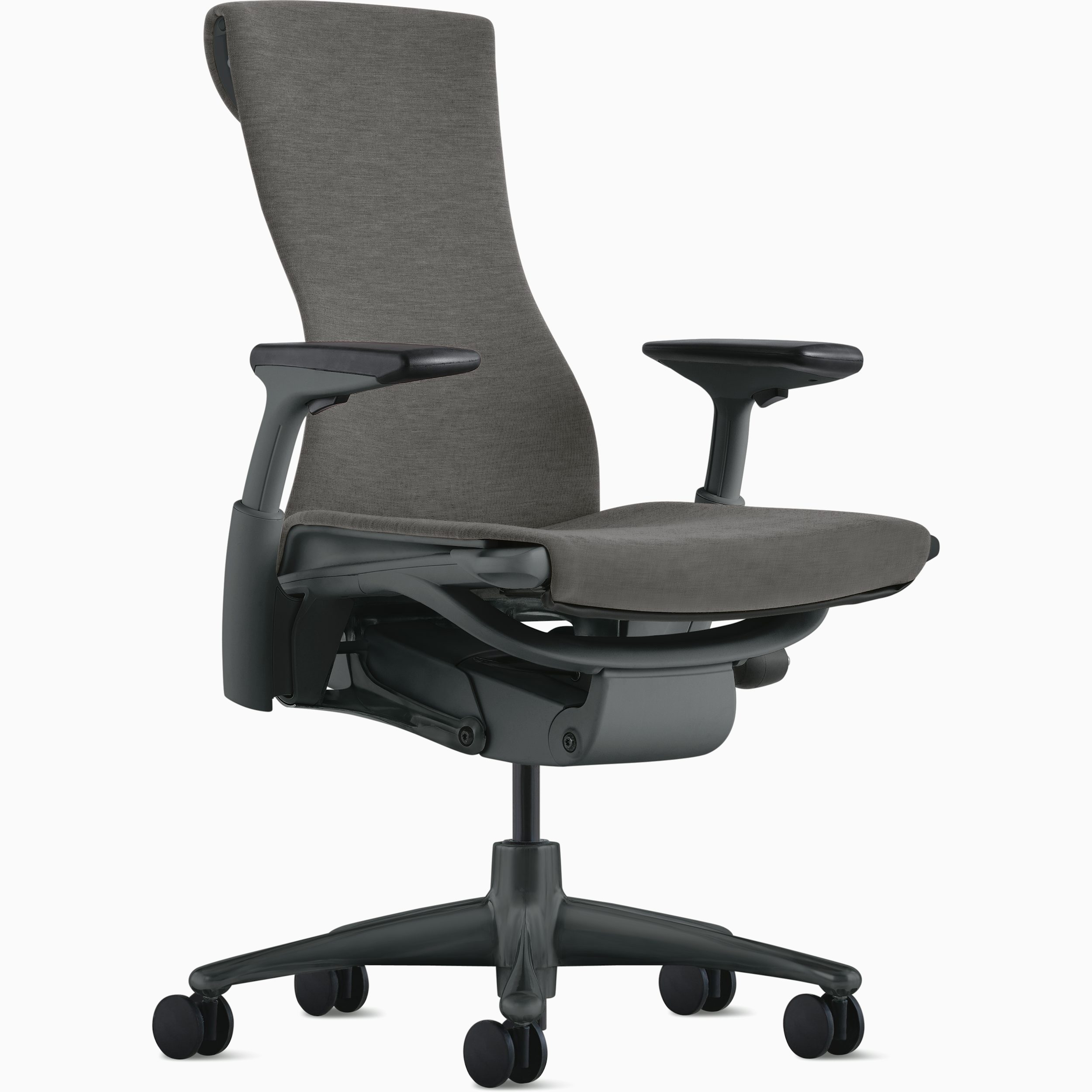
Herman Miller
A 300-pound-rated work chair with independently moving Pixelated Support, Backfit tuning, a four-layer seat and 12-year warranty.
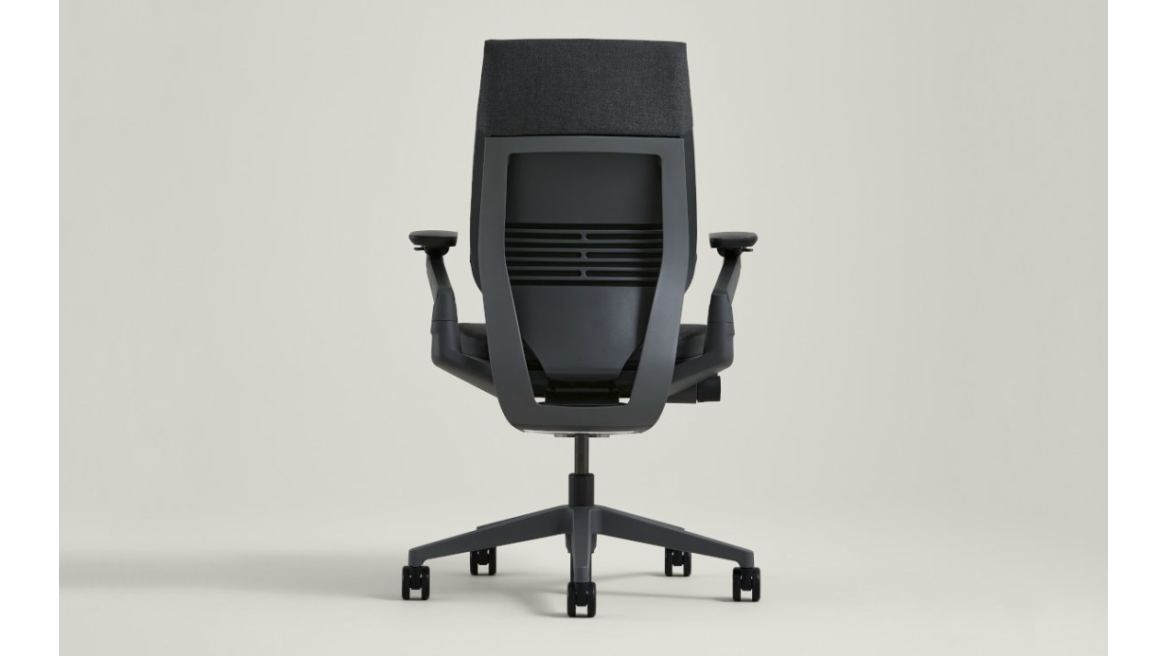
Steelcase
A technology-posture-focused chair with 3D LiveBack, extremely wide-ranging 360 arms, adaptive seat edges and 12-year warranty.
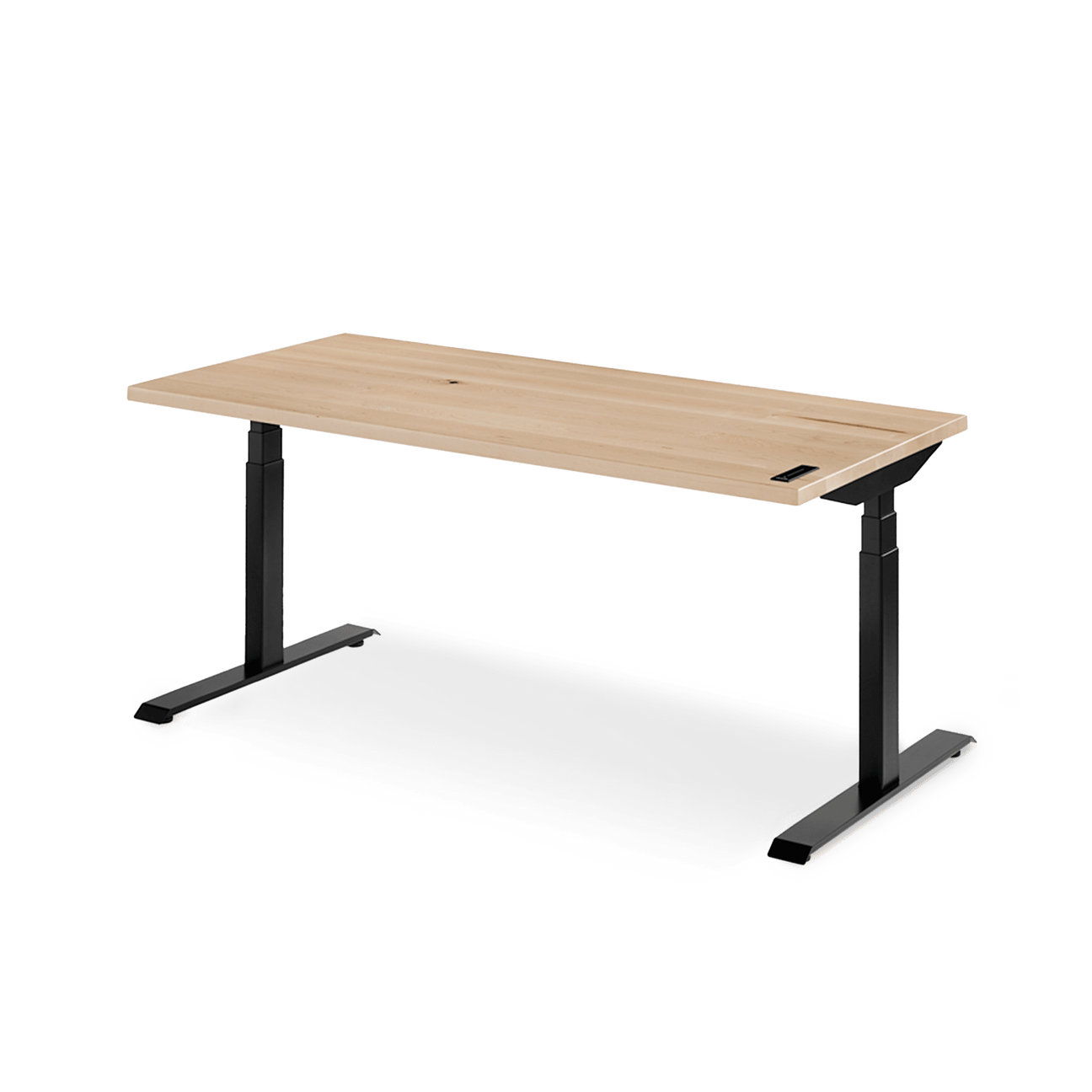
Ergonofis
A premium solid-wood standing desk with swipe control, four user presets, reminders, anti-collision and a 360-pound lifting frame.
13 products
Superior features, extended warranties, and high-end materials for enhanced performance.

Steelcase
Steelcase's highly adjustable 400-pound-rated task chair with LiveBack, Natural Glide recline, four-dimensional arms and 12-year multi-shift coverage.
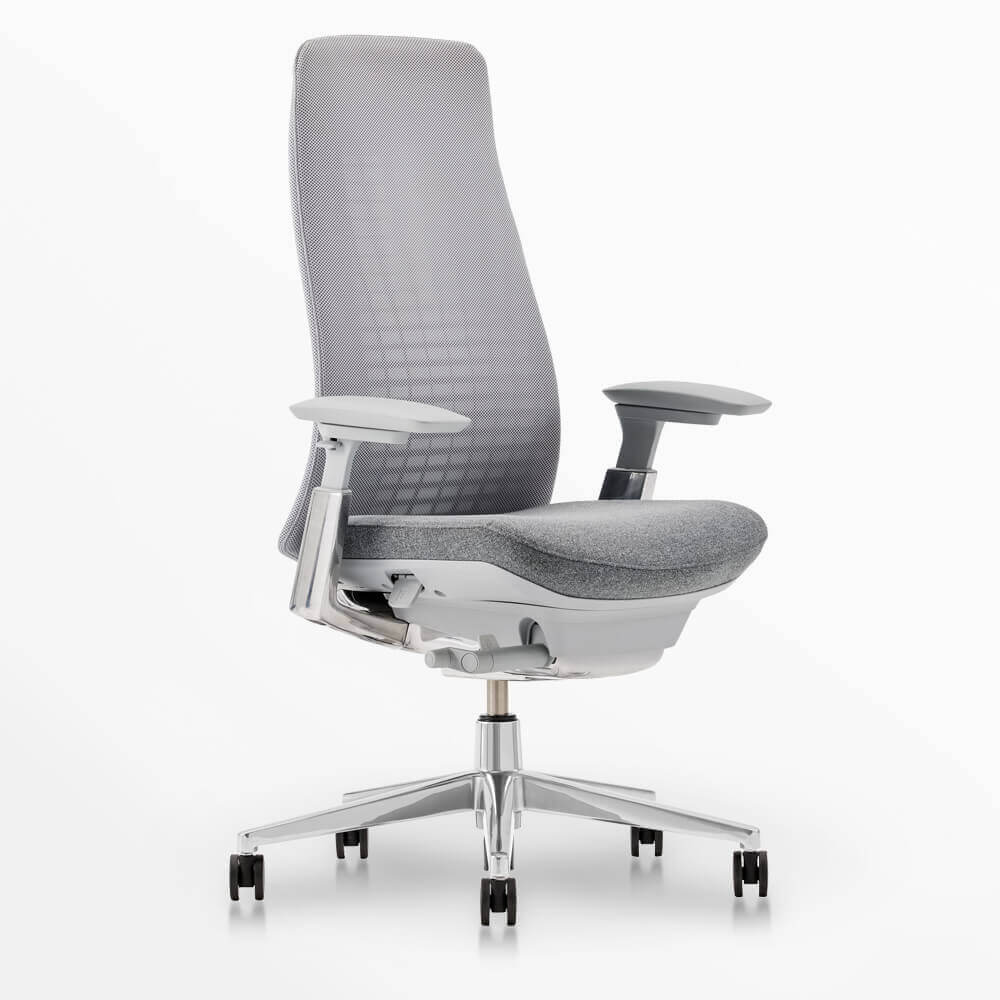
Haworth
A 350-pound-rated, USA-assembled chair with edgeless Wave Suspension, three-inch seat-depth adjustment, optional 4D arms and 12-year warranty.
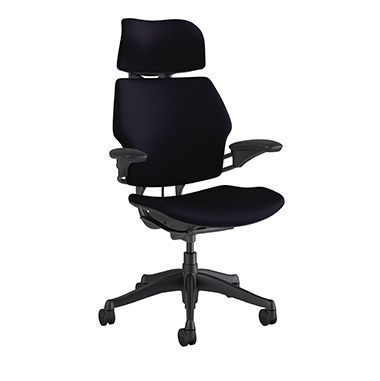
Humanscale
Niels Diffrient's self-adjusting 400-pound-rated chair with weight-sensitive recline, articulating headrest, linked arms and 15-year 24/7 warranty.
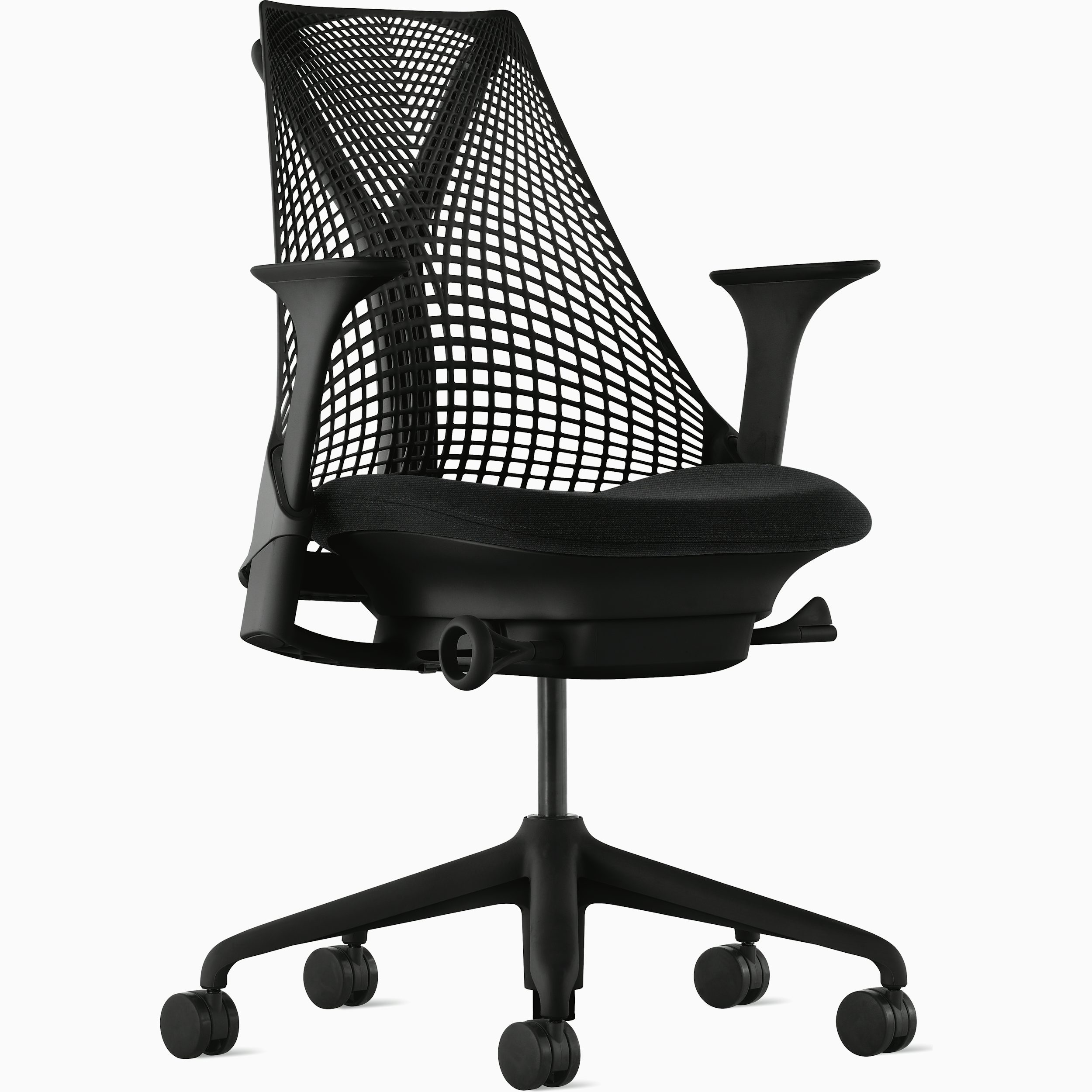
Herman Miller
A 350-pound-rated compact chair with ventilated unframed elastomer suspension, Harmonic Tilt and 12-year warranty.
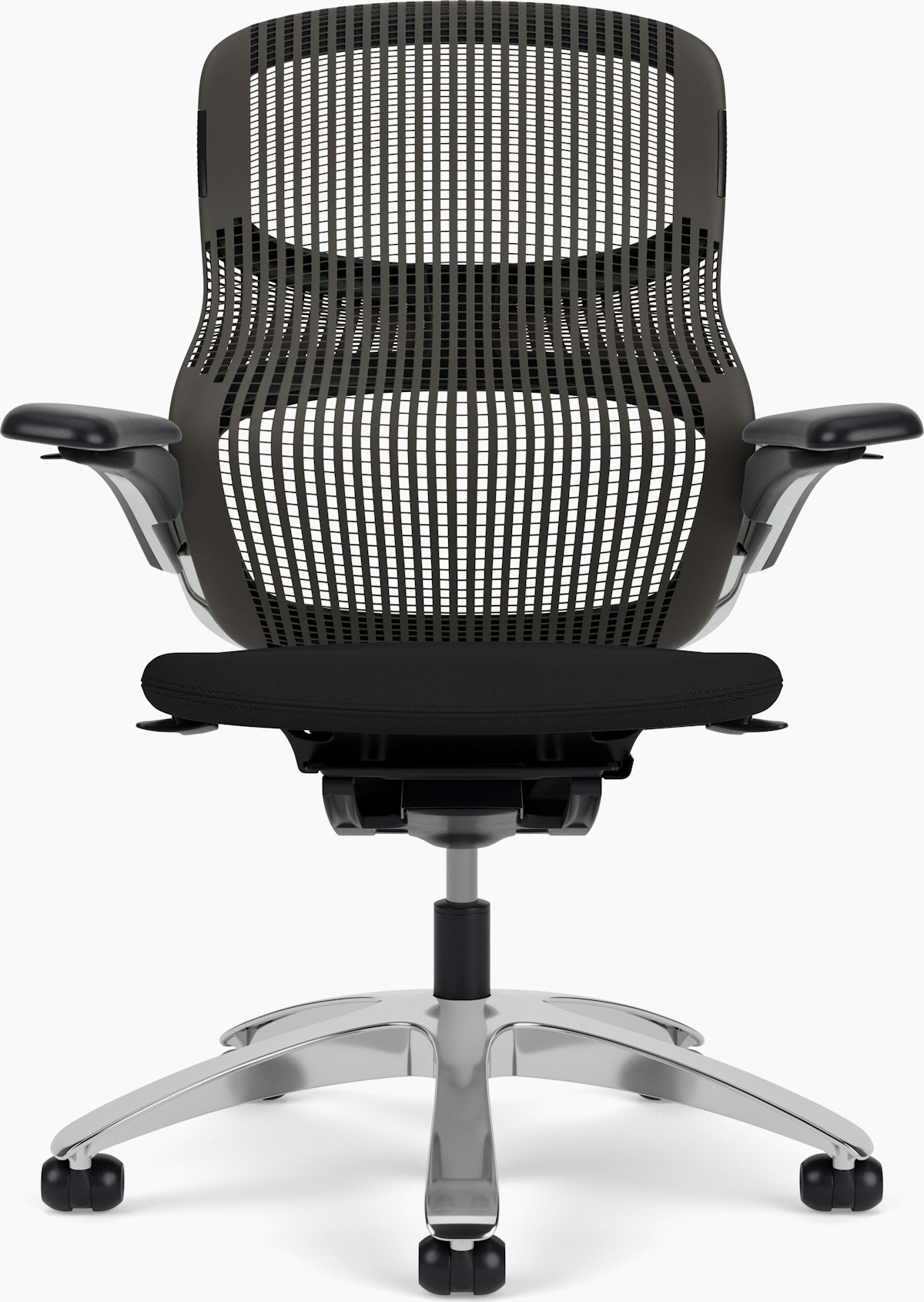
Knoll
A 300-pound-rated dynamic chair with figure-eight elastomer Flex Back, 270-degree Flex Seat edge, three-inch depth adjustment and 12-year warranty.

Nightingale
A 350-pound-rated mesh-and-ENERSORB task chair with adjustable headrest, four-way lumbar, multi-axis arms and synchronous knee tilt.
Steelcase
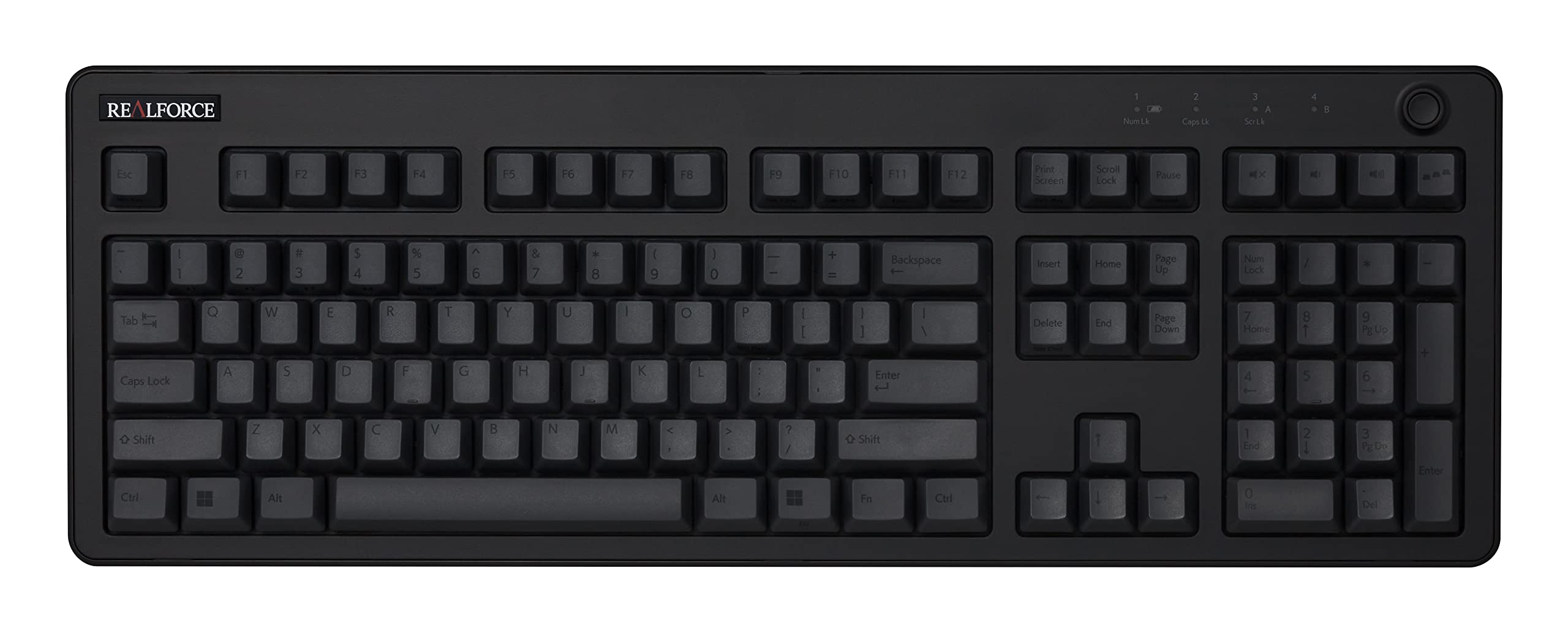
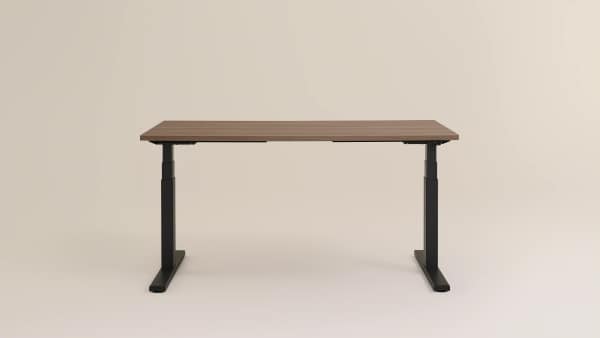
A commercial-grade height-adjustable desk with basic or extended range, obstruction sensing and a 12-year three-shift warranty.
Deskhaus
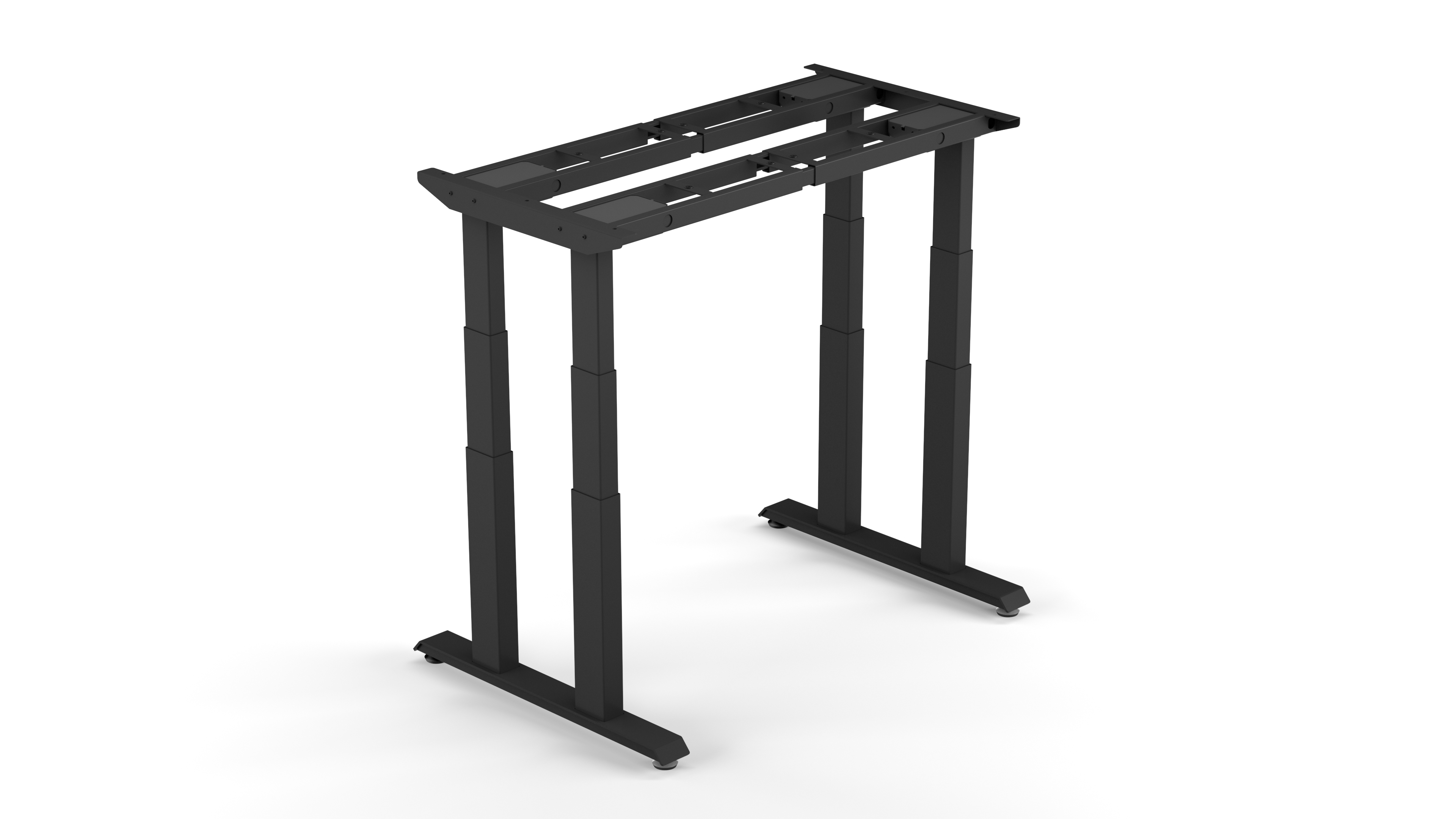
A four-leg, four-motor frame engineered for large and heavy tops, with a 600-pound lifting rating and 20-year frame warranty.

Herman Miller
A refined commercial sit-stand desk with a 250-pound lift rating, simple or programmable controls and extensive finish and cable options.
Humanscale
A compact 28-by-36-inch bamboo sit-stand desk with a single central lifting column, electric touchpad and five-year commercial warranty.
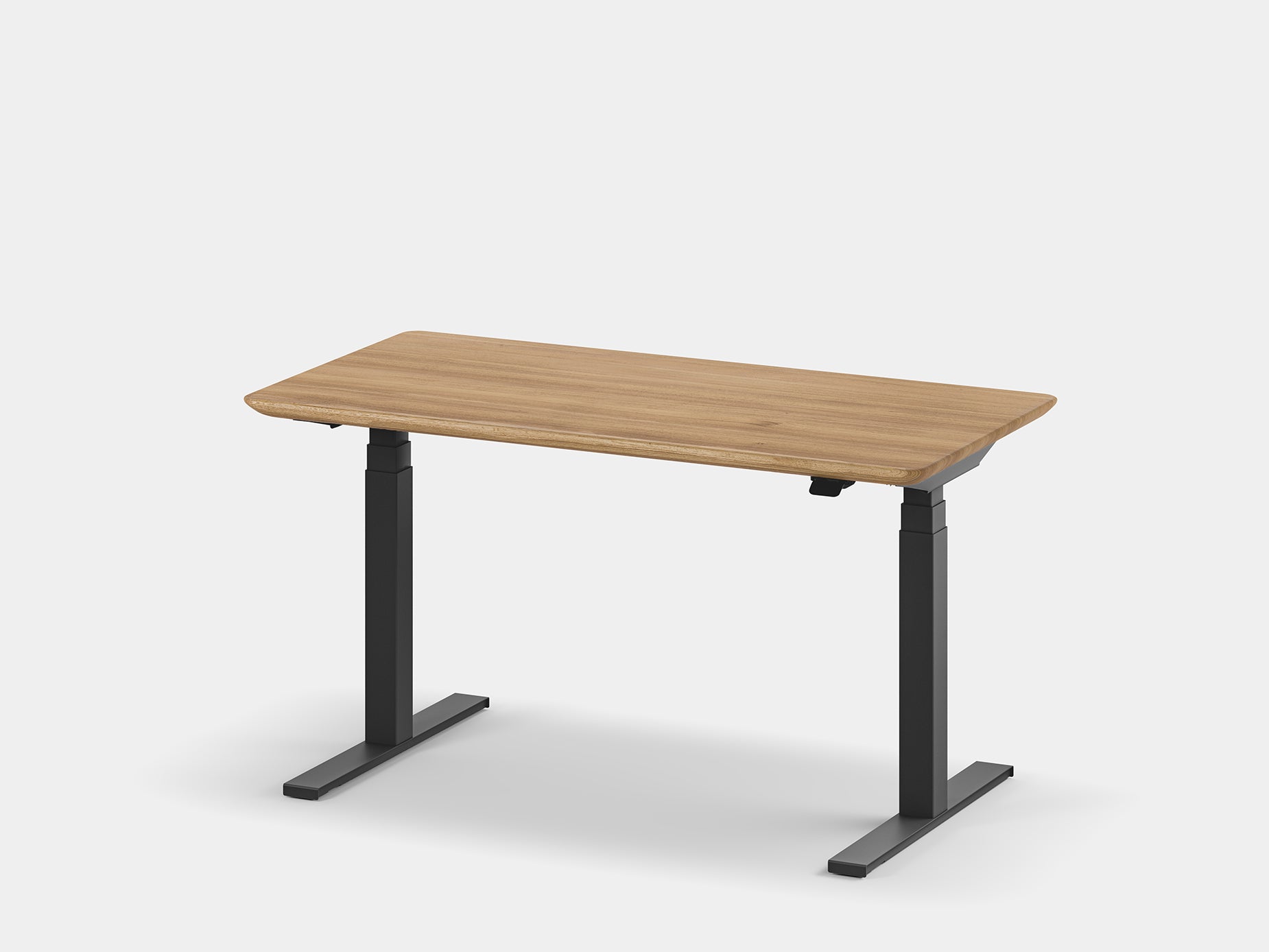
Oakywood
A handcrafted solid-wood or veneer desk built around a fast, quiet LINAK dual-motor frame with app control, four presets and anti-collision.
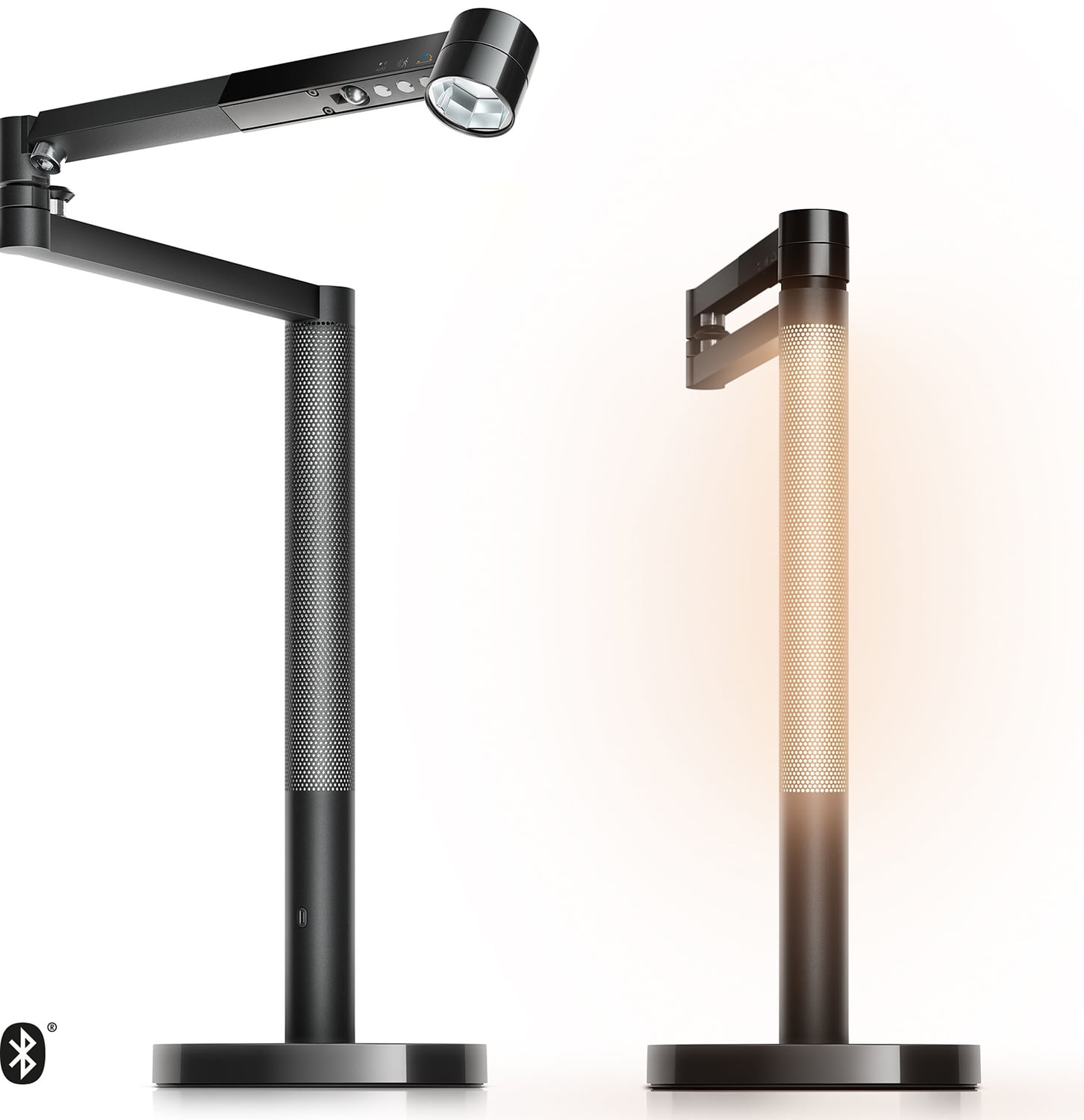
Dyson
An app-connected 850-lumen task light with daylight tracking, motion and ambient sensors, magnetic ambient docking and a five-year warranty.
33 products
A balanced blend of performance, quality, and price for the discerning user.
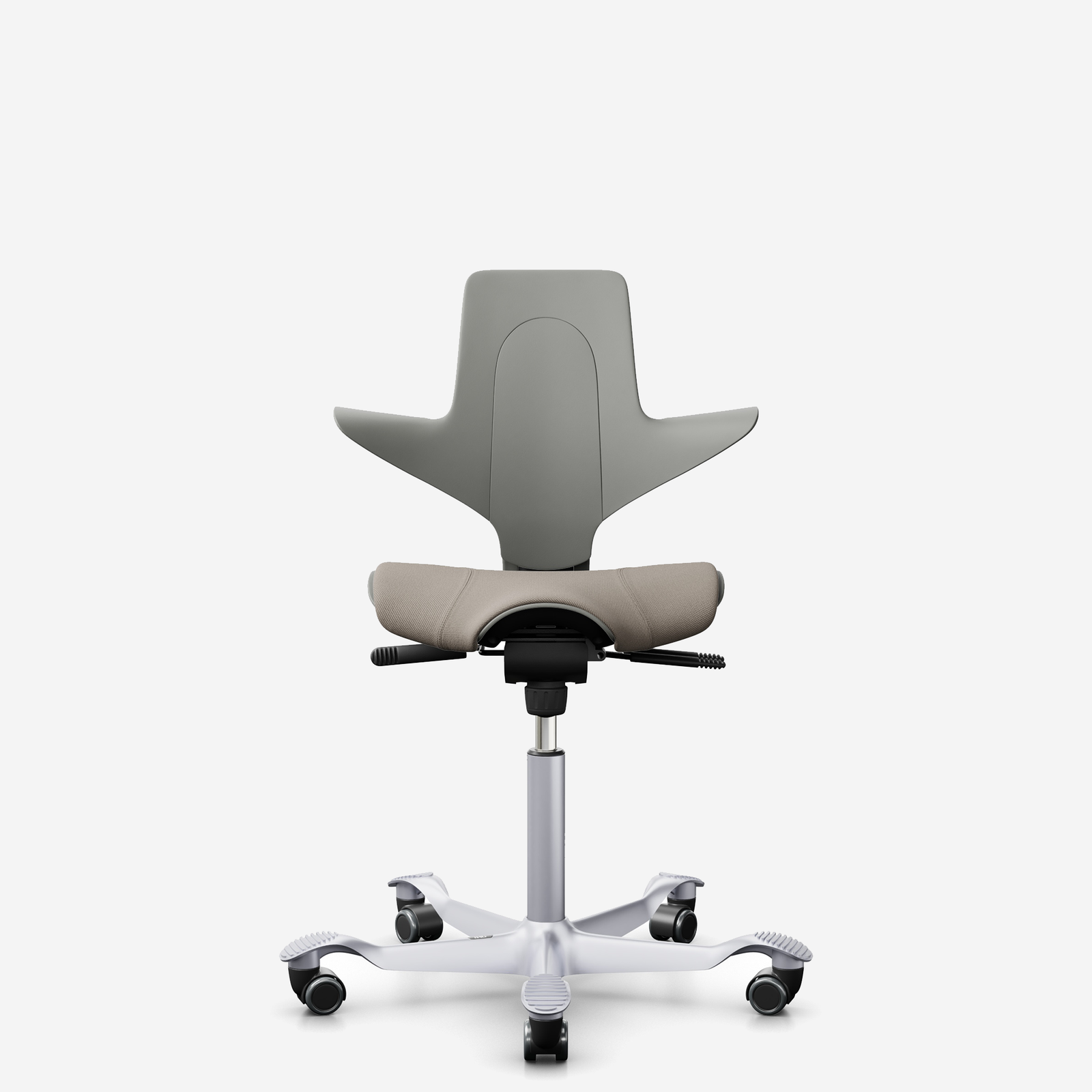
HÅG
A fully upholstered saddle-seat chair for standard through sit-stand heights, with HÅG inBalance tilt, adjustable depth/back height and 10-year guarantee.

Branch
A 275-pound-rated mesh-and-foam chair with eight adjustment points, 3D arms, height-adjustable lumbar and seven-year parts warranty.
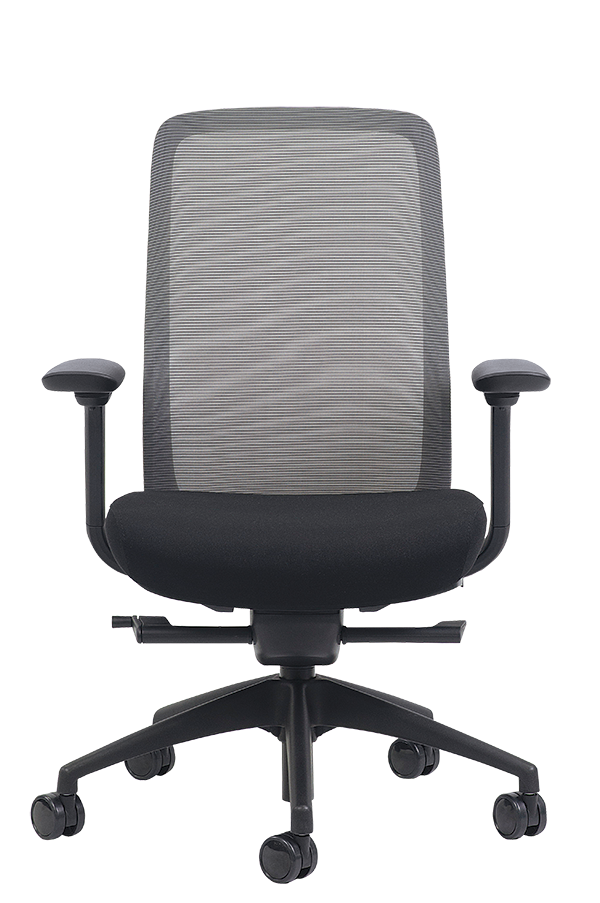
Eurotech
A 275-pound-rated frameless-mesh chair with adjustable seat depth, synchro tilt, six-way arms and lifetime component/five-year upholstery coverage.
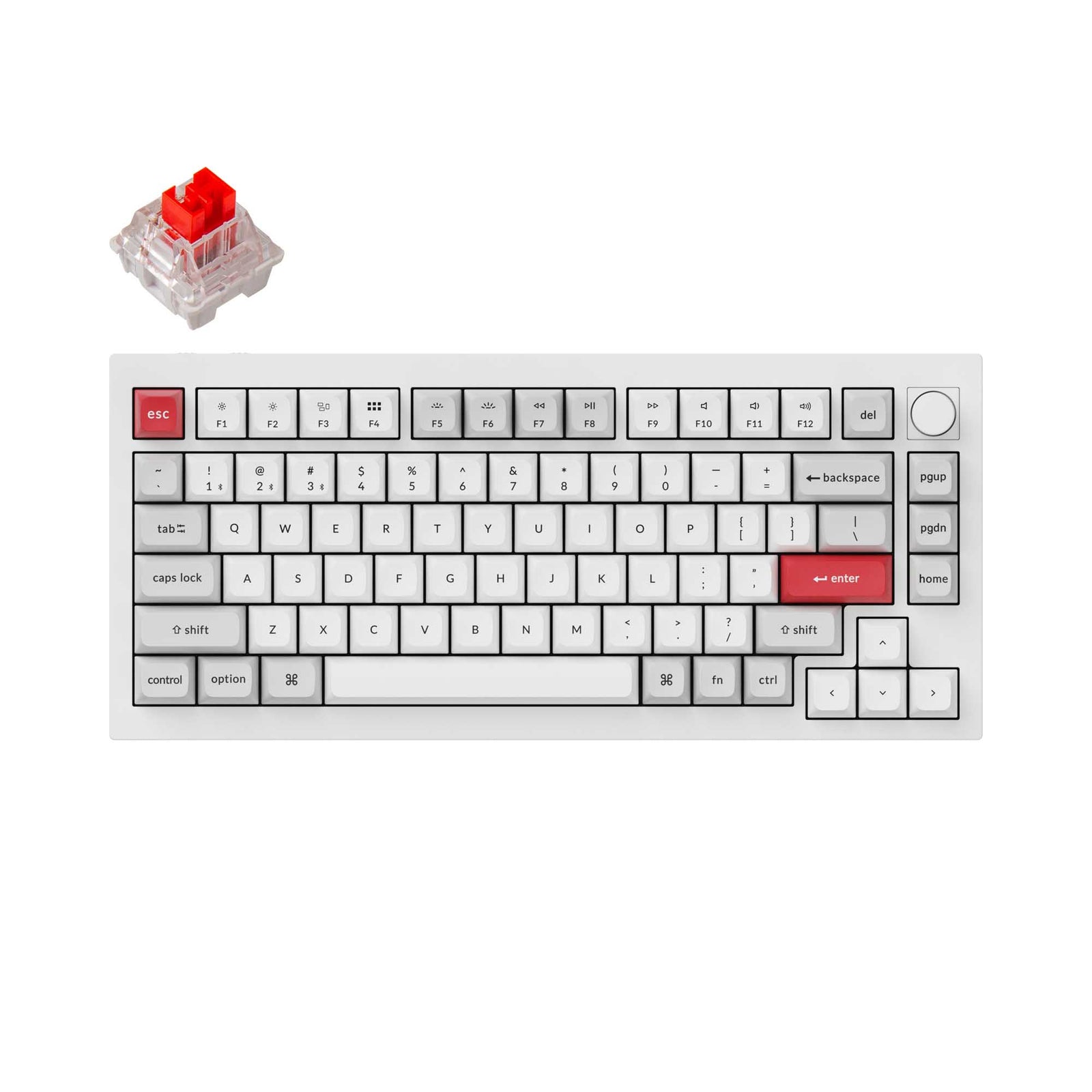
Keychron
A 75% full-aluminum wireless custom keyboard with double-gasket mounting, hot-swap sockets, QMK/VIA programming and a programmable knob.

Ergotron
A polished-aluminum single arm for monitors up to 34 inches and 25 pounds, with broad articulation, Constant Force adjustment and a 10-year warranty.
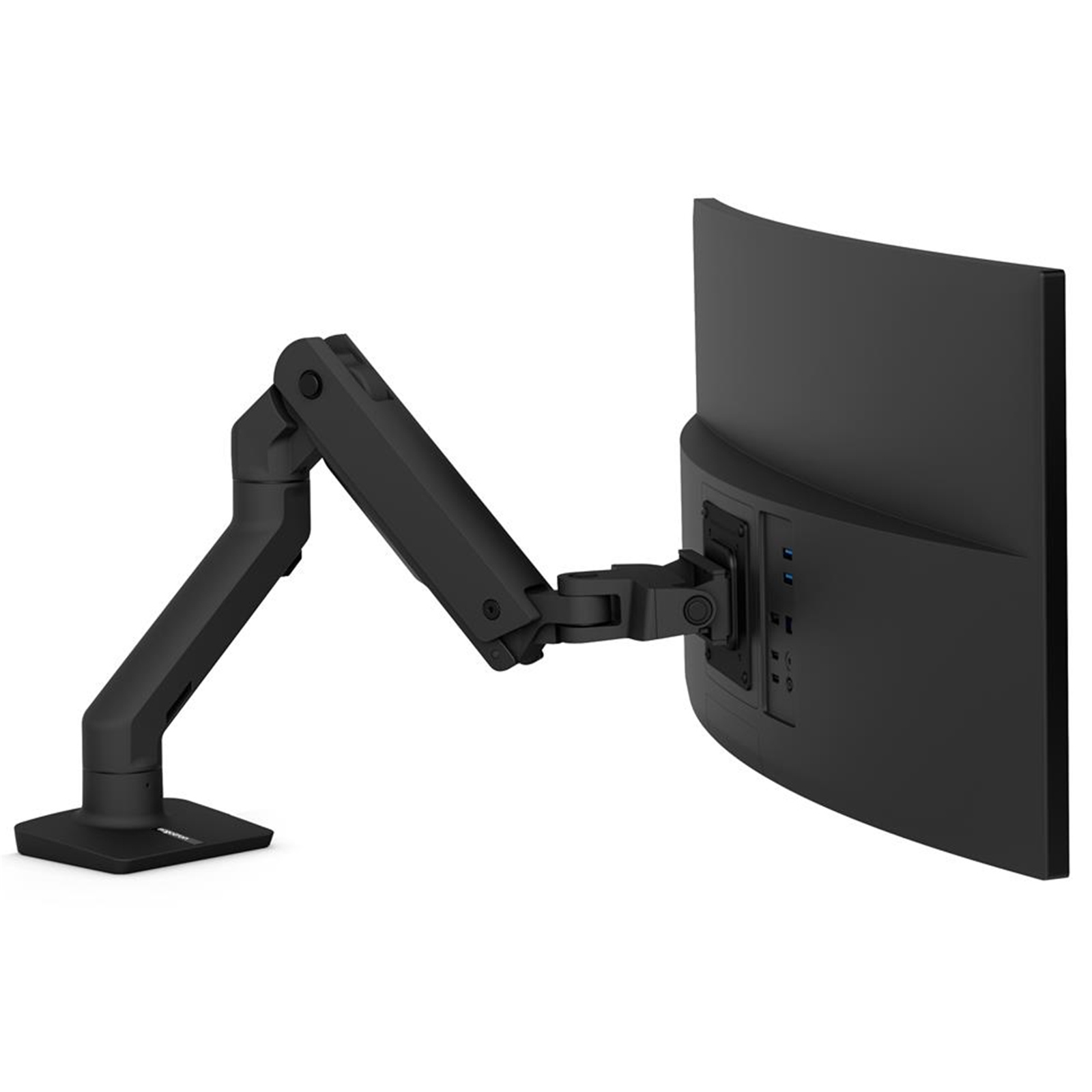
Ergotron
A heavy-duty single arm for large displays up to 49 inches and 42 pounds, with Constant Force movement, rotation-stop control and 10-year coverage.

Das Keyboard
A full-size wired board with Cherry MX2A switches, aluminum top panel, dedicated media controls and a two-port USB 3.0 hub.
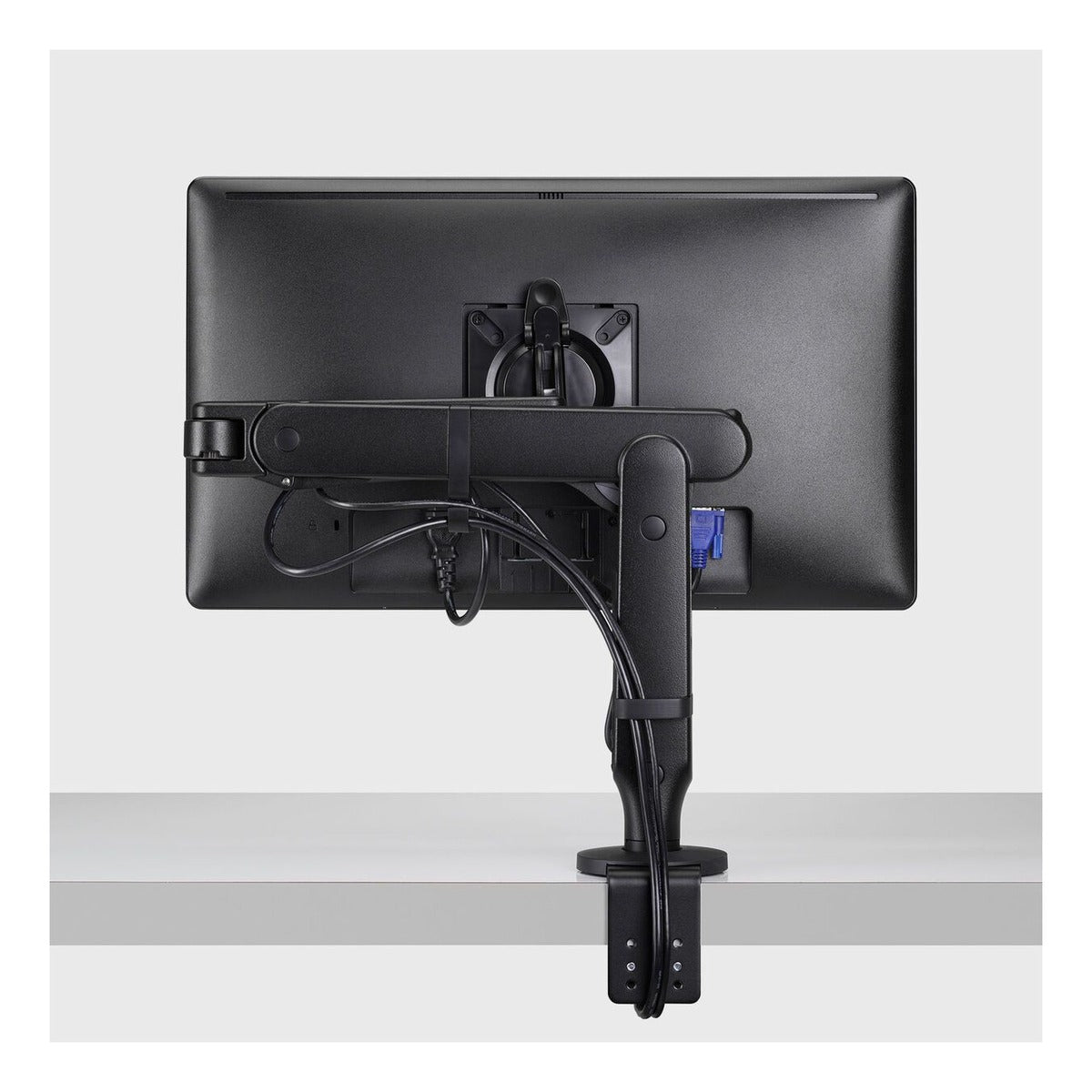
Herman Miller
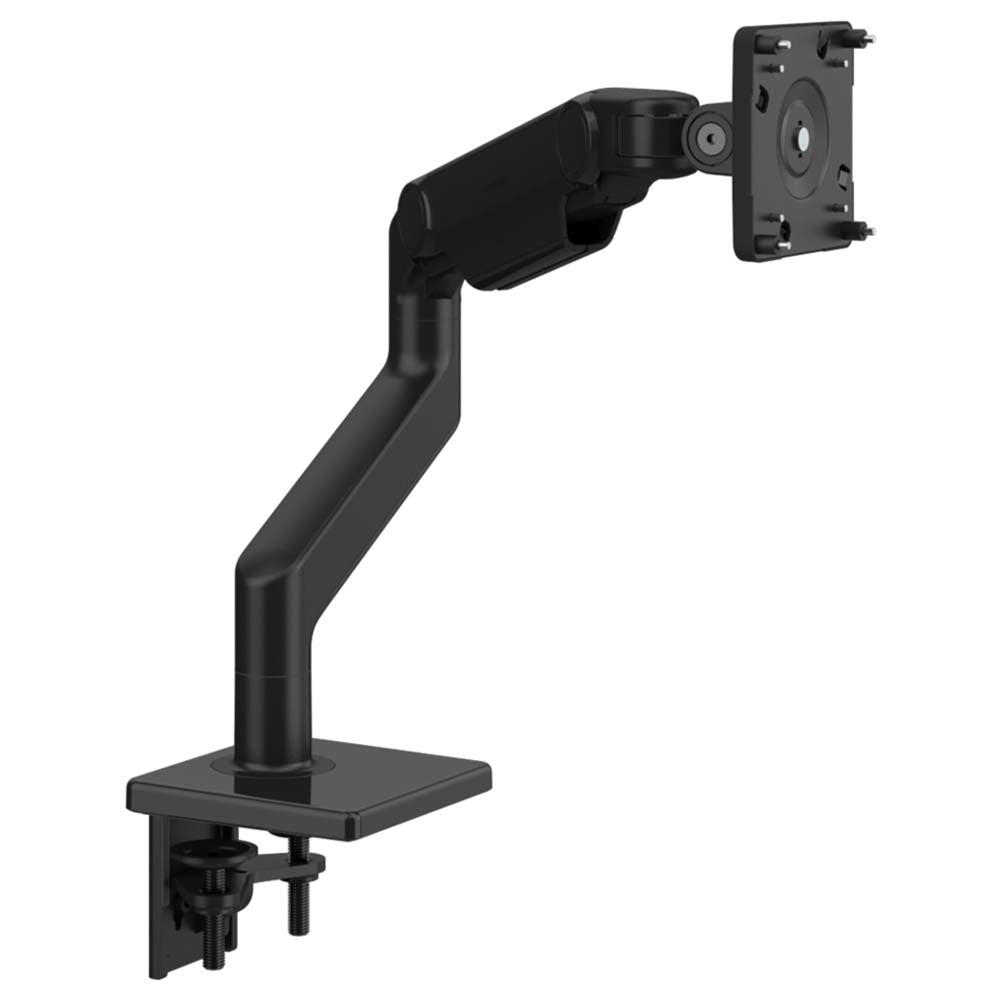
A low-load single monitor arm with unusually light-touch movement, 26.5 inches of horizontal reach and Herman Miller's 12-year warranty.
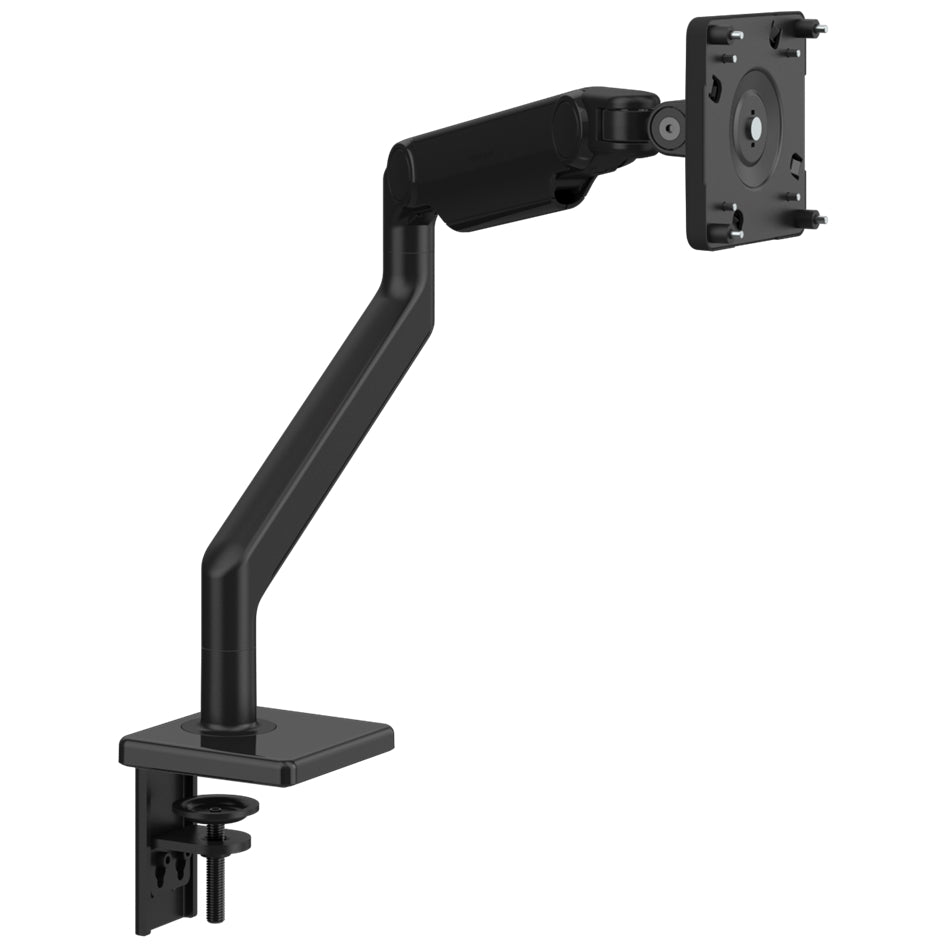
Humanscale
A discontinued heavy-display arm rated for 6 to 28 pounds, with quick-release construction and retained warranty support; M8 Pro is its current replacement.
Leopold
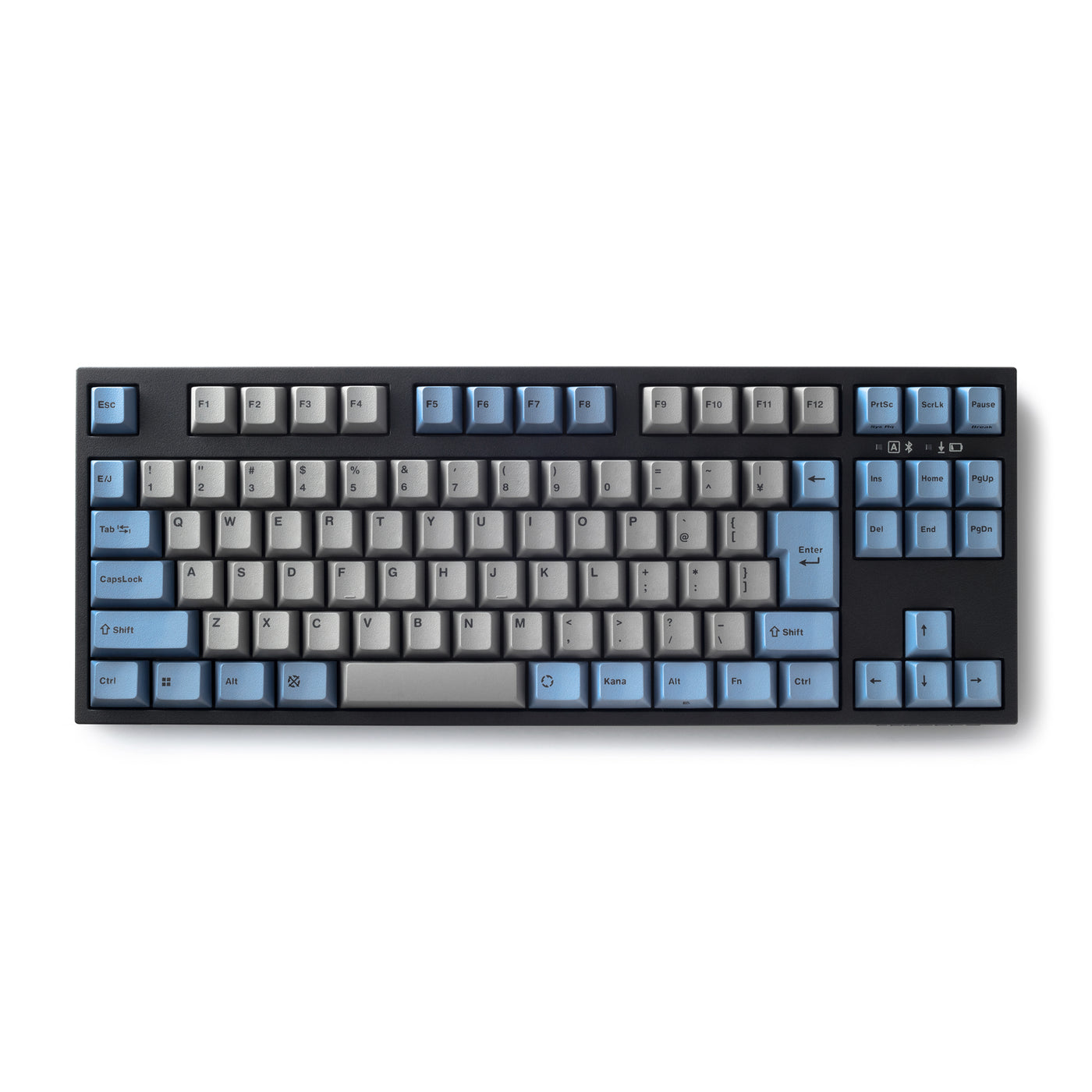
A Bluetooth-and-USB tenkeyless board with Cherry MX2A switches, double-shot PBT caps, replaceable AAA power and, on the latest Japanese revision, hot-swap sockets.
Steelcase
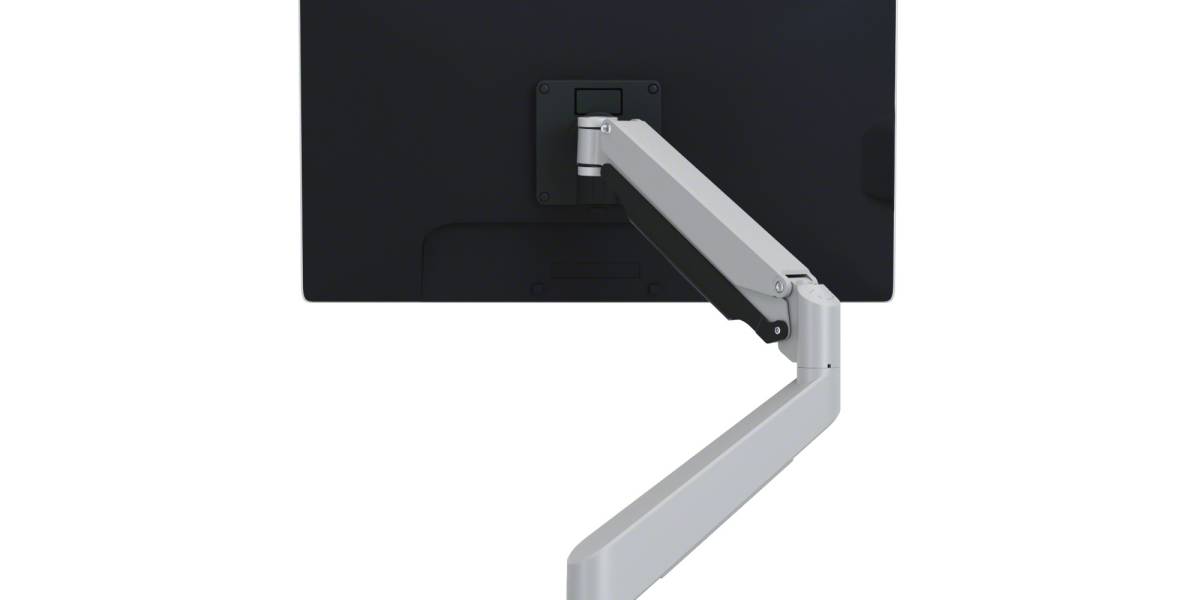
A commercial single arm for 2-to-20-pound displays, with quick-release VESA mounting, top-down desk attachment and Steelcase's 12-year warranty.
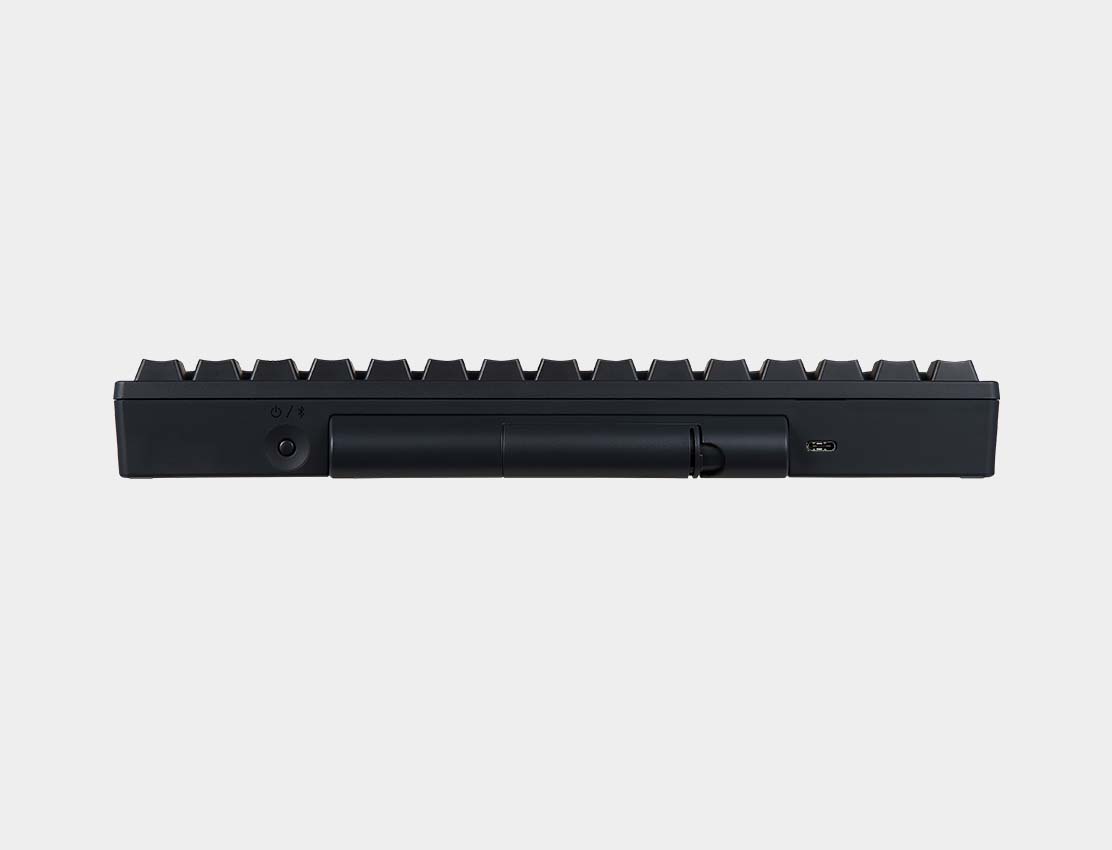
HHKB
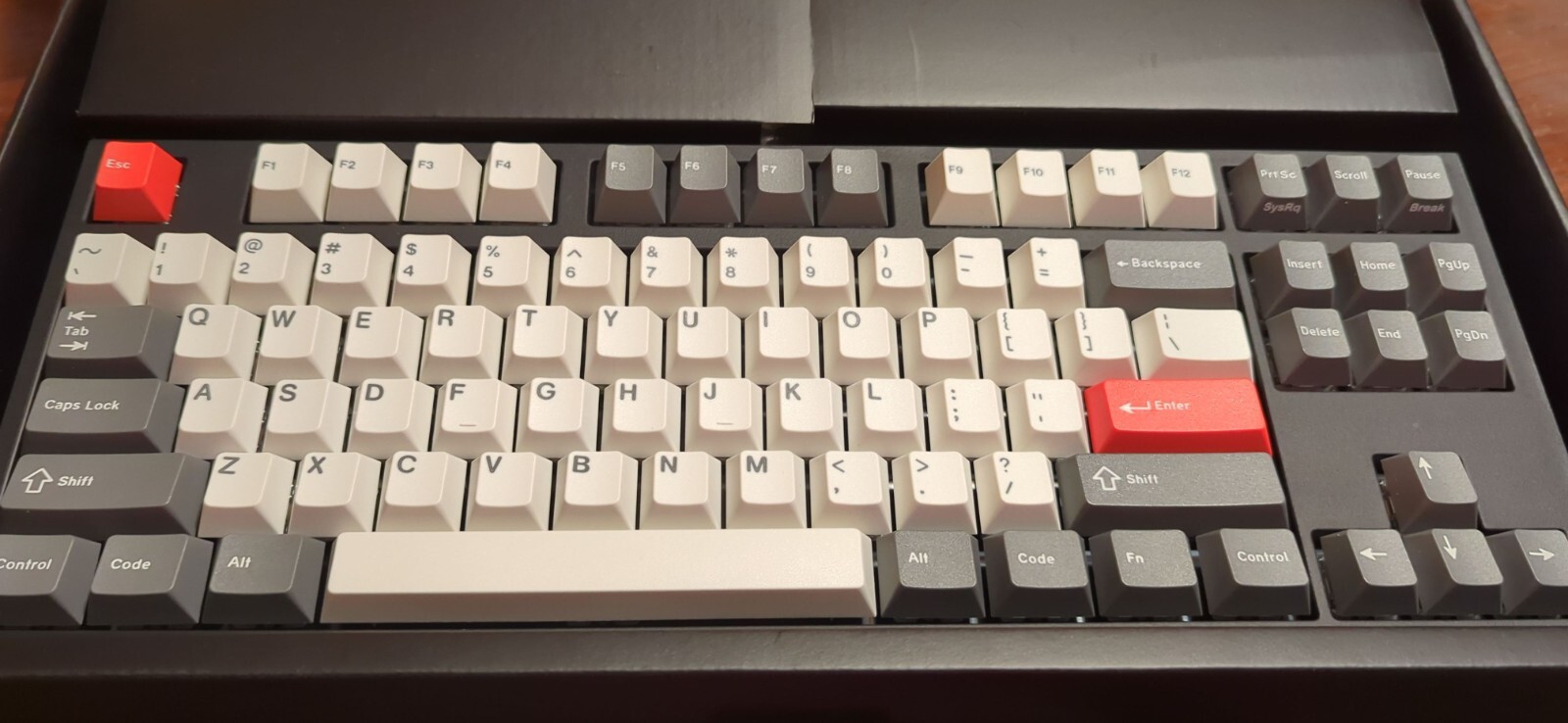
A compact 60-key electrostatic-capacitive keyboard with silent 45 g Topre switches, four-device Bluetooth, USB-C and onboard keymap storage.
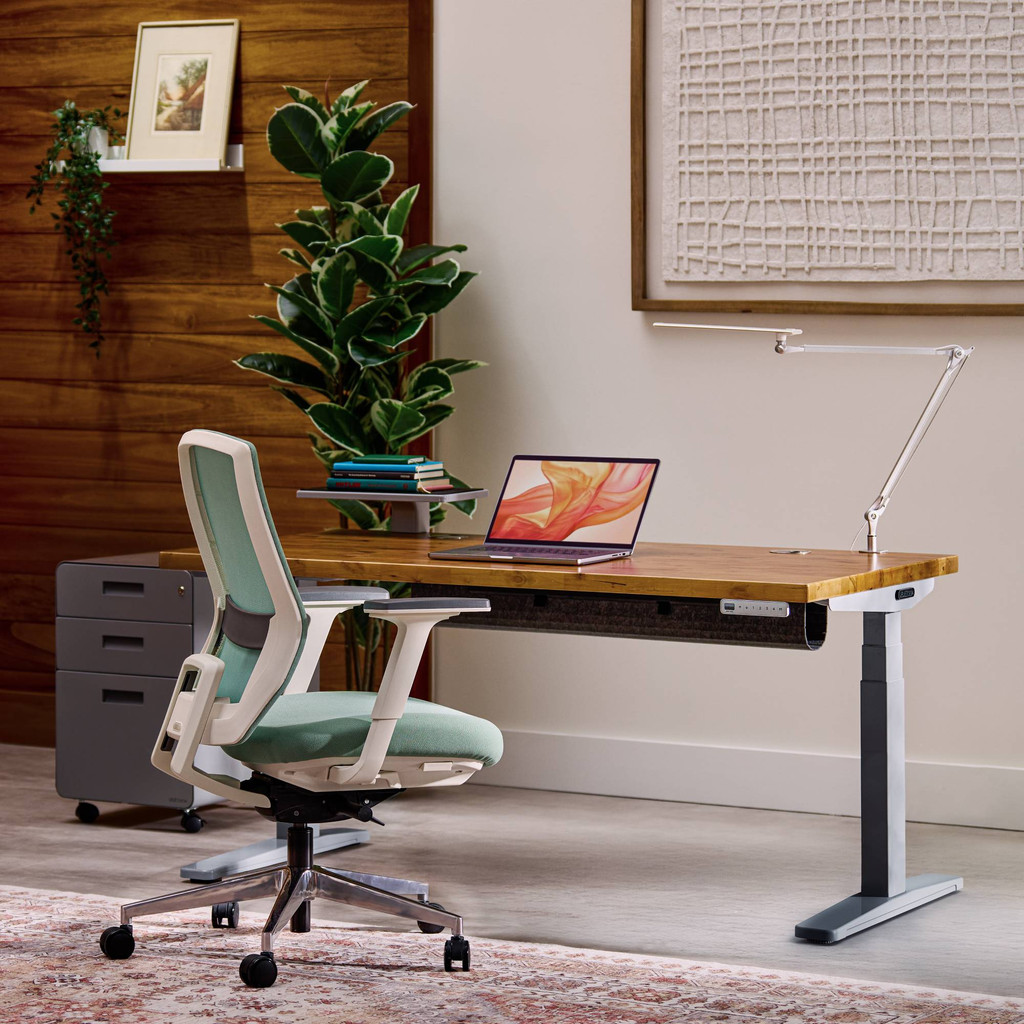
UPLIFT Desk
A proven dual-motor, three-stage standing desk with a wide ergonomic range, 355-pound lift rating and long parts coverage; the current official successor is V3.
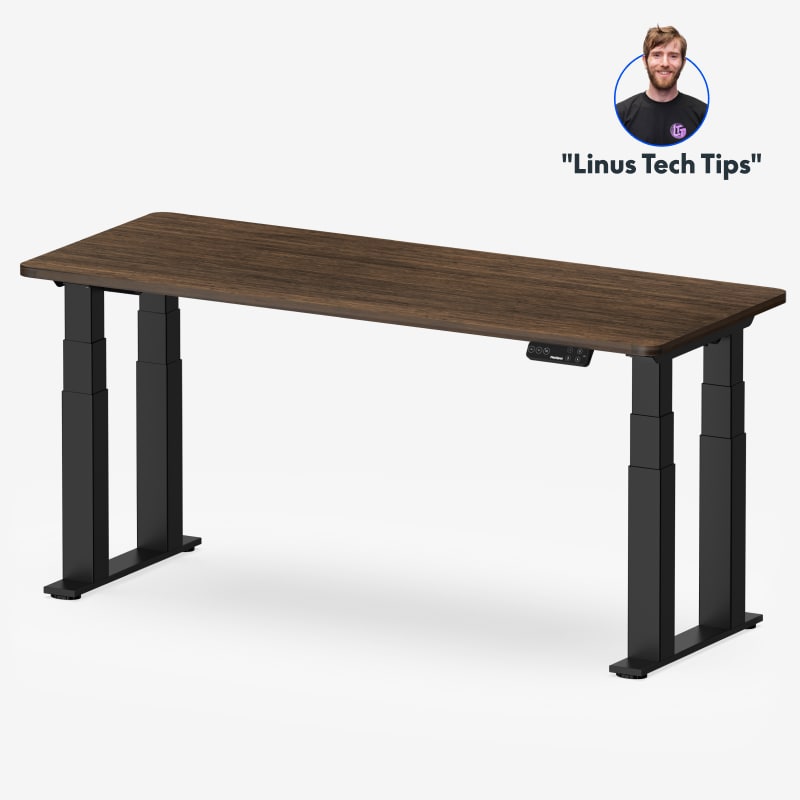
FlexiSpot
A four-column, dual-motor frame built for high stability, with a 440-pound moving load rating, four presets and 15-year frame and electronics coverage.
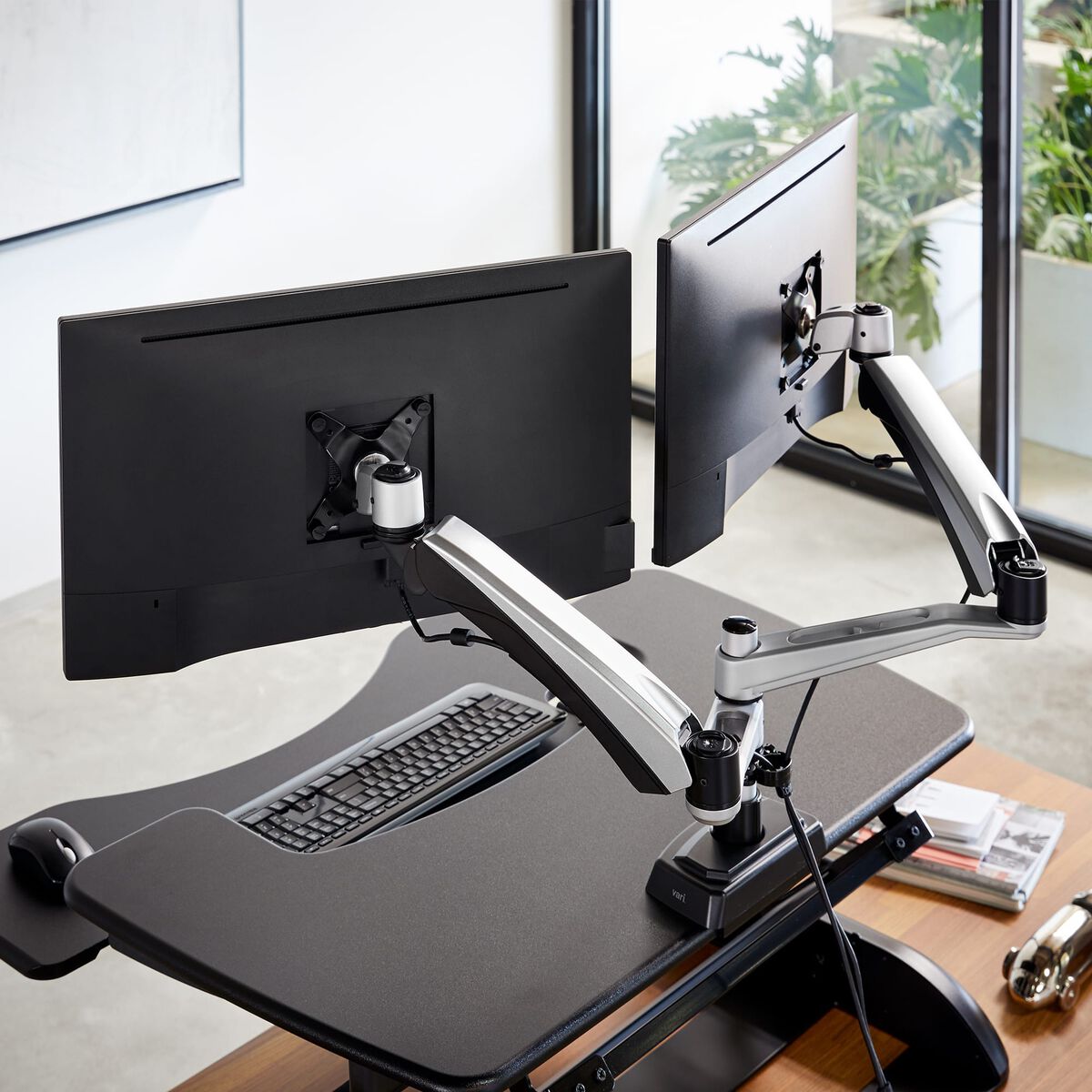
Vari
A silver dual gas-spring arm for two monitors up to 27 inches and 19.8 pounds each, with 29-inch reach and a 10-year warranty.
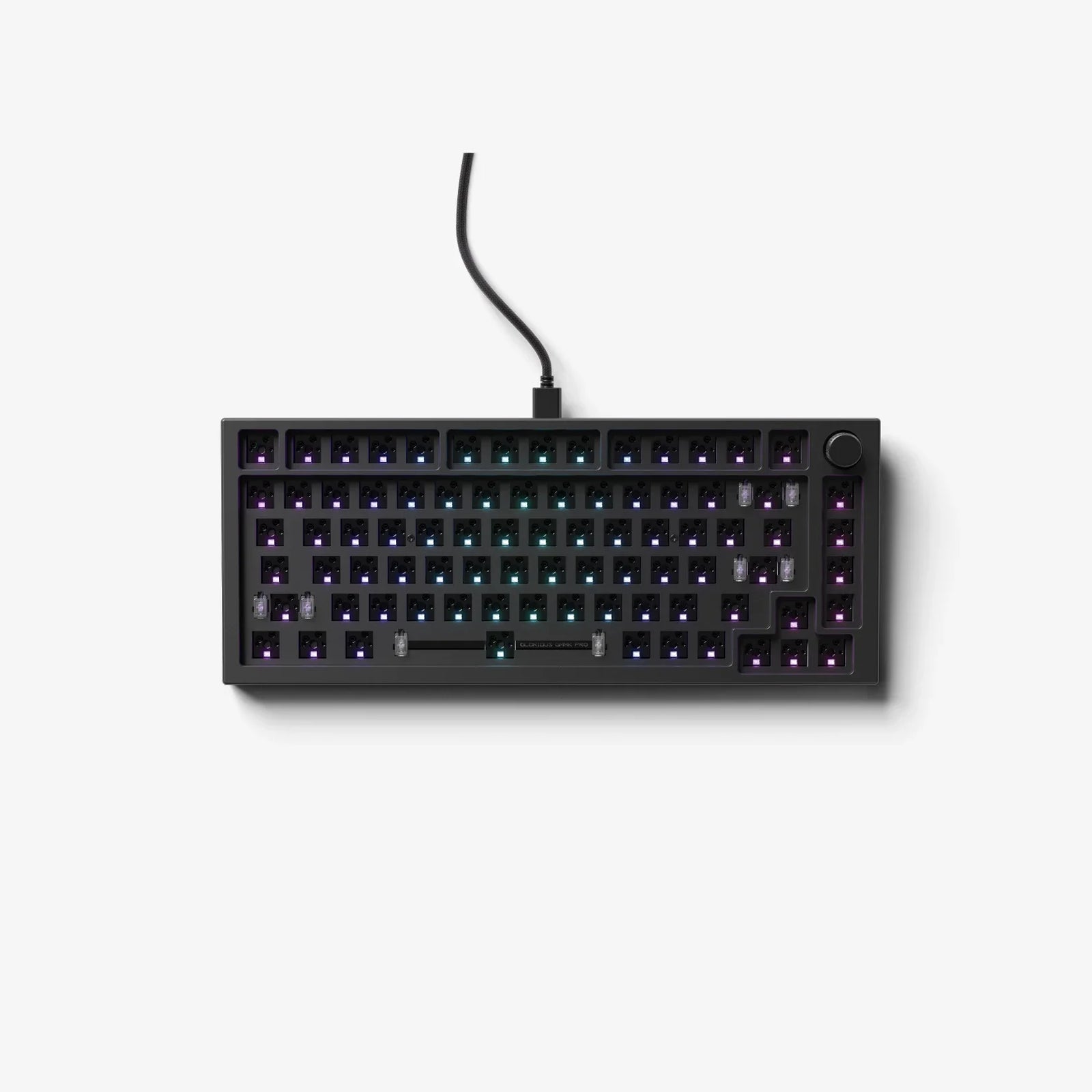
Glorious
A heavy CNC-aluminum 75% barebones board with gasket mounting, 5-pin hot-swap sockets, QMK support, per-key RGB and a programmable rotary encoder.
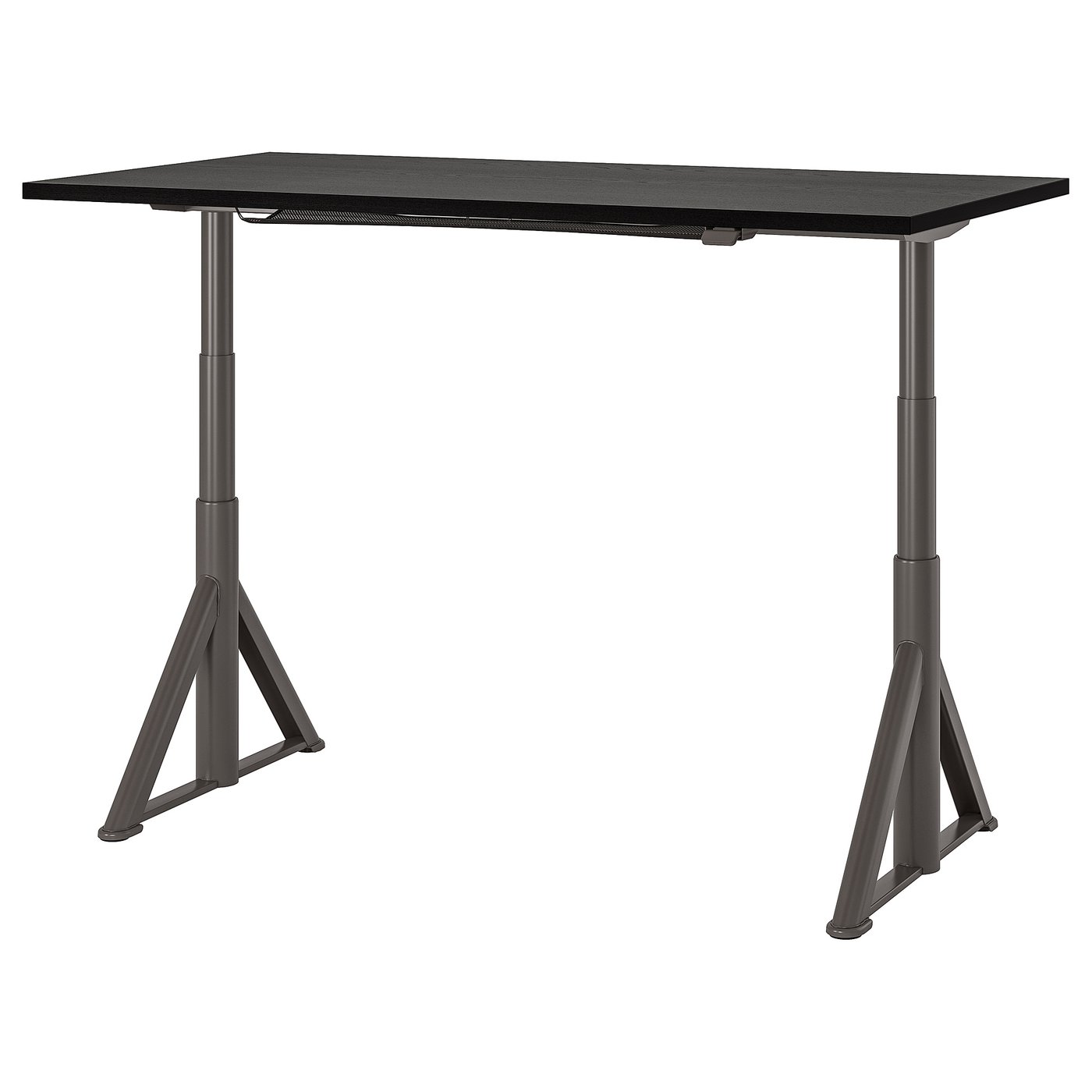
IKEA
A contract-grade 63-inch electric desk with distinctive angled legs, app control, under-top cable net and a 10-year limited warranty.
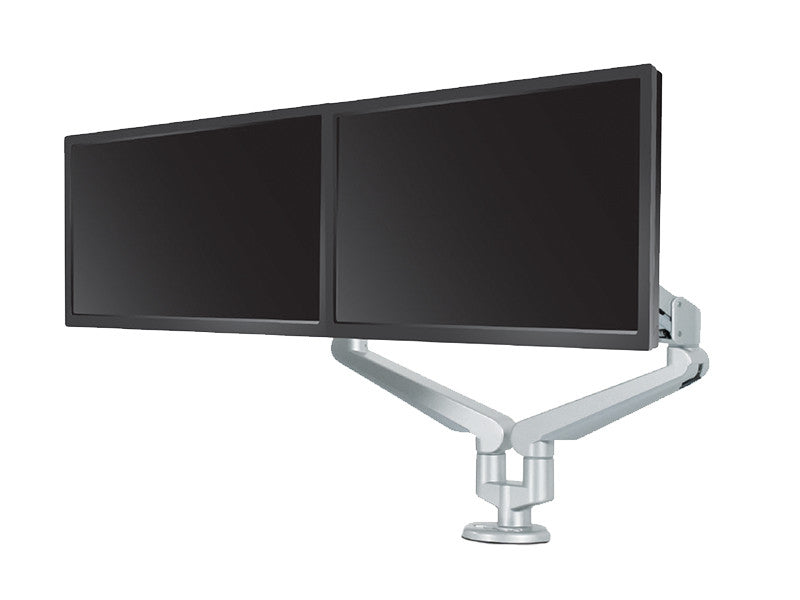
ESI
A dual dynamic arm for two displays from 6.5 to 17.6 pounds each, with quick-release VESA plates, 180-degree lockout and 15-year coverage.
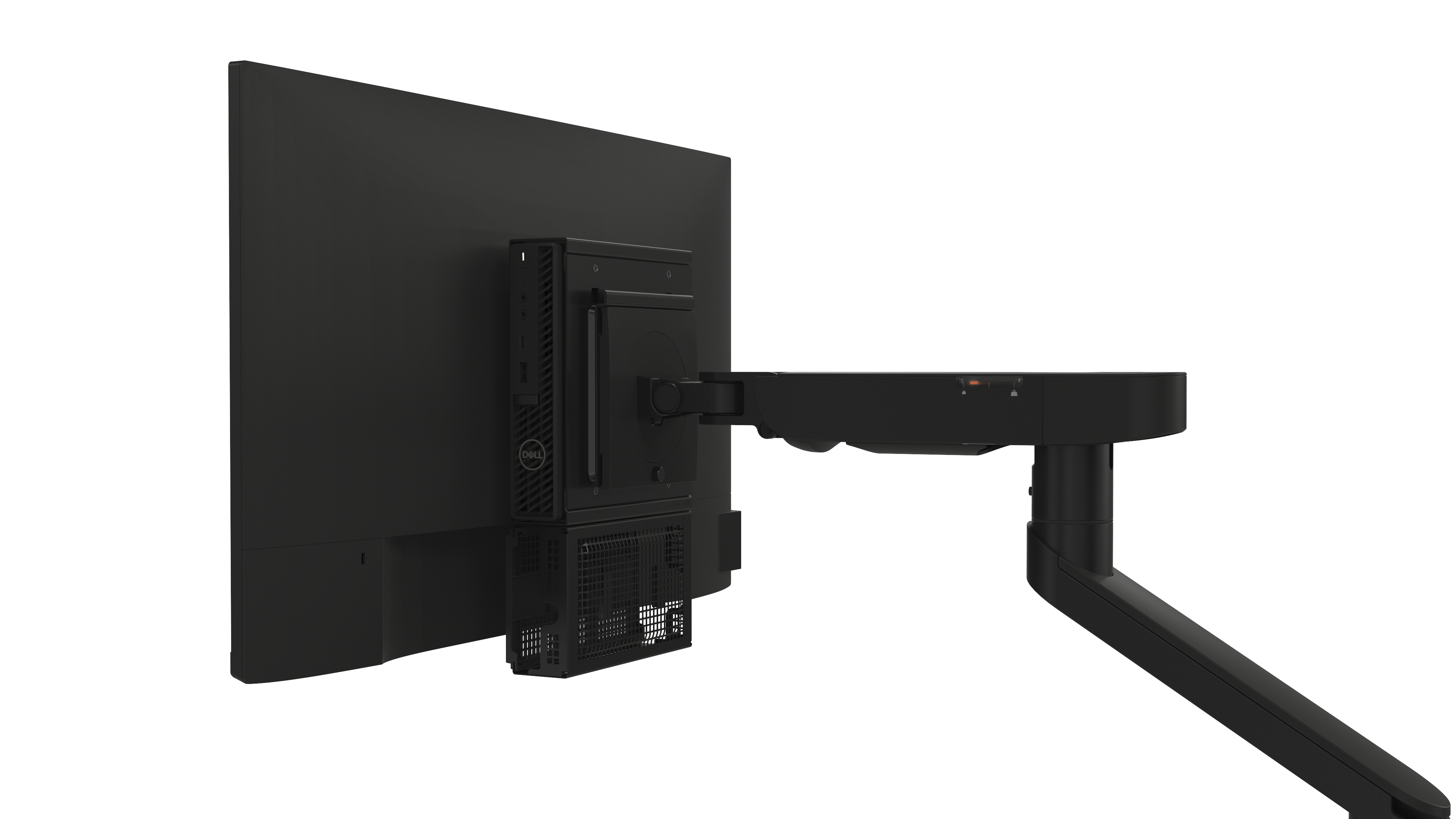
Dell
A tool-light single arm for 19-to-40-inch monitors from 4.9 to 22 pounds, combining Dell Quick Release with standard VESA support and built-in cable channels.
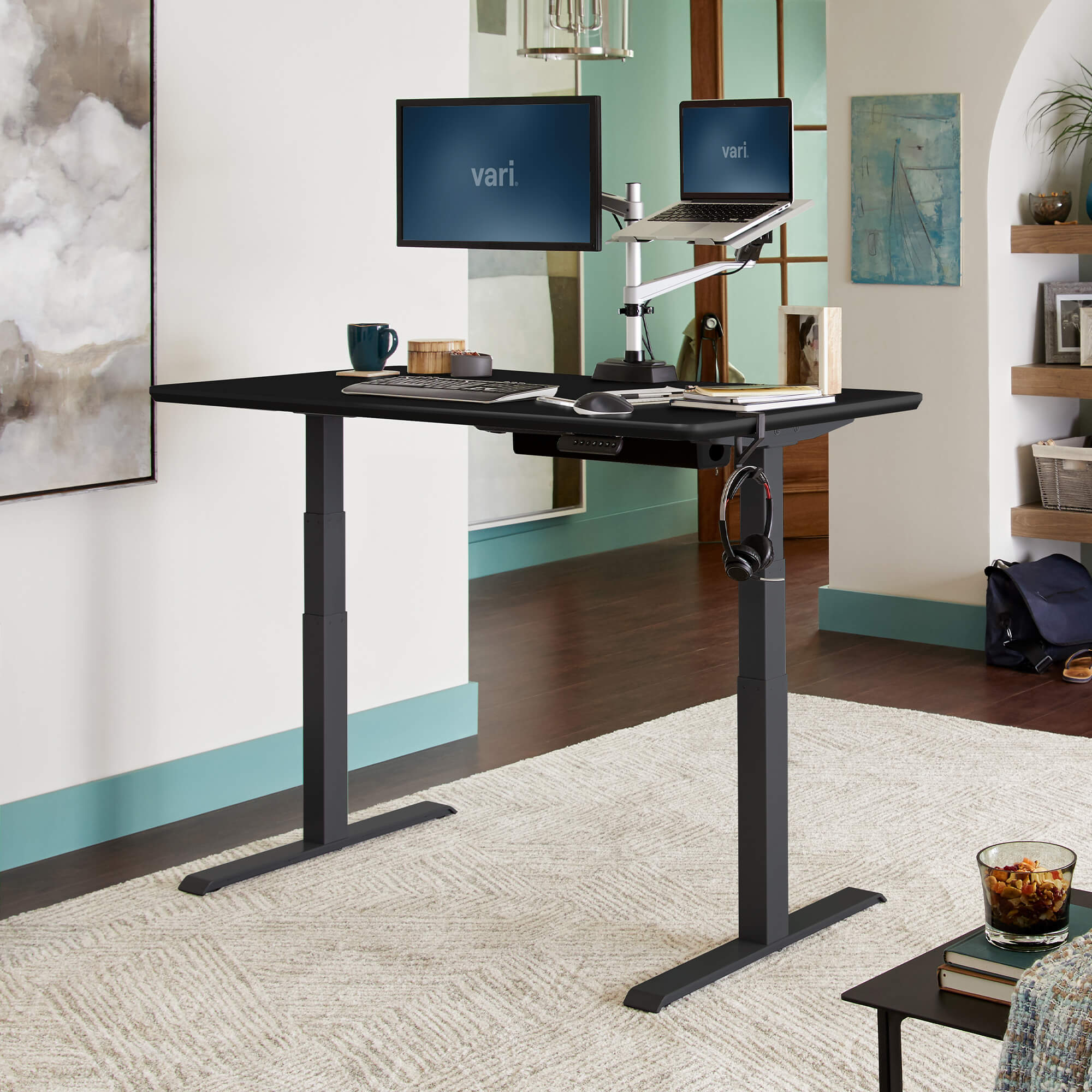
Vari
A fast-assembly 60-by-30-inch commercial-grade desk with four memory heights, a 25-to-50.5-inch range and lifetime original-owner warranty.

Branch
A compact frameless standing desk with an OLED paddle, two presets, reminders, collision detection and a 275-pound lift rating.
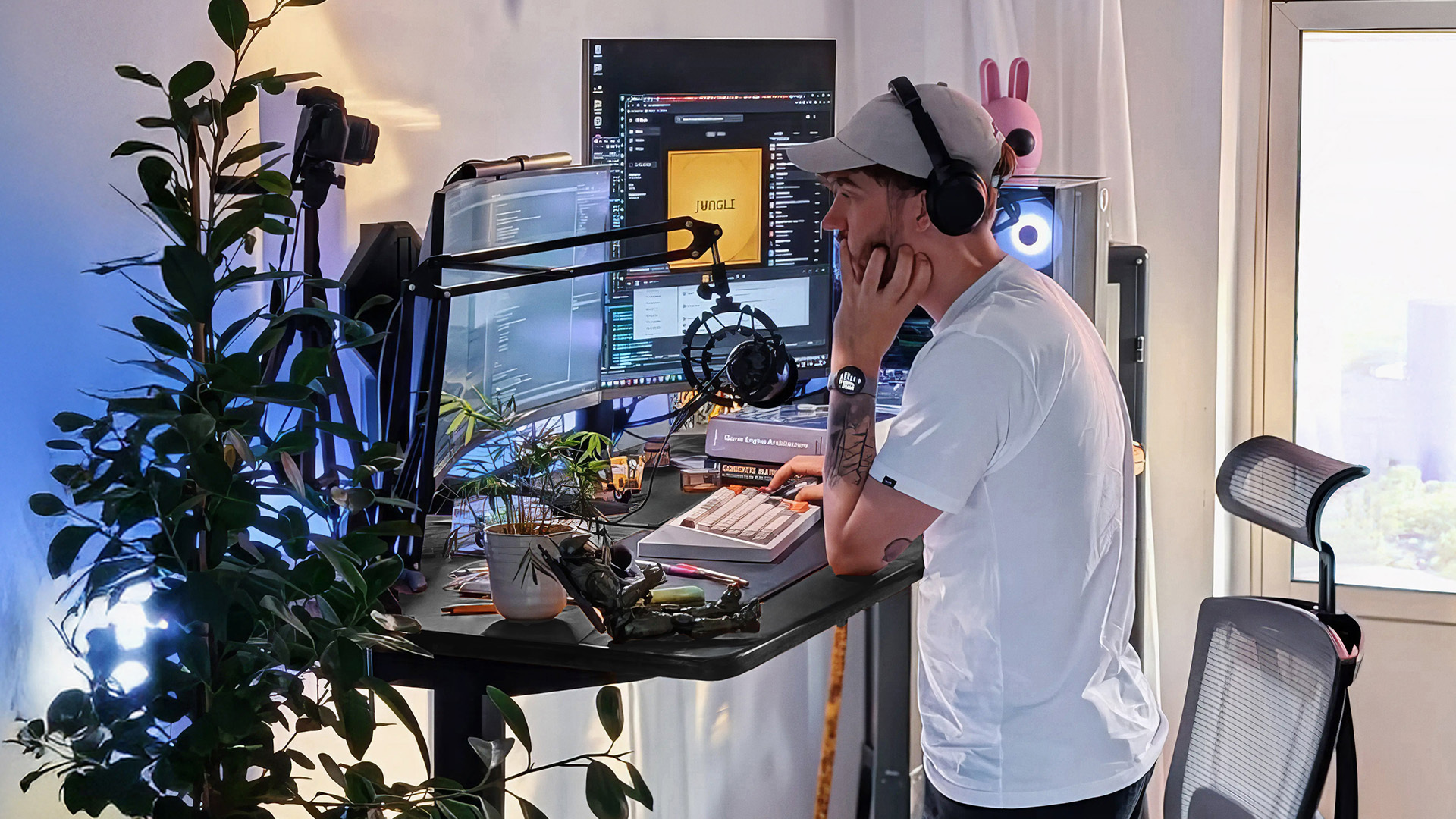
Autonomous
A dual-motor 53-by-29-inch standing desk offered with two- or three-stage frames, up to 310-pound capacity and ten-year frame coverage.
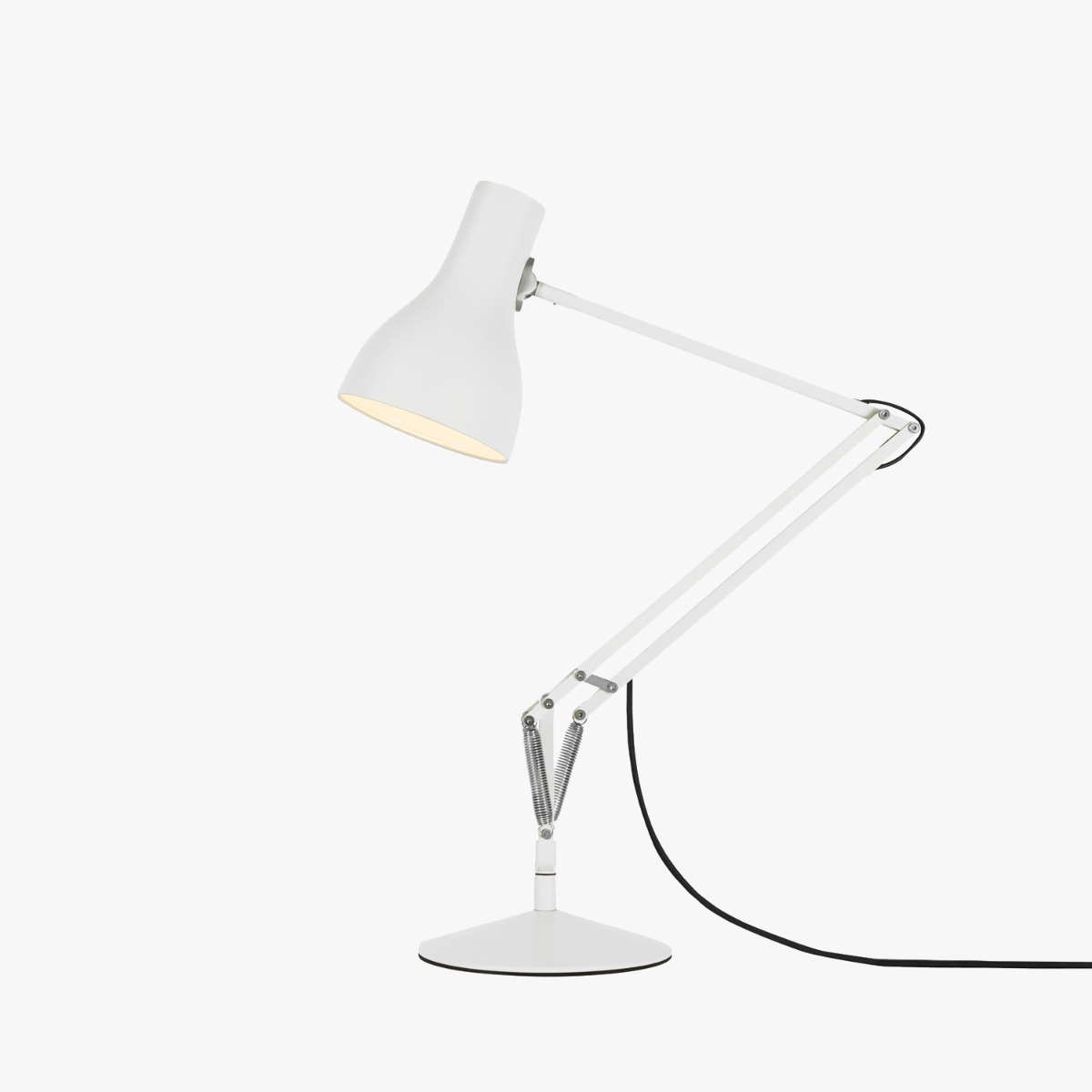
Anglepoise
A spring-balanced aluminum task lamp with a heavy cast-iron base, replaceable E26 bulb and Anglepoise lifetime guarantee after registration.
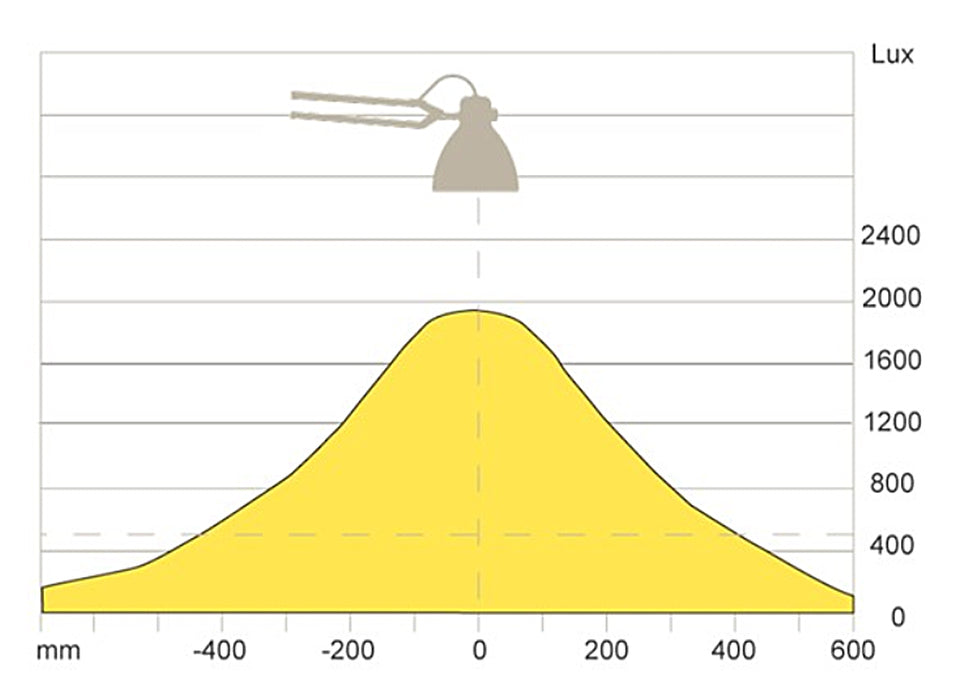
Luxo
The 1937 spring-balanced architect lamp updated with a dimmable LED engine, automatic shutoff and included table clamp.

Humanscale
A 7-watt, 91+ CRI aluminum task light with constant-torque hinges, occupancy sensing, touch dimming and a ten-year warranty.

Artemide
A compact spring-balanced aluminum Tolomeo with a pivoting shade, weighted circular base and replaceable lamp on the classic North American version.
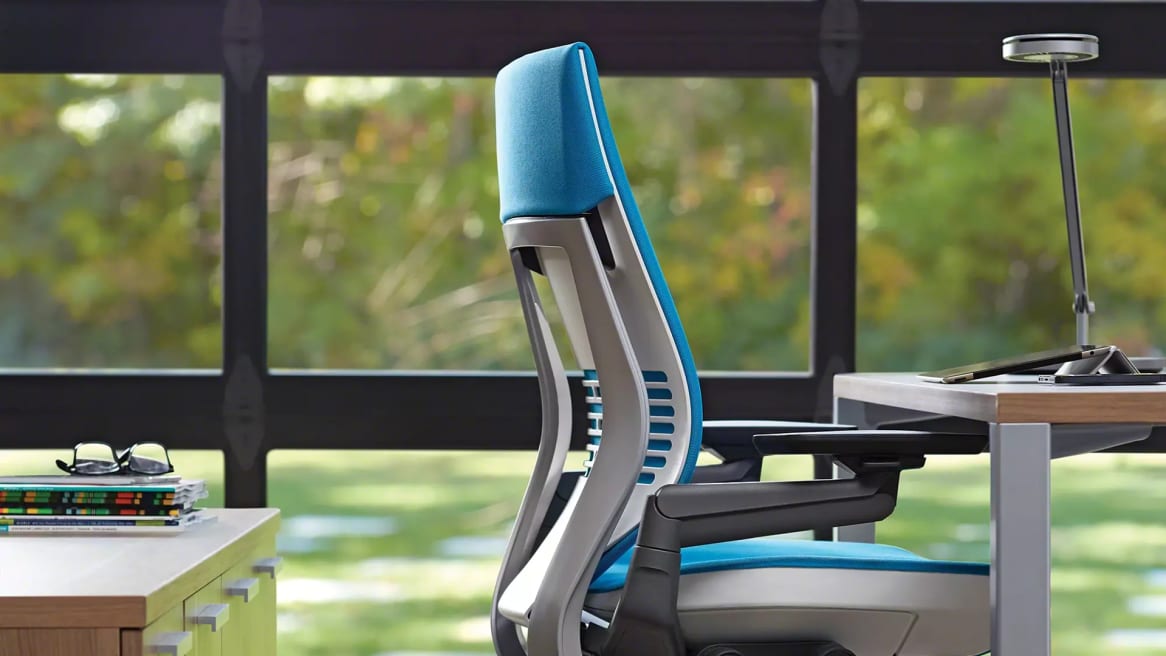
Steelcase
A commercial 3500K task light with three tension-adjustable pivots, replaceable light head, multiple mounts and optional occupancy sensing.
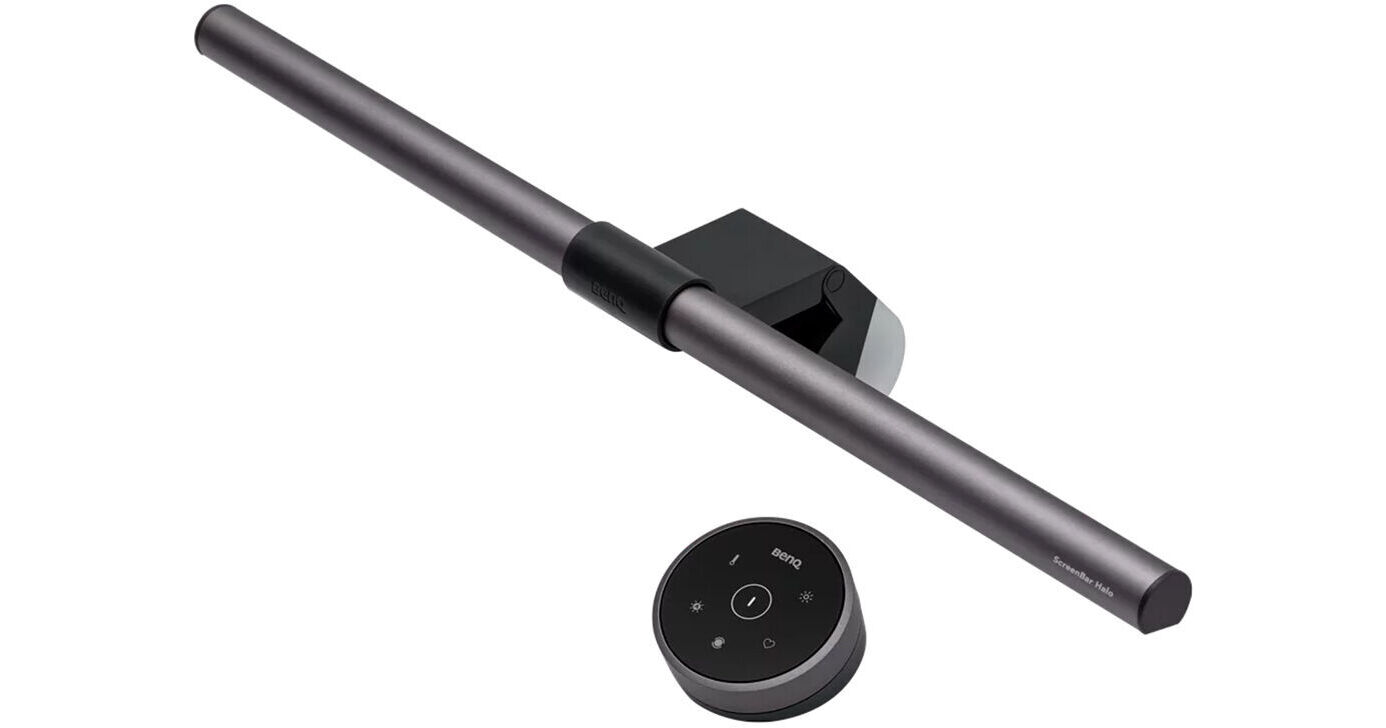
BenQ
The original USB monitor light bar with front and rear illumination, a wireless control dial, 95+ CRI and automatic 500-lux adjustment.
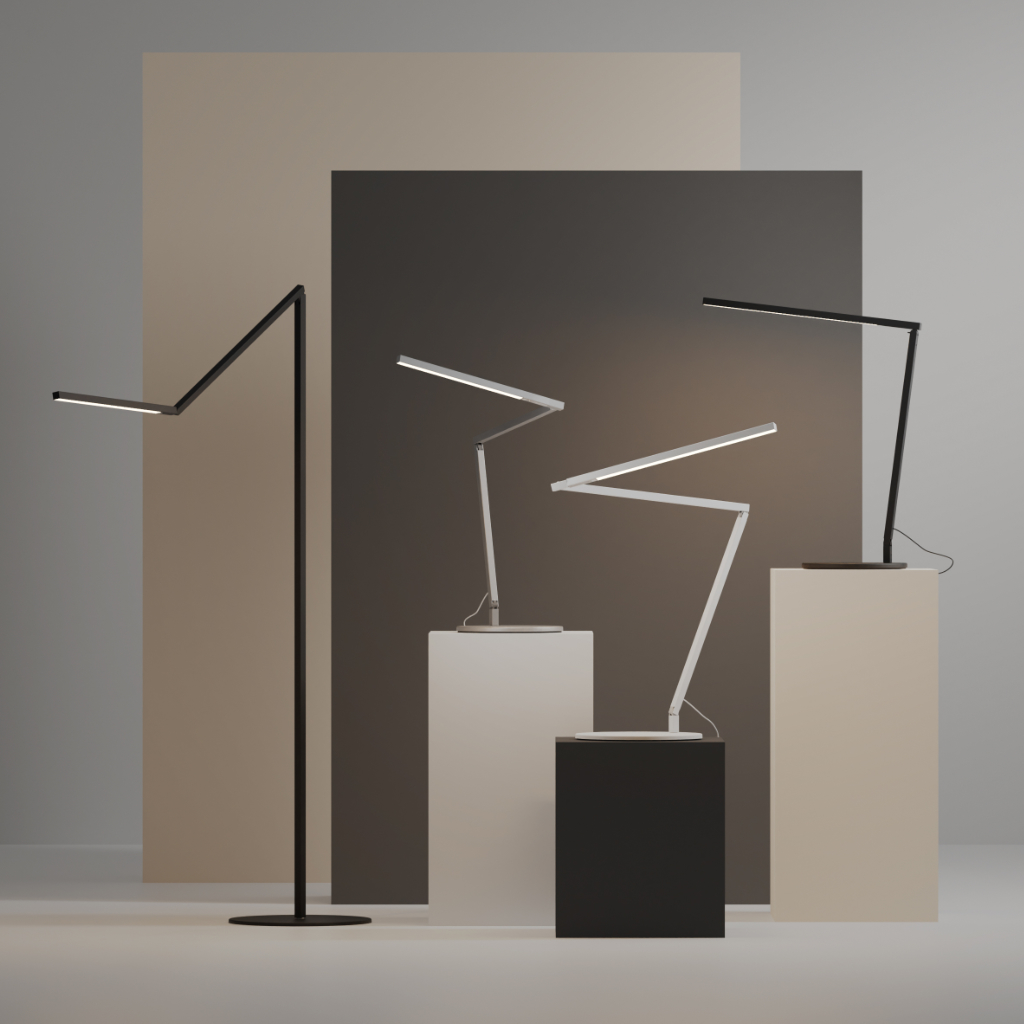
Koncept
A slim aluminum three-bar task light with touch-strip dimming, 90 CRI LEDs, multiple mounts and a five-year warranty.
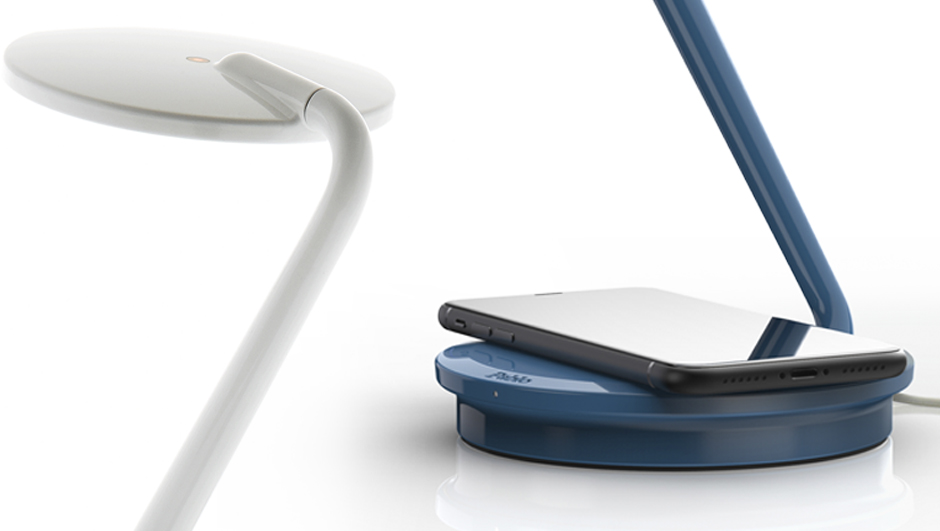
Pablo Designs
A compact 3000K LED task lamp with fluid multi-axis movement, touch dimming, 15-watt Qi charging and USB-C power output.
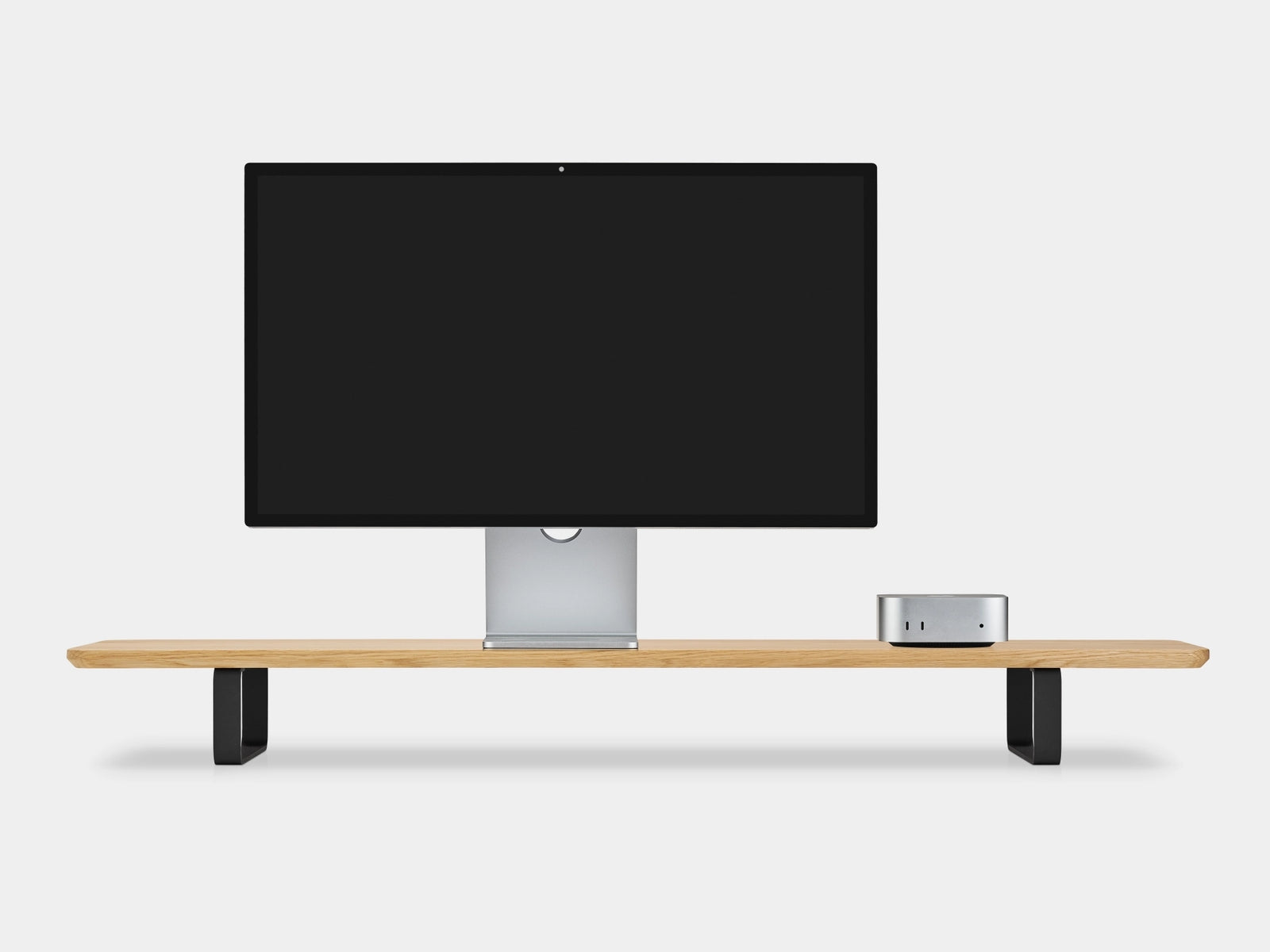
Oakywood
A 41.3-inch solid-wood dual-monitor riser on curved powder-coated steel legs, rated to 220 pounds and covered for five years.
10 products
Budget-conscious selections offering the best value and reliability for essential needs.
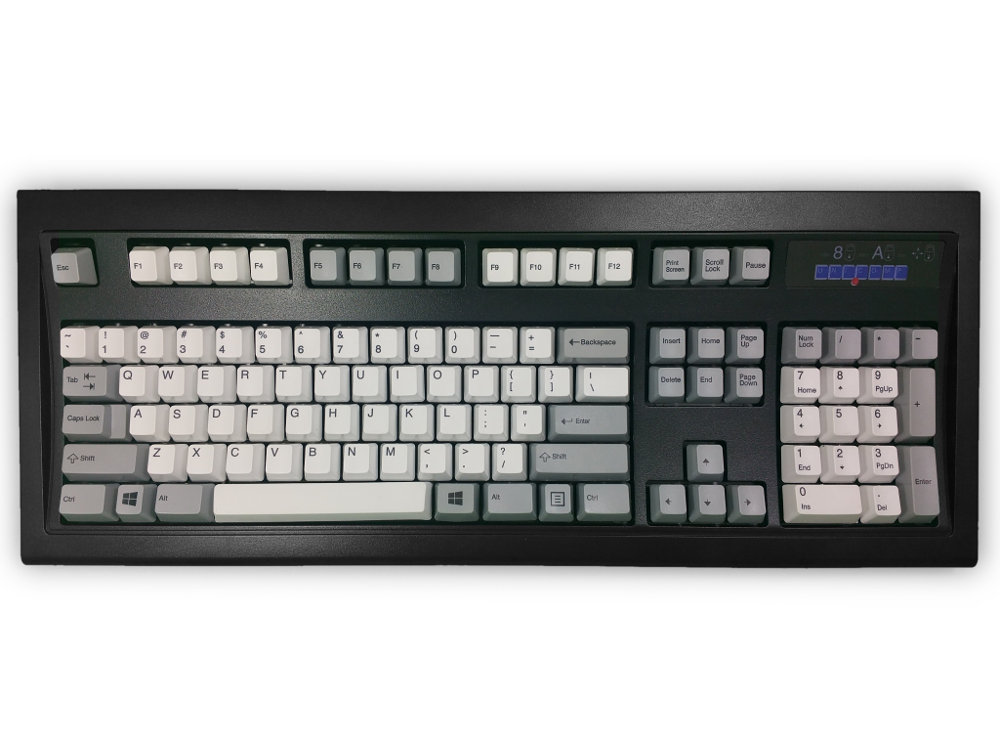
Unicomp
A newly manufactured 104-key buckling-spring keyboard with dye-sublimated PBT caps, a steel-backed chassis and the unmistakable tactile click of the IBM Model M lineage.
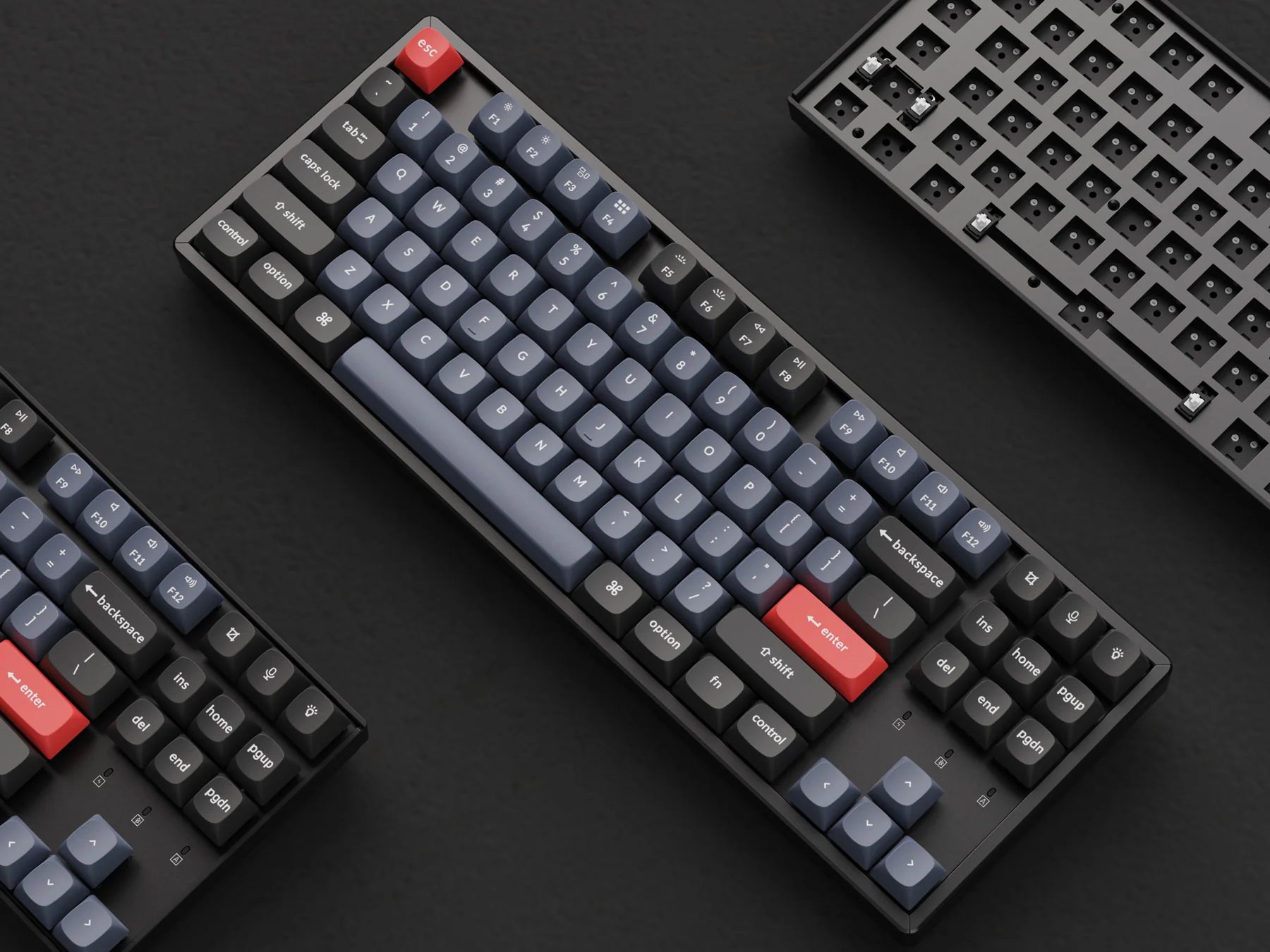
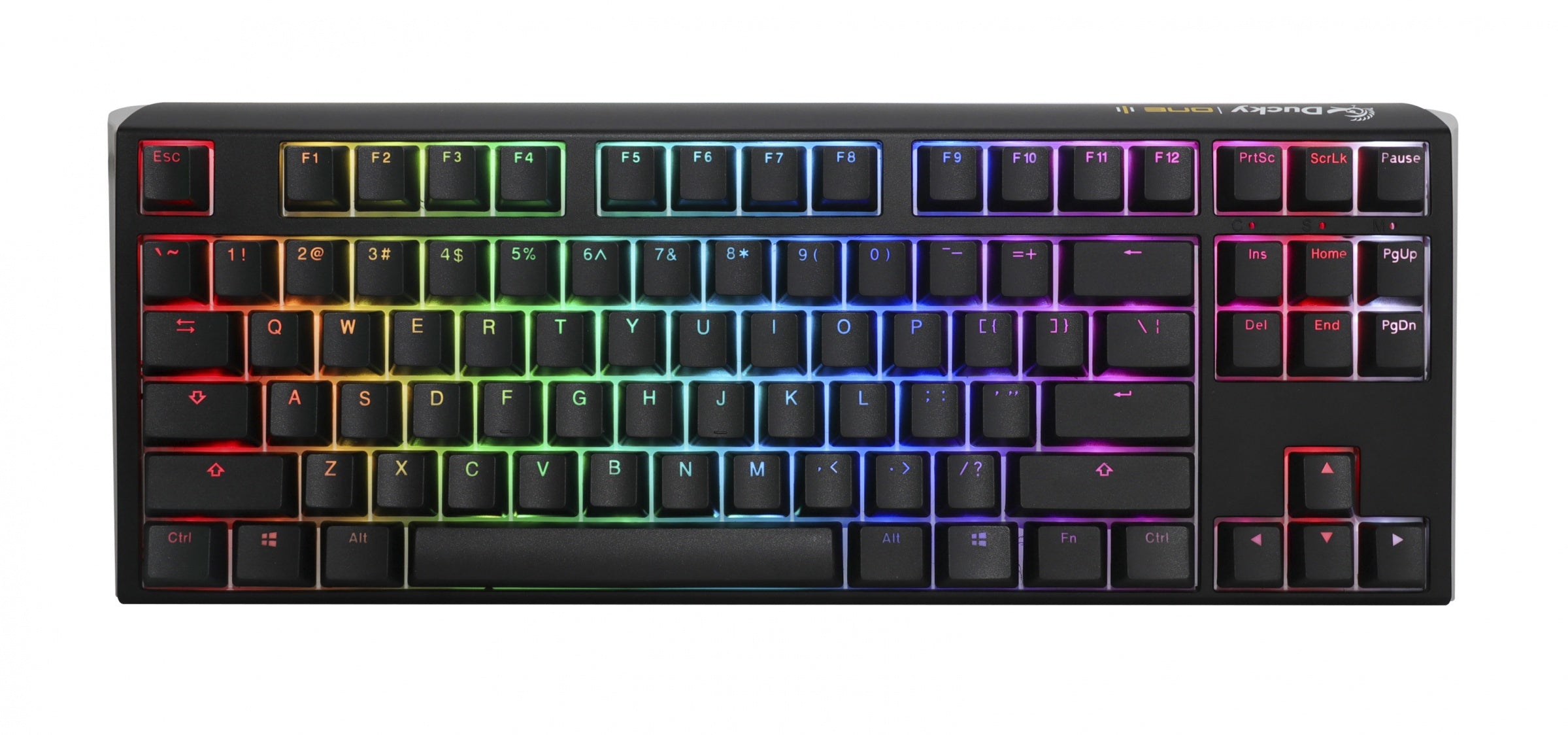
Ducky
An 87-key wired board with Cherry MX switches, hot-swap sockets, double-shot PBT caps, per-key RGB and two-layer acoustic damping.
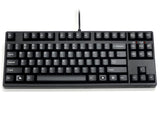
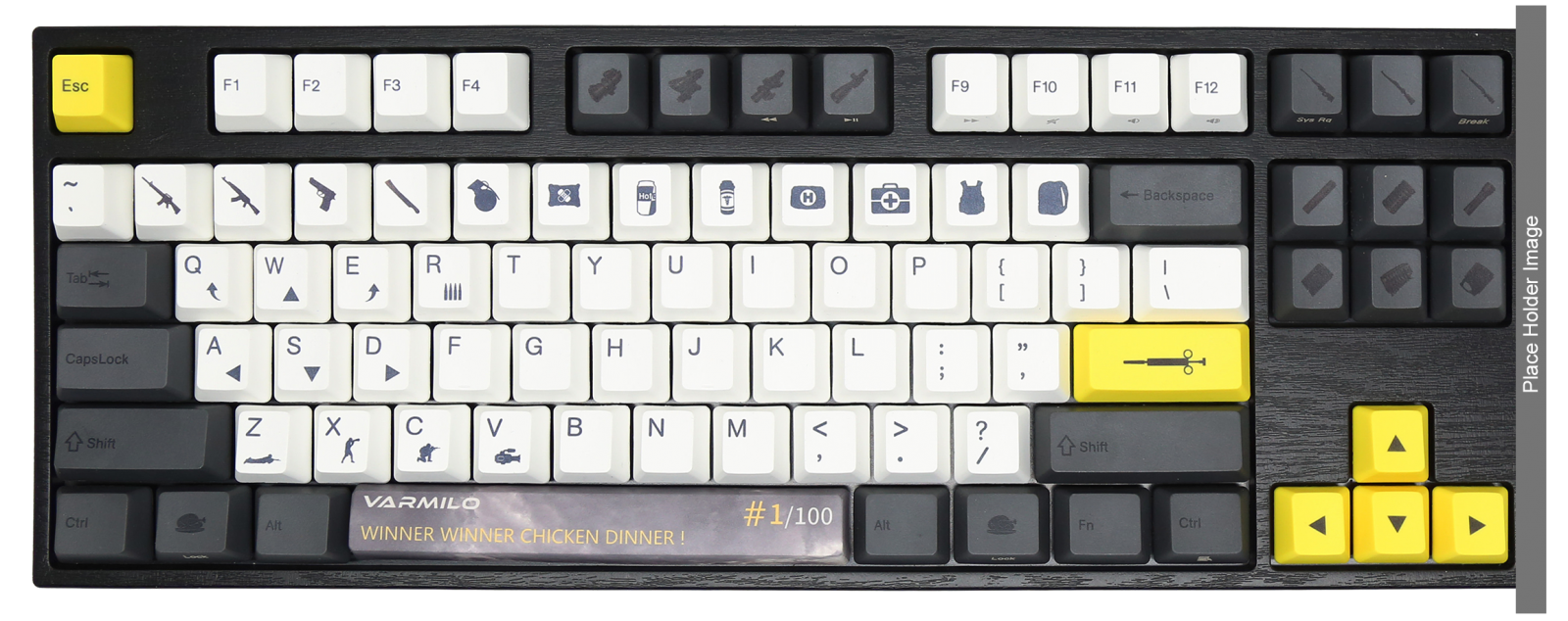
FILCO
A traditional 87-key wired board with plate-mounted Cherry MX switches, full USB rollover and a deliberately simple, software-free design.
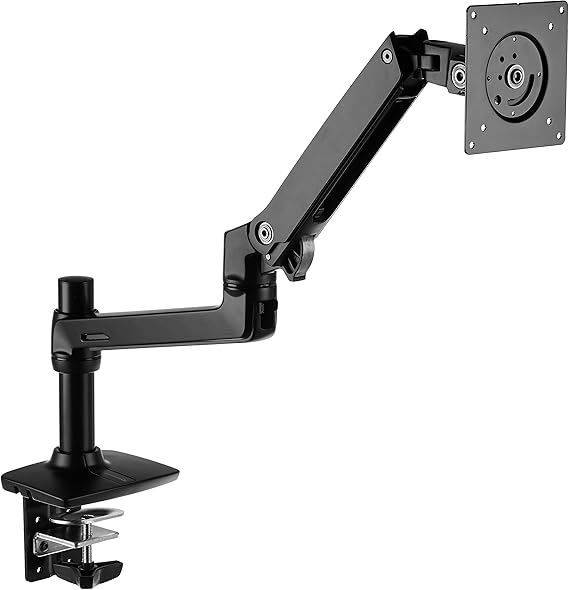
Amazon Basics
A legacy gas-spring desk arm for screens up to 32 inches and 25 pounds, with VESA 75/100 support and clamp or grommet mounting.
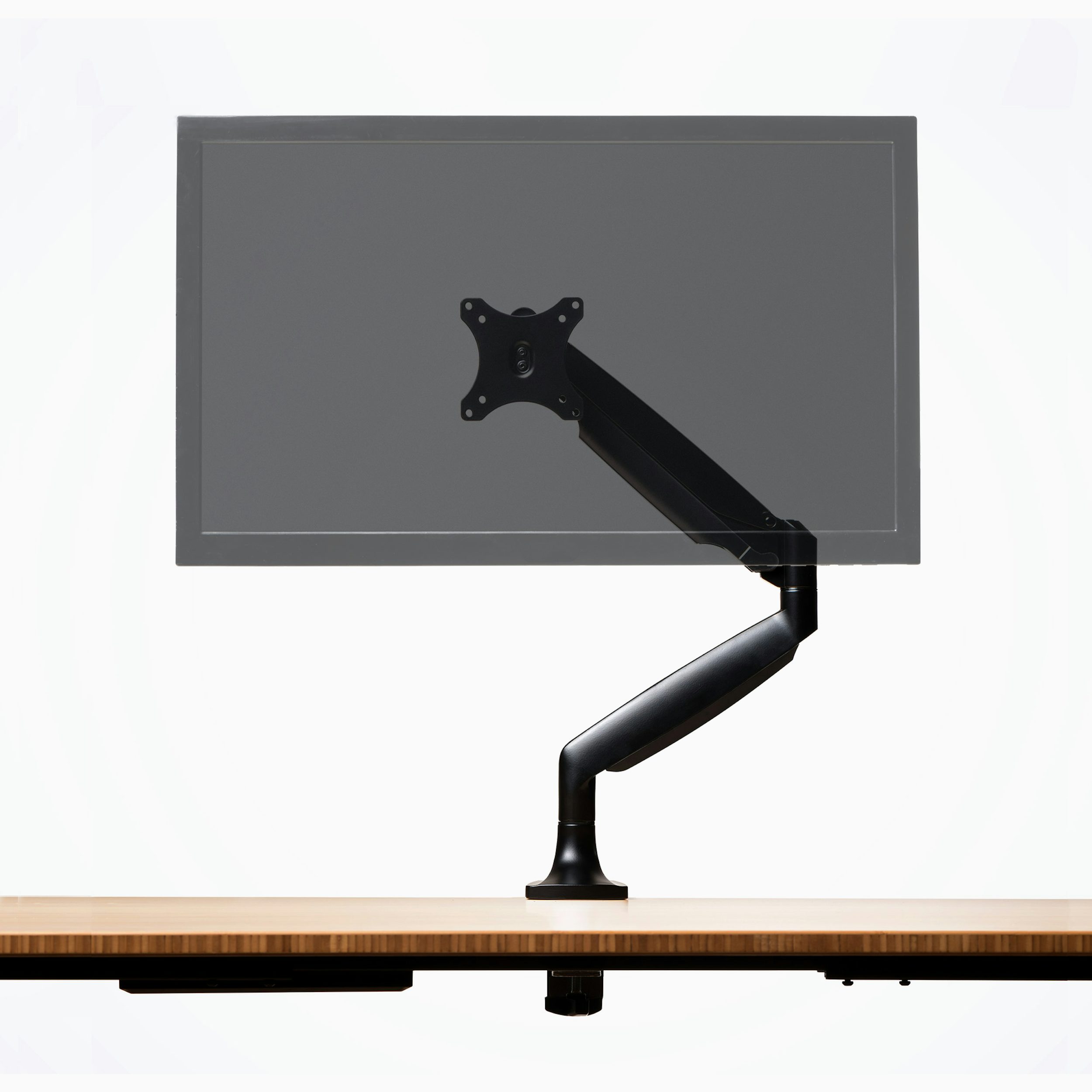
Herman Miller
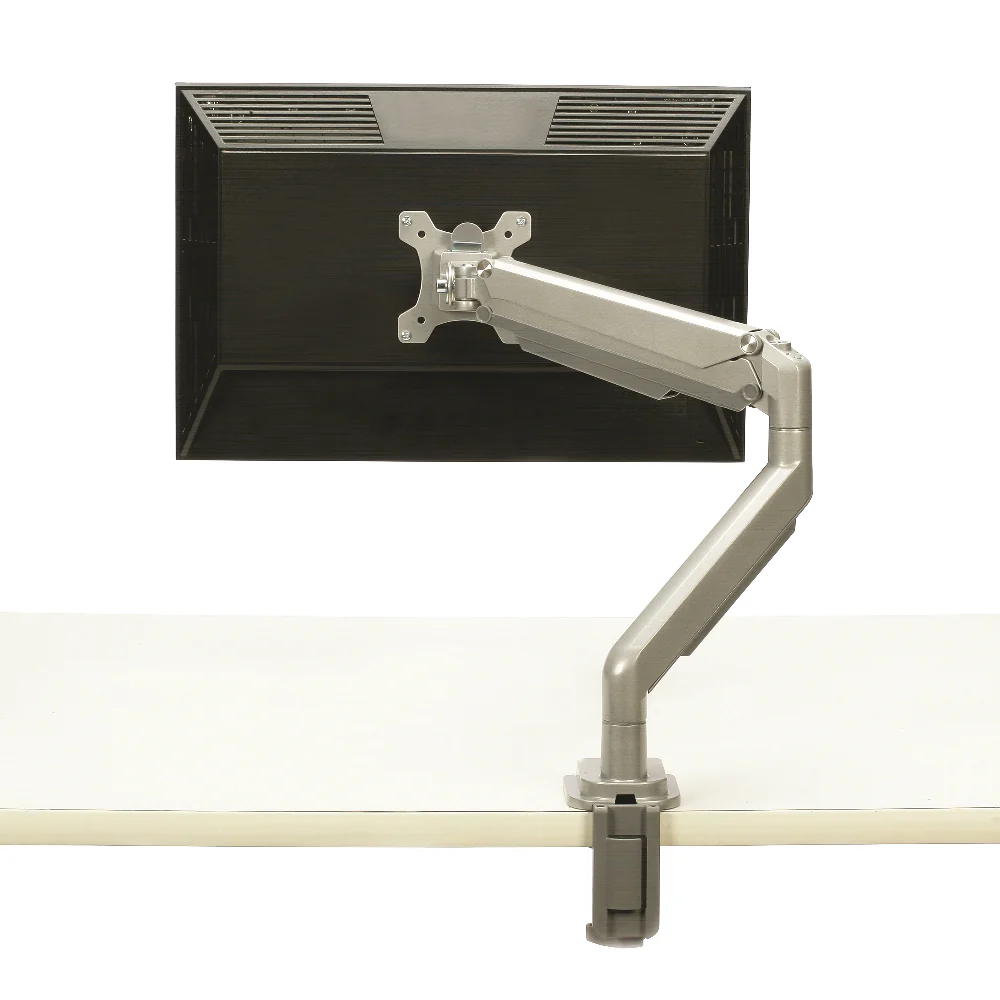
A current single monitor arm for 13-to-32-inch screens up to 19 pounds, with removable VESA plate, clamp/grommet mounting and 10-year coverage.
IKEA
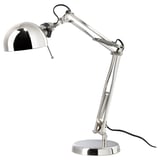
An inexpensive steel task lamp with adjustable arm and head, a weighted base and a standard replaceable E12 bulb.
Grovemade
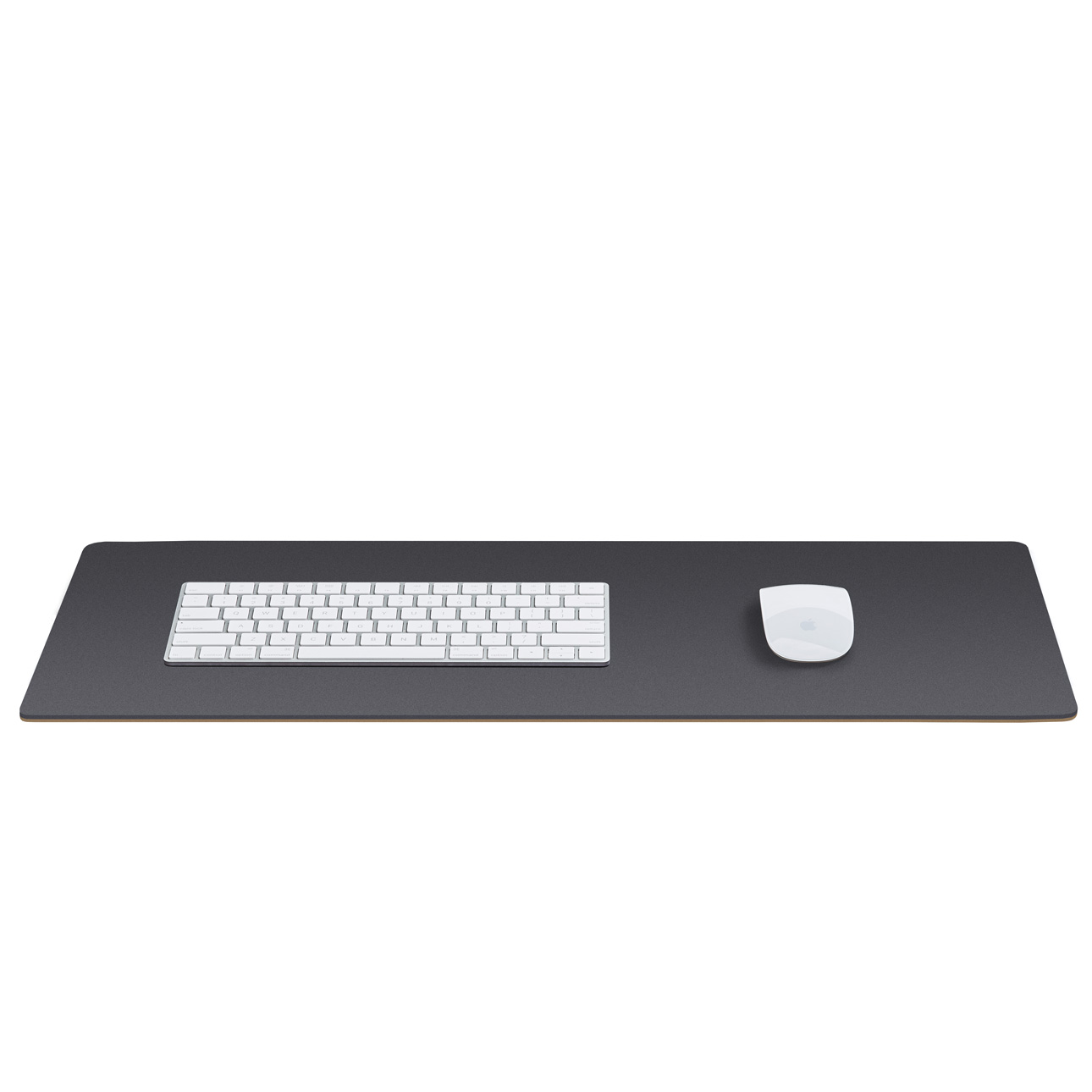
A natural-linoleum and cork desk pad with a smooth matte writing surface, anti-static behavior and five sizes from 24.75 to 49 inches wide.
Buying guide
List each user’s dimensions, daily tasks, device count, room limits, and need to alternate positions before comparing products. Favor published adjustment ranges over an “ergonomic” label. The fitted setup should let feet rest on the floor or a stable footrest, support the back, keep shoulders relaxed, and place controls within easy reach. For a chair, test comfort and fit over an extended period when the seller’s trial policy allows it.
Check seat-height and depth adjustment, lumbar support, recline control, removable or adjustable armrests, a stable five-leg base, and casters suited to the floor. Operate every control while seated and confirm that the chair fits under the desk without forcing a reach. For long-term ownership, ask whether casters, arm pads, cylinders, and controls are sold separately, and read the warranty for mechanism, labor, and shipping exclusions rather than relying on its headline duration.
A work surface needs enough depth for a readable viewing distance, enough clear space for legs and feet, and a height range that puts the keyboard near elbow level. Move an adjustable desk from bottom to top with the intended monitor load: check wobble, pinch points, control access, and cable slack. Choose monitor supports that hold position and permit height, distance, tilt, and side-to-side adjustment; place the primary display directly ahead with its top at or below eye level.
Place the keyboard and pointer at the same level and close enough that elbows stay near the body and wrists remain aligned with the forearms. A compact keyboard or separate number pad can reduce mouse reach when the task permits. For a laptop used for prolonged typing, budget for an external keyboard and pointer. Prefer matte work surfaces and adjustable, shielded task lighting; orient the screen to limit window and lamp reflections instead of compensating with an awkward posture.
Before purchase, obtain model-specific warranty terms, parts availability, assembly instructions, and load limits. Prefer ordinary fasteners, replaceable high-wear parts, stable cable routing, and controls that do not depend on one inaccessible component; verify these points with the seller rather than assuming them. After setup, use a workstation checklist to catch unsupported feet, raised shoulders, glare, excessive reach, or twisted viewing. Recheck the fit when users, tasks, or equipment change.
FAQ
Choose adjustment ranges that fit the actual user, not a generic body-size claim. OSHA recommends a supportive backrest, a seat that lets the feet rest flat on the floor or a footrest, and armrests that permit relaxed shoulders and elbows close to the body. Try the chair before purchase and confirm that the controls are reachable and useful in your normal working position.
Prioritize usable depth, leg clearance, and a work-surface height that keeps frequently used devices within easy reach. OSHA says the desk should place the monitor directly ahead and at least 20 inches away, while leaving enough space below for the user to change posture. Check the setup with the actual monitor, keyboard, pointing device, cables, and chair rather than judging the empty desktop alone.
OSHA advises placing the monitor directly in front of you, with the top line of the screen at or below eye level. A generally preferred viewing distance is 20 to 40 inches, but text must remain readable while your head and torso stay upright and your back remains supported. Positioning the screen perpendicular to a window can also reduce overhead glare and reflections.
Place the keyboard directly in front of you at a distance that lets the elbows stay near the body and the forearms remain roughly parallel to the floor. Adjust chair or work-surface height so shoulders are relaxed and wrists stay straight rather than bent up, down, or sideways. If a tray is necessary, verify that it has enough room for the keyboard and pointing device without reducing leg clearance.
No pointing-device shape is automatically right for every hand or task. OSHA recommends a device that fits the hand, works with a straight wrist, and can be kept close to the keyboard; sensitivity should allow control with a light touch. Try a new design before committing to long-term use, and consider keyboard shortcuts or alternating hands to reduce uninterrupted pointing-device work.
No. OSHA notes that there is no single correct posture or component arrangement for everyone, and that prolonged static postures can fatigue localized muscles even when a workstation is well configured. An easily adjustable workstation can support posture changes, but task variation and short recovery breaks that include standing, stretching, or moving remain important parts of the setup.
Honoring the visionaries whose work paved the way for the products we rely on today.
Henry Dreyfuss brought anthropometric data into industrial design. His books Designing for People and The Measure of Man presented human-factor measurements and ergonomic reference material for designing products around users, linking product usability with physical fit.
Frank Bunker Gilbreth pioneered time-and-motion study and examined how work could be organized through observation of movement. His motion studies and work in industrial engineering helped establish an evidence-based approach to analyzing movement and task design.
Lillian Moller Gilbreth combined psychology with industrial engineering in time-and-motion and fatigue studies. Her work helped develop human-factors and ergonomics approaches that considered how task design and working conditions affect people.
Bill Stumpf studied how people sit with specialists in orthopedic and vascular medicine, then applied that research to office seating. His Ergon chair, introduced in 1976, and later collaborations on Equa and Aeron connected chair design with research into sitting, support, and movement.
Don Chadwick collaborated with Bill Stumpf on the Equa, Sarah, and Aeron chairs, using research into sitting, long-term use, and chair kinematics. The Aeron project combined that research with a flexible textile suspension and launched in 1994.
Research last refreshed
J. Jay Keegan · 1953
Keegan relates seated posture to changes in the lumbar curve, emphasizing trunk-thigh angle and lower-back support. The paper offers an early clinical basis for evaluating seat geometry rather than treating comfort as a purely stylistic property.
W. F. Floyd and D. F. Roberts · 1958
Floyd and Roberts apply anatomical, physiological, and clinical evidence about movement and posture to the dimensions and shapes of chairs and tables. Their scope includes furniture for office and domestic use, linking seating and work-surface design to the user’s body.
K. H. Eberhard Kroemer and Joan C. Robinette · 1968
This review synthesizes European guidance on healthy sitting and office furniture. It compiles recommendations for seat and backrest geometry, desk height, and work surfaces used with office machines, while noting areas where the literature did not support a single fixed dimension.