6.7/10
Premium25 yr life
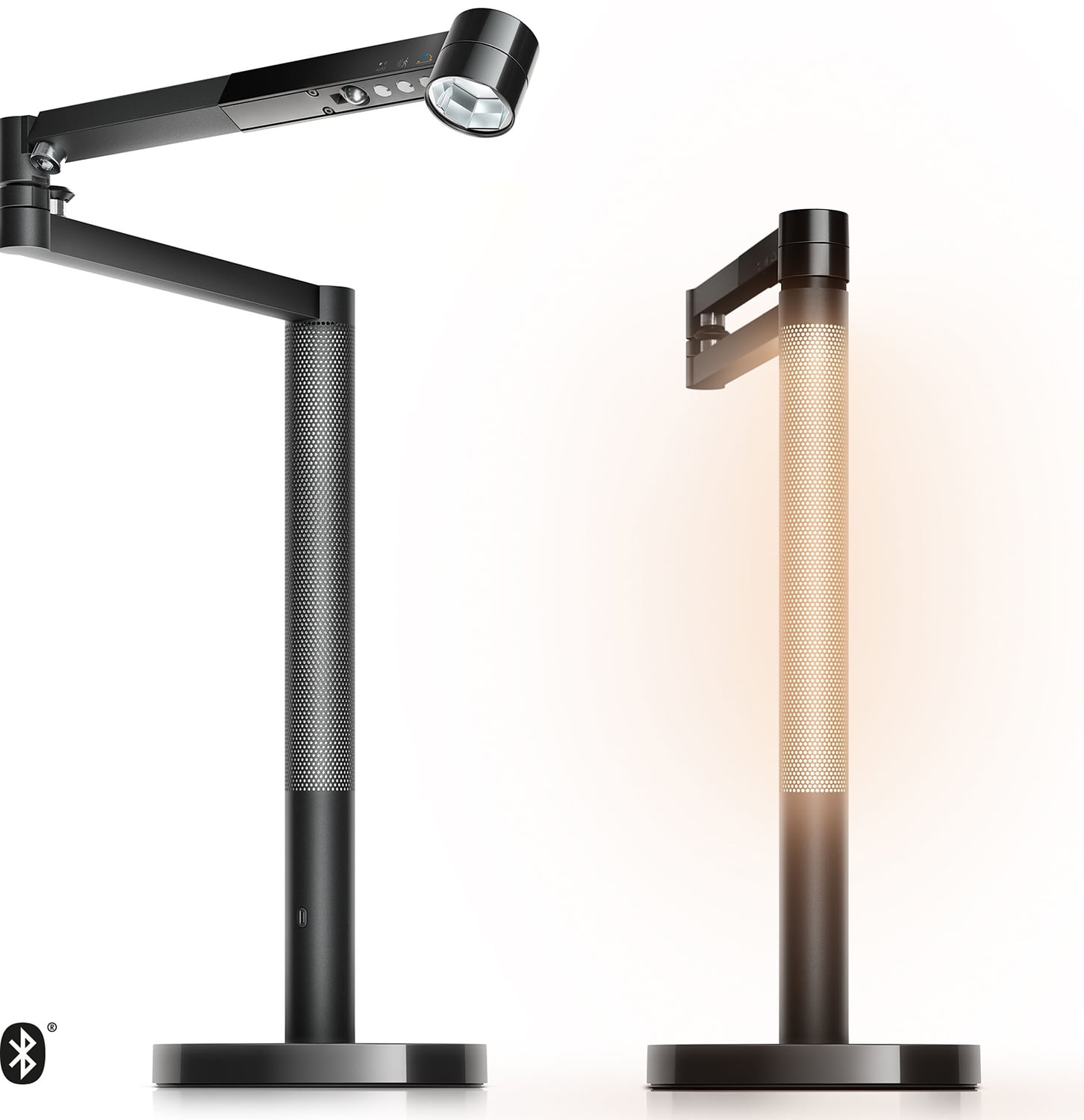
Solarcycle Morph Desk Light CD06
Dyson
An app-connected 850-lumen task light with daylight tracking, motion and ambient sensors, magnetic ambient docking and a five-year warranty.
- Repair
- 5.3/10
- TCO
- 6.9/10
$499.99
Durable buying guide
Choose task lighting and desk accessories that match the work: adjustable lamps with stable bases, articulated supports, hoods or diffusers can direct light while limiting glare, while stable, adjustable document holders and matte desk surfaces support clear, uncluttered viewing.
1 products
Superior features, extended warranties, and high-end materials for enhanced performance.
Dyson
An app-connected 850-lumen task light with daylight tracking, motion and ambient sensors, magnetic ambient docking and a five-year warranty.
9 products
A balanced blend of performance, quality, and price for the discerning user.
Anglepoise
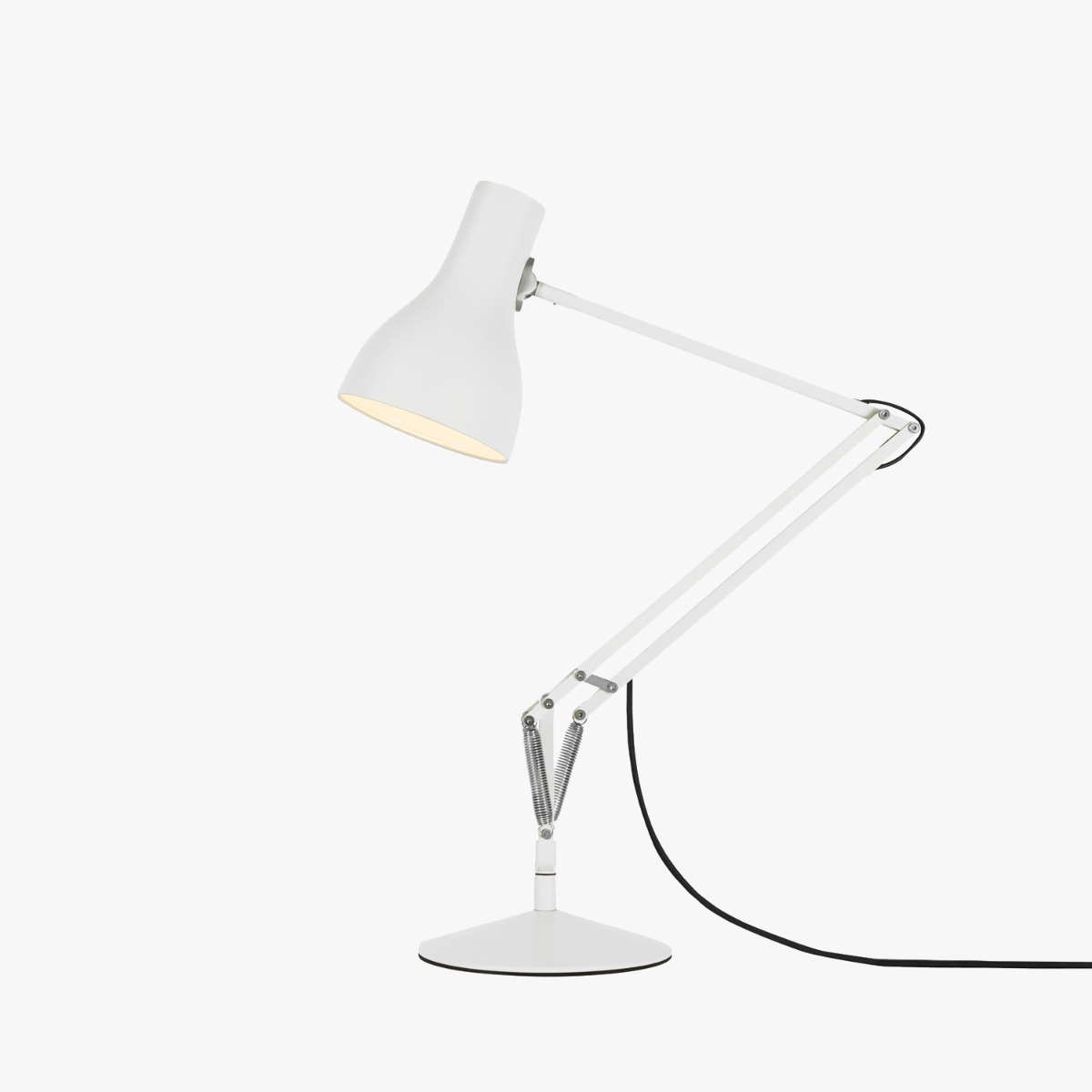
A spring-balanced aluminum task lamp with a heavy cast-iron base, replaceable E26 bulb and Anglepoise lifetime guarantee after registration.
Luxo
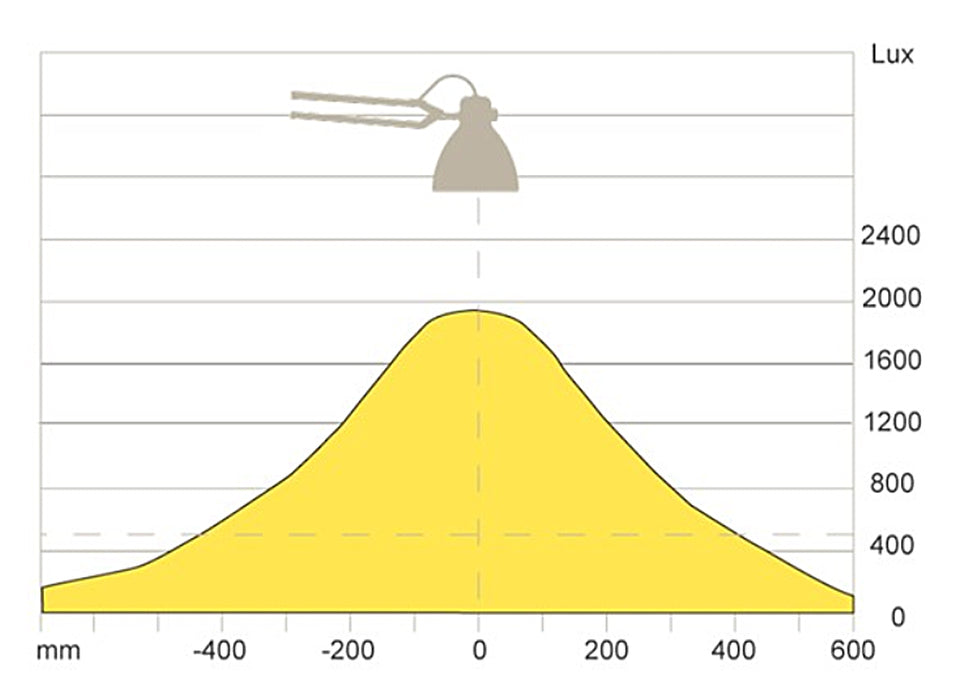
The 1937 spring-balanced architect lamp updated with a dimmable LED engine, automatic shutoff and included table clamp.

Humanscale
A 7-watt, 91+ CRI aluminum task light with constant-torque hinges, occupancy sensing, touch dimming and a ten-year warranty.

Artemide
A compact spring-balanced aluminum Tolomeo with a pivoting shade, weighted circular base and replaceable lamp on the classic North American version.
Steelcase
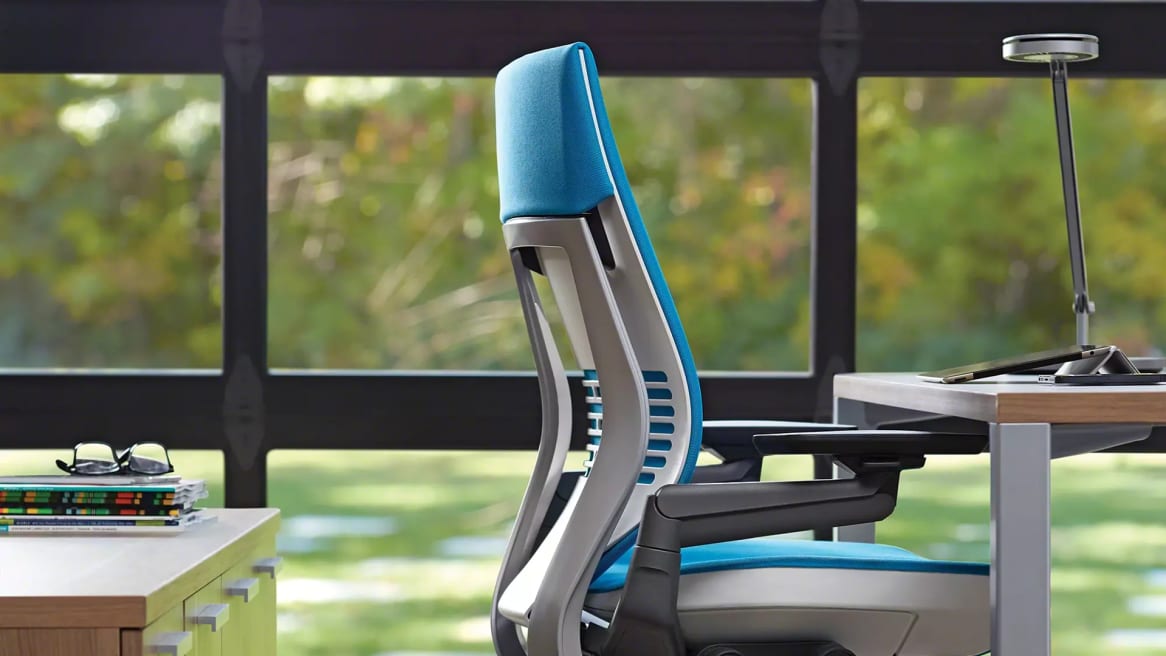
A commercial 3500K task light with three tension-adjustable pivots, replaceable light head, multiple mounts and optional occupancy sensing.
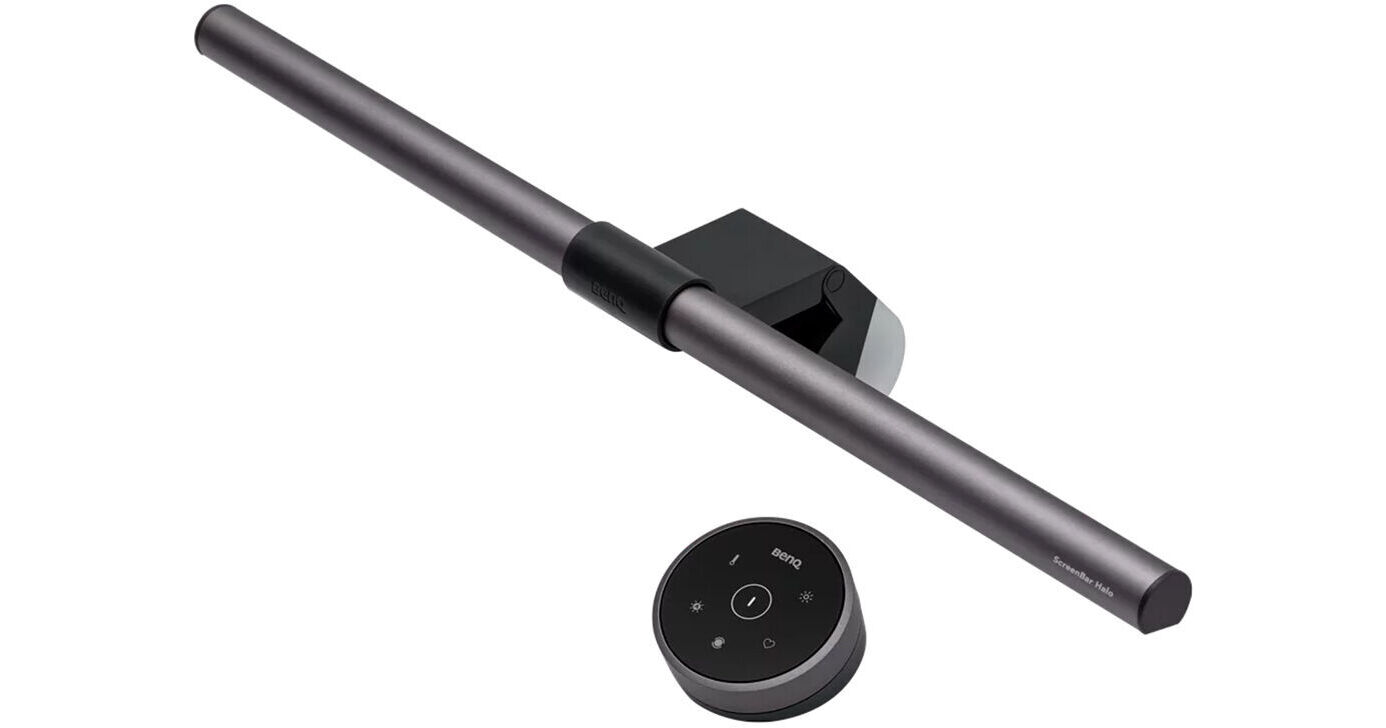
BenQ
The original USB monitor light bar with front and rear illumination, a wireless control dial, 95+ CRI and automatic 500-lux adjustment.
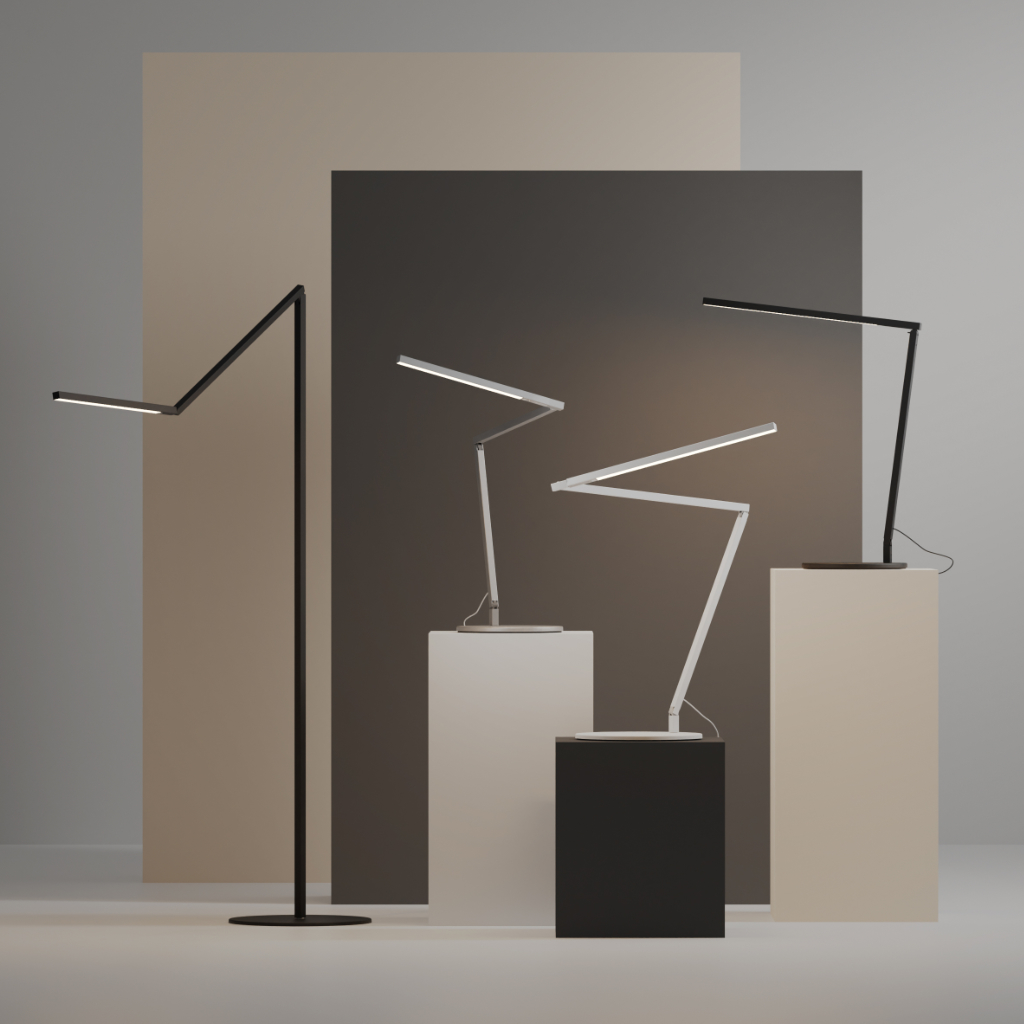
Koncept
A slim aluminum three-bar task light with touch-strip dimming, 90 CRI LEDs, multiple mounts and a five-year warranty.
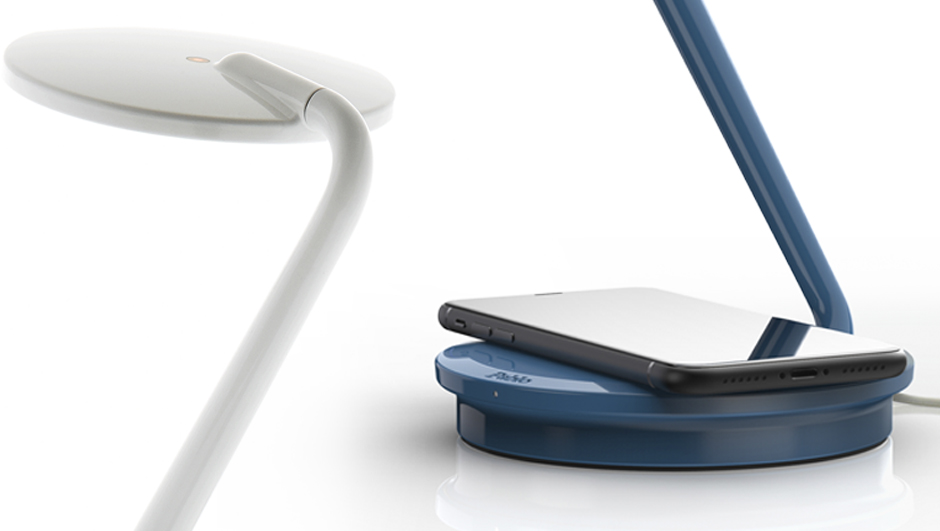
Pablo Designs
A compact 3000K LED task lamp with fluid multi-axis movement, touch dimming, 15-watt Qi charging and USB-C power output.
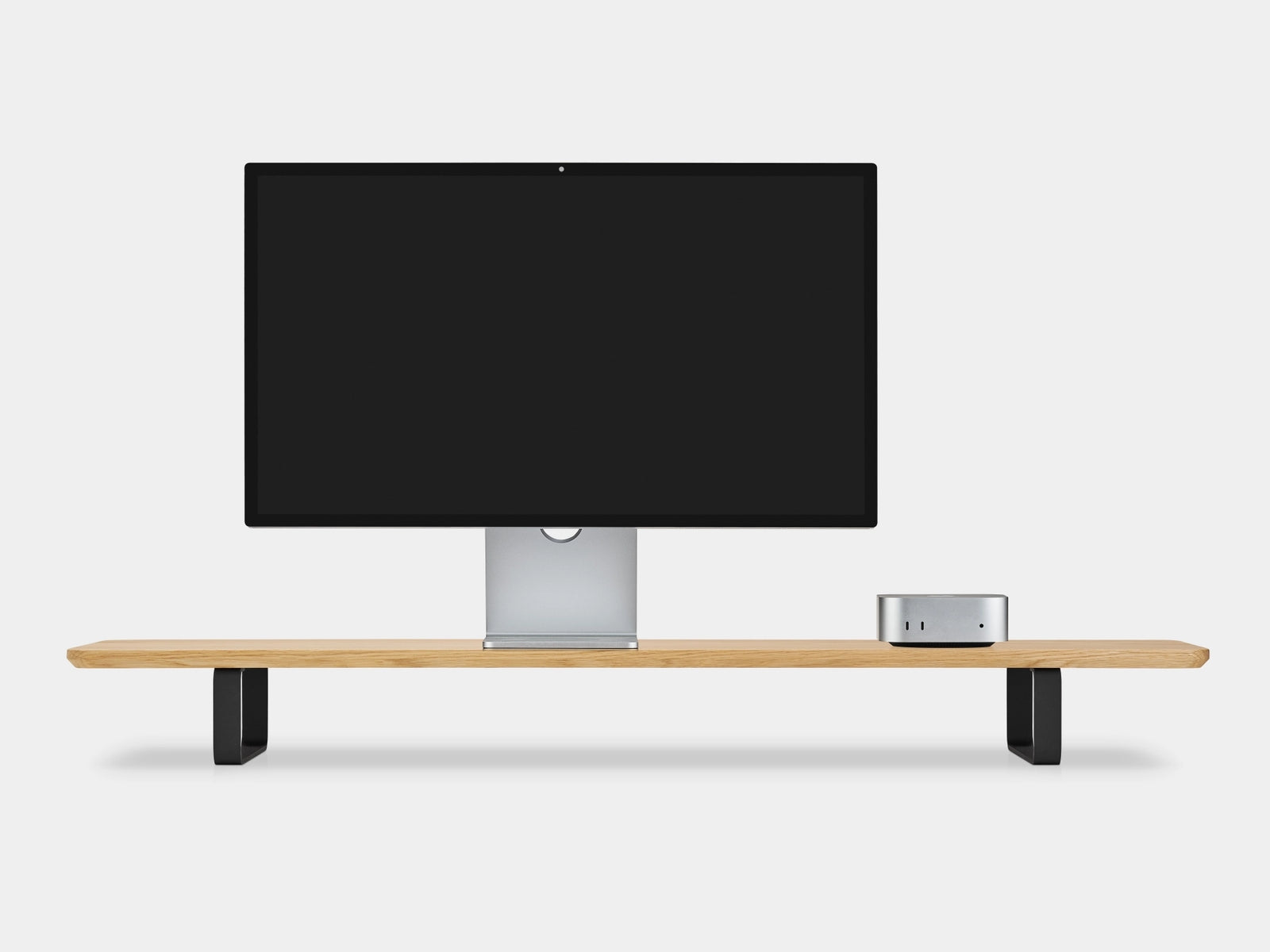
Oakywood
A 41.3-inch solid-wood dual-monitor riser on curved powder-coated steel legs, rated to 220 pounds and covered for five years.
2 products
Budget-conscious selections offering the best value and reliability for essential needs.
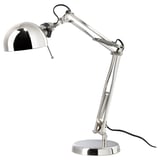
IKEA
An inexpensive steel task lamp with adjustable arm and head, a weighted base and a standard replaceable E12 bulb.
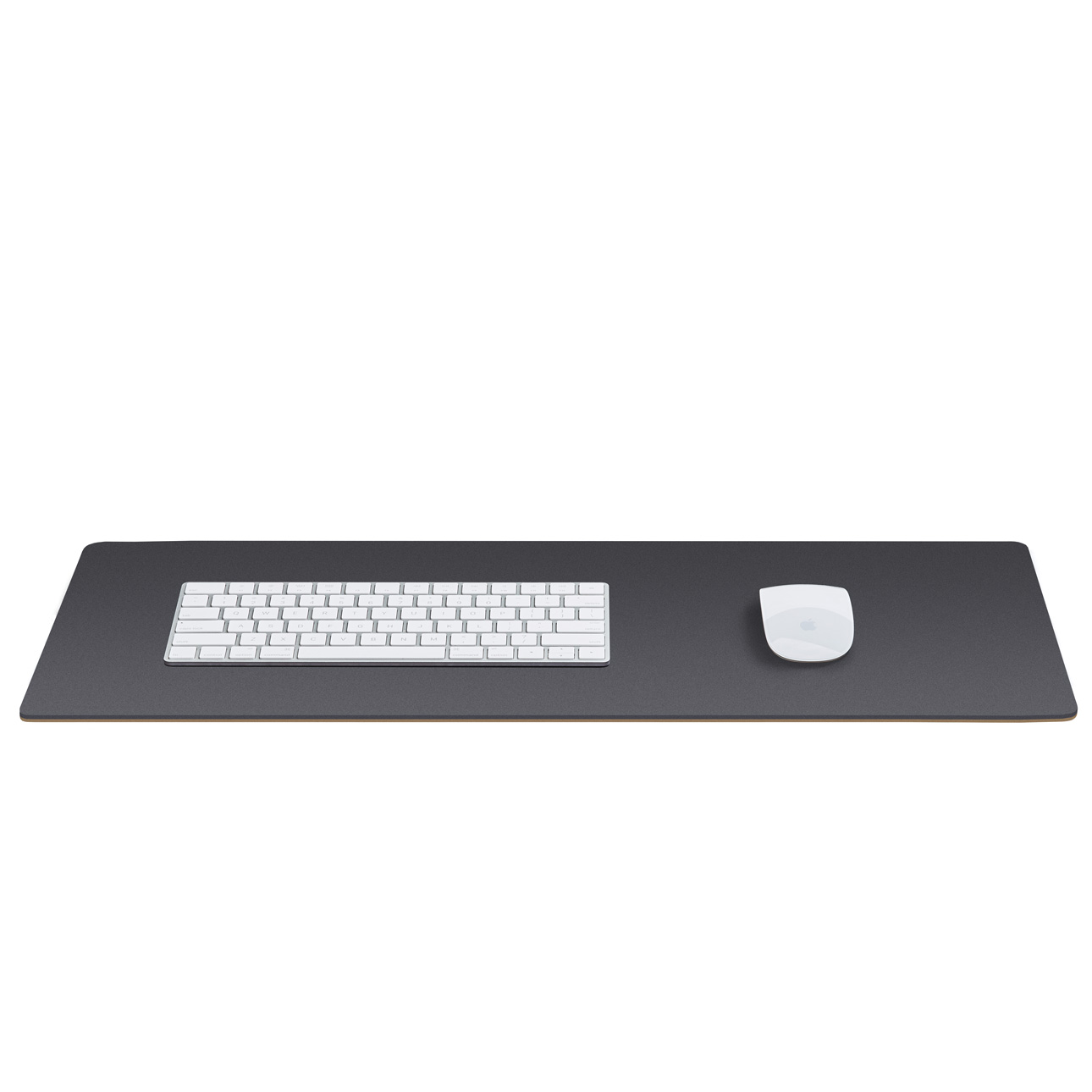
Grovemade
A natural-linoleum and cork desk pad with a smooth matte writing surface, anti-static behavior and five sizes from 24.75 to 49 inches wide.
Shop by brand
Buying guide
Start with the task rather than a headline lumen figure or wellness claim. Paper work usually benefits from a broad, bright field, while screen work needs more controlled light that does not wash out the display. Place the lamp so your hand and nearby objects do not cast shadows across the work, then check the screen and glossy surfaces from your normal seated or standing position. An adjustable beam, intensity control, and movable head make it easier to adapt as daylight, layout, or users change.
Glare can come directly from a bright lamp or indirectly from a monitor, glass top, polished desk, or other reflective surface. Favor a shade or hood that keeps the emitter out of your normal sightline, a diffuser where a softer field is useful, and matte finishes around the work zone. Before buying, confirm that the lamp can be positioned beside the task without reflecting in the display. Supplemental task light should illuminate writing and reading without needlessly increasing brightness around the monitor.
Adjustment only helps when it stays put. For a lamp, look for a broad, stable base or a clamp sized for the actual desktop, articulated supports with enough reach, and pivots that move smoothly without drifting. Check the full path for collisions with a monitor arm, shelf, wall, or standing desk. Apply the same test to document holders and device stands: they should remain stable while allowing practical changes in height, distance, position, and viewing angle. Prefer rounded contact edges and replaceable fasteners over adhesive-only attachment.
An LED lifetime claim does not describe every part that can end a lamp's useful life. The Department of Energy notes that drivers, electronics, thermal management, optics, wires, connectors, and other components can all cause failure, and that LED package life depends strongly on heat management. Inspect whether the power supply, cord, lamp, or light engine can be serviced or replaced; look for strain relief and unobstructed cooling; and ask what the warranty actually covers. A standard replaceable lamp or external power supply can reduce the risk of discarding an otherwise sound arm and housing.
Choose accessories to solve a measured placement or support problem, not to fill a matching set. A document holder used beside the monitor should put reference material near the screen's height and distance; one used for frequent writing may work better between the keyboard and monitor. Check that trays, shelves, cable guides, and stands preserve legroom, reach, desk movement, and access to controls. Recheck the setup after installation: local task lighting is valuable because it can be adjusted and controlled for the individual user, but only if every joint and accessory remains reachable.
FAQ
Start with the work, not a claimed color temperature. Paper reading generally benefits from a broader, brighter pool of light, while screen work needs controlled, directional light that does not wash out the display. Choose a lamp whose position, angle, and intensity can be adjusted, then test it at your normal seated or standing position. Daylight, room lighting, eyesight, surface reflectance, and task detail all change how much local light is useful.
Position the lamp so its beam reaches the task without reflecting toward your eyes or appearing as a bright patch on the screen. OSHA recommends placing displays at right angles to windows and positioning task lights so they do not reflect on the monitor. If your writing hand casts a shadow, move the lamp to the opposite side and adjust its height or reach. Matte work surfaces, a shade or diffuser, and controlled window light can further reduce troublesome reflections.
Look for a stable base or secure clamp, articulated supports with enough reach for the whole task area, and controls you can use without disturbing the lamp's position. OSHA's purchasing guide also favors an adjustable light location, angle, and intensity, plus a hood to direct light and a diffuser where softer illumination is needed. Before buying, check that pivots hold position, the clamp fits the actual desk thickness, and the cord can route without being pinched.
Evaluate the setup from your normal working position. Temporarily block a suspected light path; if the screen or document becomes easier to see, that source is contributing glare. A small mirror placed on the work surface can reveal overhead reflections. Also inspect glossy desk pads, glass tops, polished accessories, and the display itself. Correct the identified source with repositioning, blinds, a shade or diffuser, lower intensity, or a matte surface rather than simply adding more light.
Size and position matter more than matching finishes. For a document holder, OSHA recommends stability under the expected load and adjustment for height, distance, position, and viewing angle. When the monitor is the primary focus, the document should sit near the same height and viewing distance; a holder below the monitor may suit frequent writing. For any shelf, confirm that it leaves room for the monitor, keyboard, pointing device, cables, and comfortable reach instead of crowding them.
No. Measured output is useful, but suitability also depends on beam spread, adjustability, glare control, surrounding light, surface reflectance, task detail, and the user's vision. CCOHS notes that required illumination varies by task and environment, while OSHA distinguishes broad, bright lighting for printed work from limited, focused light for computer tasks. Compare how the lamp delivers and controls light at the actual work surface, not just its maximum-output claim.
Honoring the visionaries whose work paved the way for the products we rely on today.
George Carwardine developed the balanced-arm Anglepoise lamp in 1932 from a vehicle-suspension mechanism. Its joints and spring tension let users move the shade through a wide range of positions and keep it there without clamping, establishing a practical pattern for adjustable task lighting.
Poul Henningsen made glare control a design objective in the PH lamp series. His analysis of reflected and baffled light, including a three-shade system developed in 1926–27, redirected illumination for softer light; the system expanded to table, floor, and ceiling fixtures.
Norwegian designer and Luxo founder Jac Jacobsen developed the Luxo-L1 balanced-arm lamp in 1937. Its construction drew on the Anglepoise principle and became a museum-exhibited example of classic lamp design, linking adjustable task lighting with industrial production.
Research last refreshed
E. Simonson and J. Brozek · 1948
Six normal subjects performed repeated fine-detail letter-recognition tasks under six illumination levels from 2 to 300 foot-candles. The study directly links light level with performance and fatigue in demanding visual work, while its small sample and simulated inspection task limit broad conclusions for modern desks.
Miles A. Tinker · 1945
After adapting to low light, 30 readers selected direct-lighting levels for comfortable reading, with preferences varying markedly among individuals. The result supports adjustable task lamps rather than a single fixed output, but preference alone should not be treated as proof of better performance or reduced fatigue.
A. C. Hoffman · 1947
Hoffman reexamined experiments on illumination and reading and questioned the percentage-score method used to present their findings, interpreting results through differences between means instead. It is useful as an early warning that lighting claims depend on analytical method, not merely brighter-versus-dimmer comparisons.