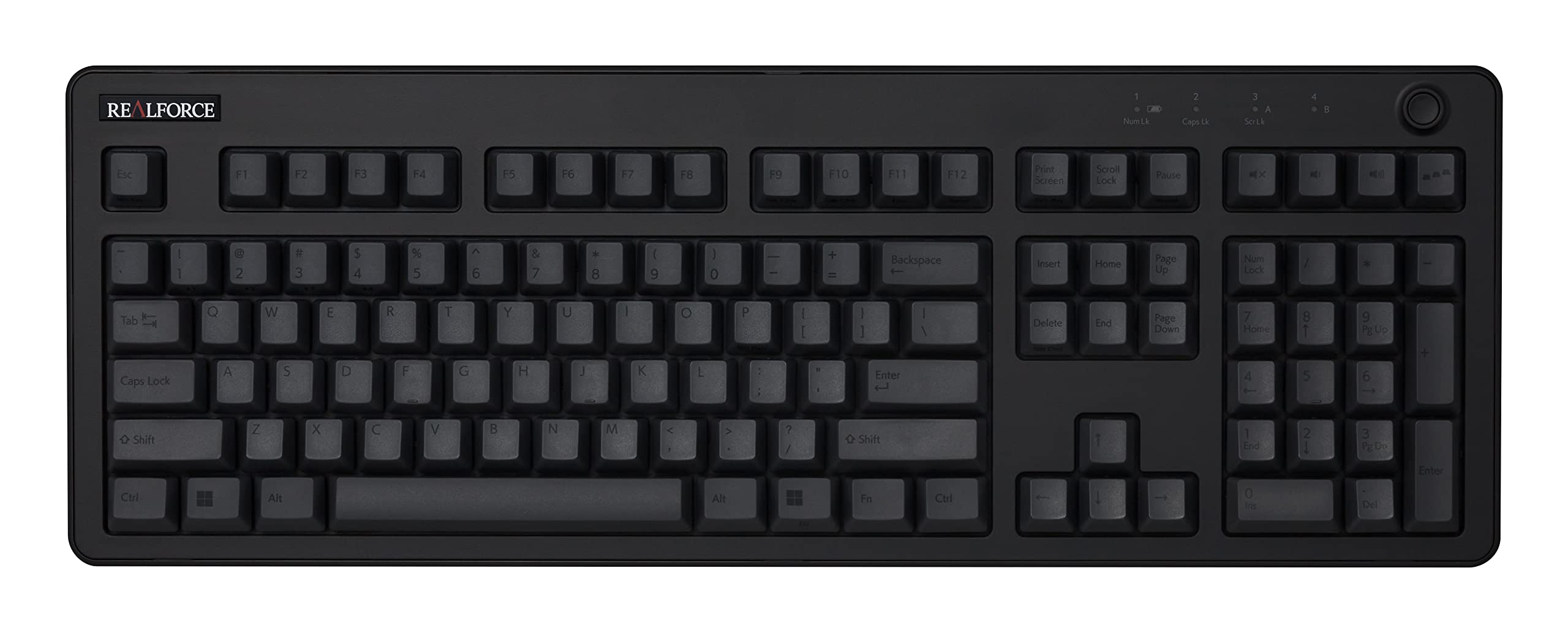
7.4/10
Durable buying guide
For a long-term keyboard, check whether switches, stabilizers, keycaps, cables, and controllers can be serviced without discarding the entire board. Standard parts and maintained firmware can matter as much as case weight.
Limits: Hot-swap sockets, batteries, wireless radios, and proprietary software introduce their own failure points. A high preliminary score does not prove a model is the most durable.
1 products
Superior features, extended warranties, and high-end materials for enhanced performance.
6 products
A balanced blend of performance, quality, and price for the discerning user.
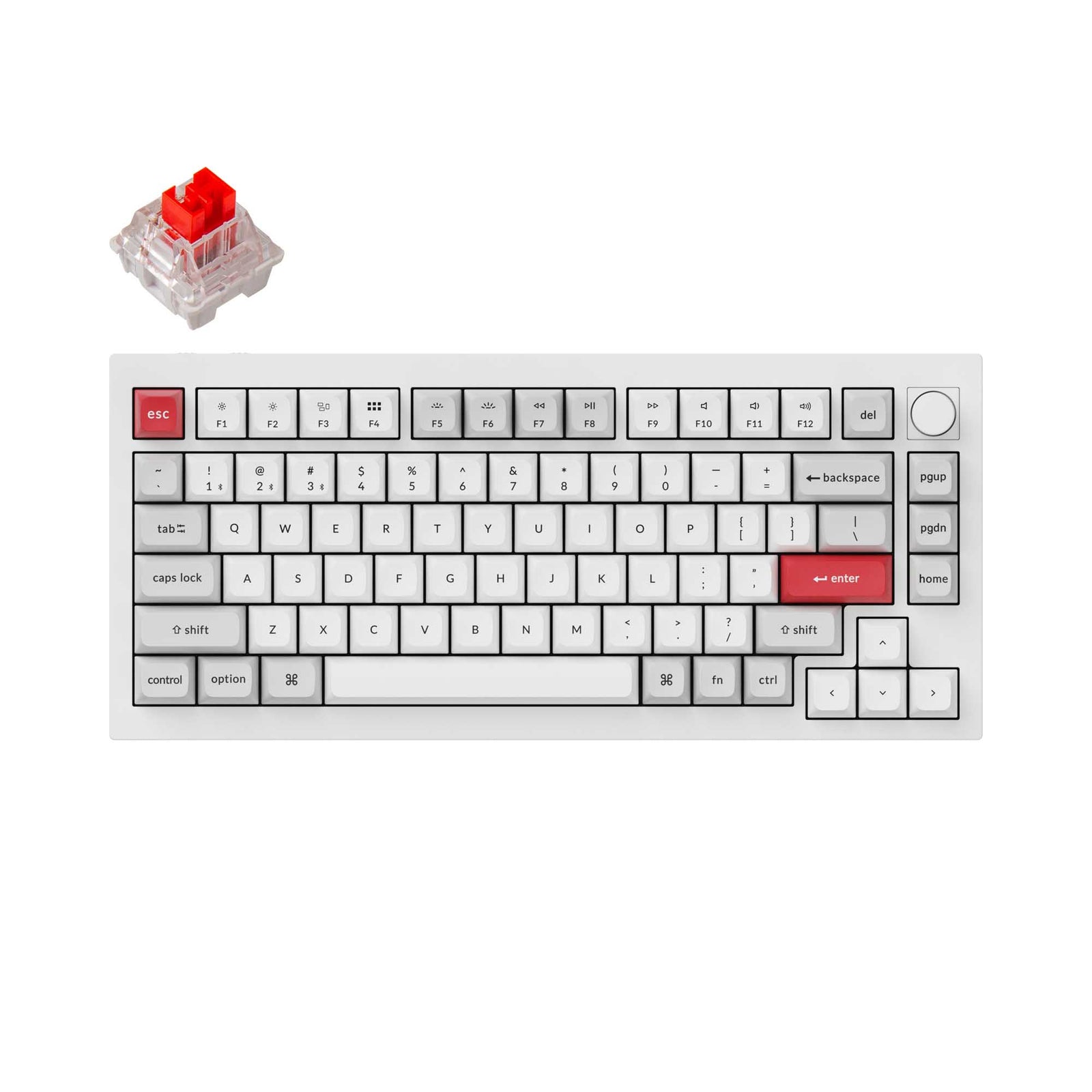
Keychron
A 75% full-aluminum wireless custom keyboard with double-gasket mounting, hot-swap sockets, QMK/VIA programming and a programmable knob.

Das Keyboard
A full-size wired board with Cherry MX2A switches, aluminum top panel, dedicated media controls and a two-port USB 3.0 hub.
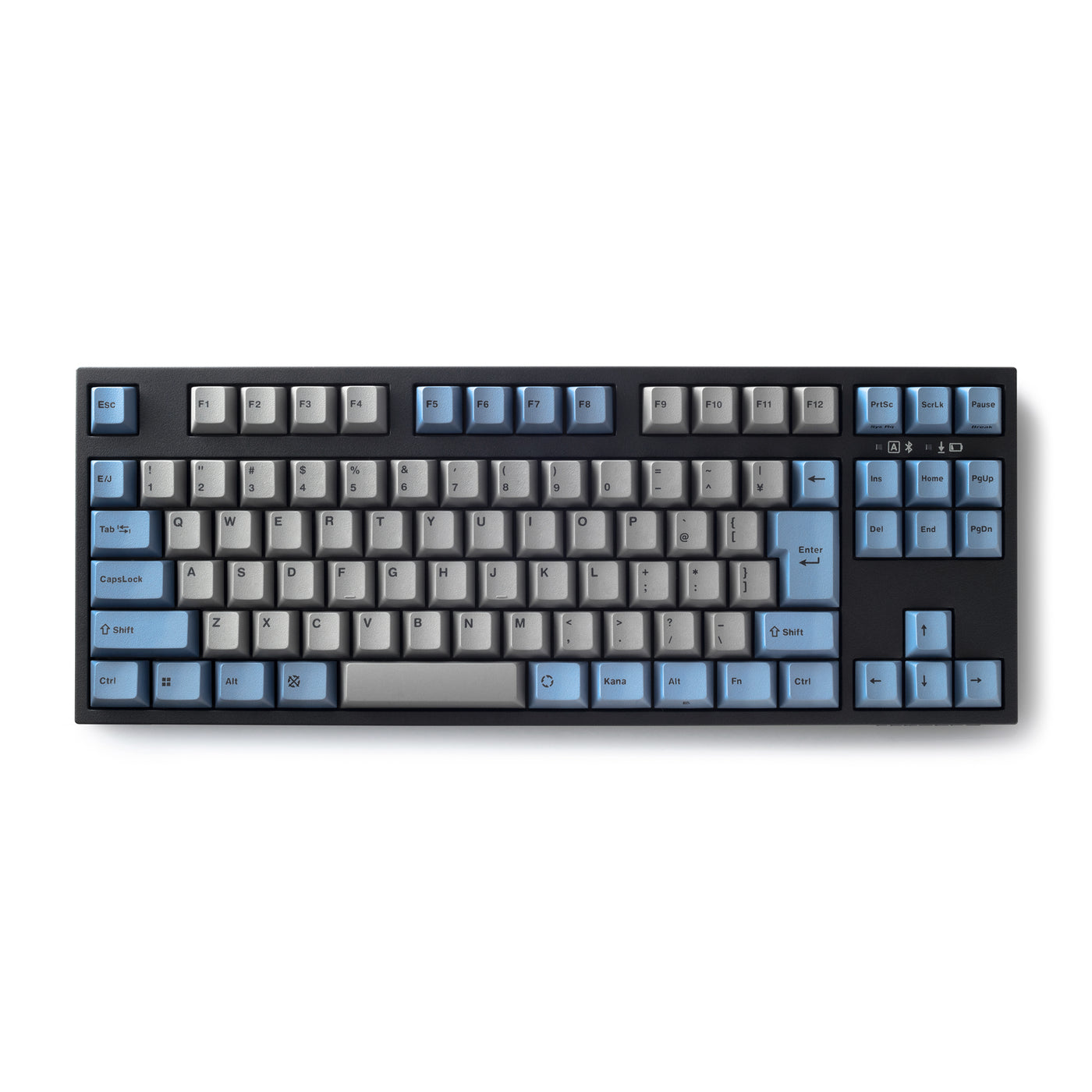
Leopold
A Bluetooth-and-USB tenkeyless board with Cherry MX2A switches, double-shot PBT caps, replaceable AAA power and, on the latest Japanese revision, hot-swap sockets.
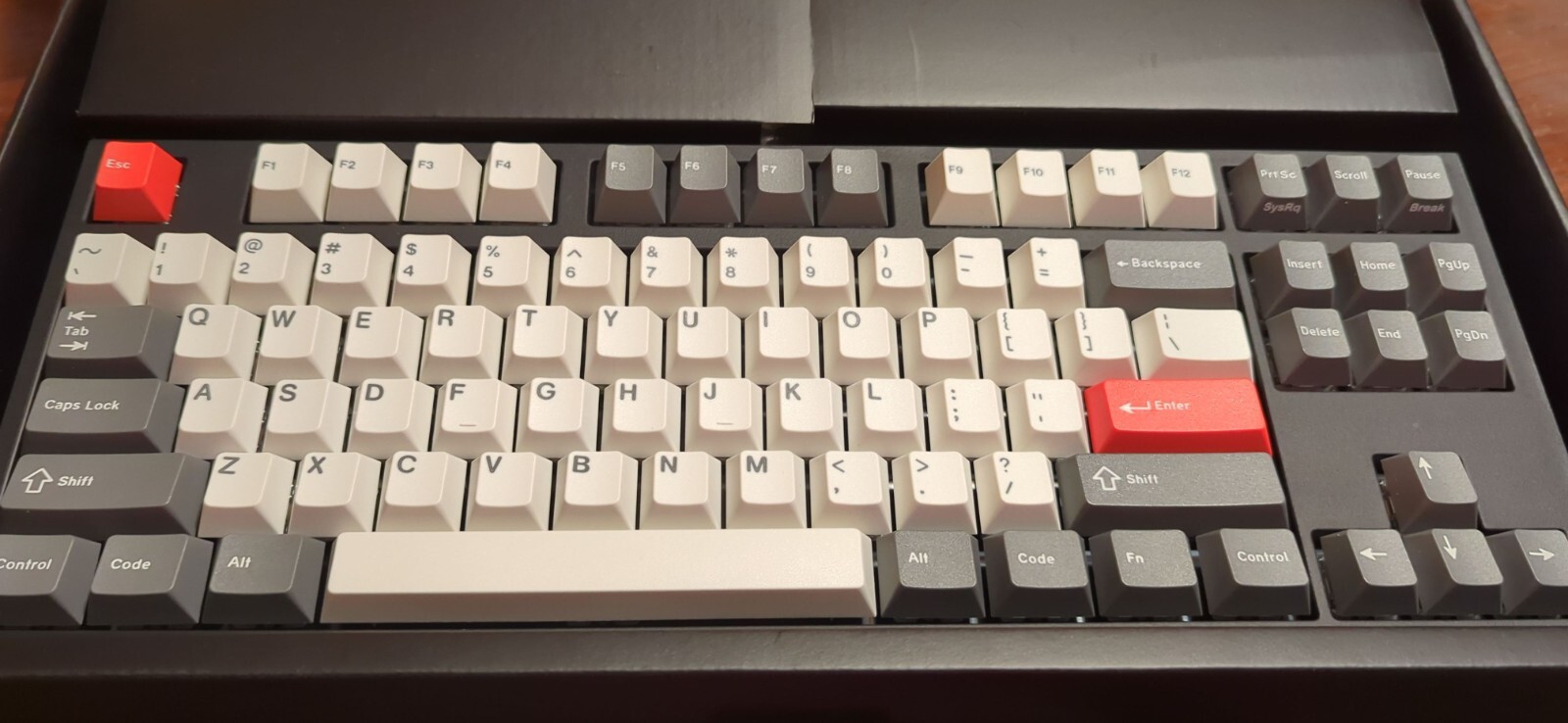
HHKB
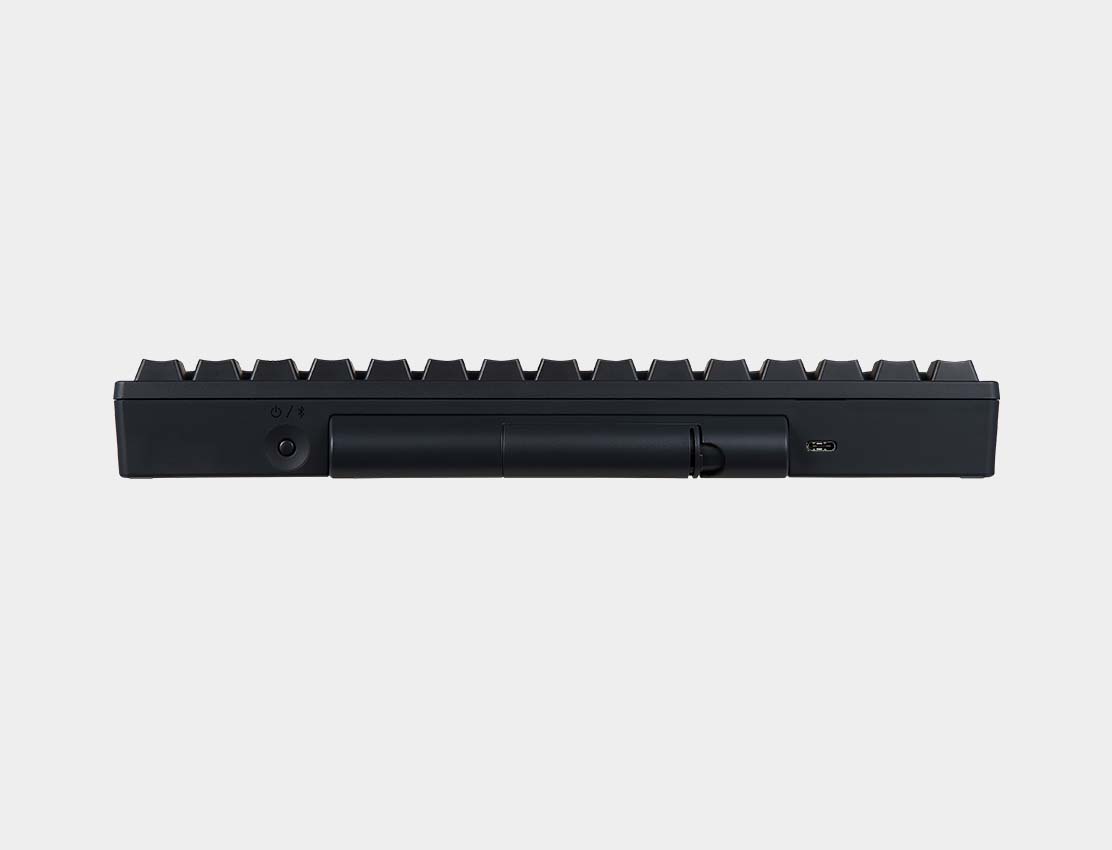
A compact 60-key electrostatic-capacitive keyboard with silent 45 g Topre switches, four-device Bluetooth, USB-C and onboard keymap storage.
Glorious
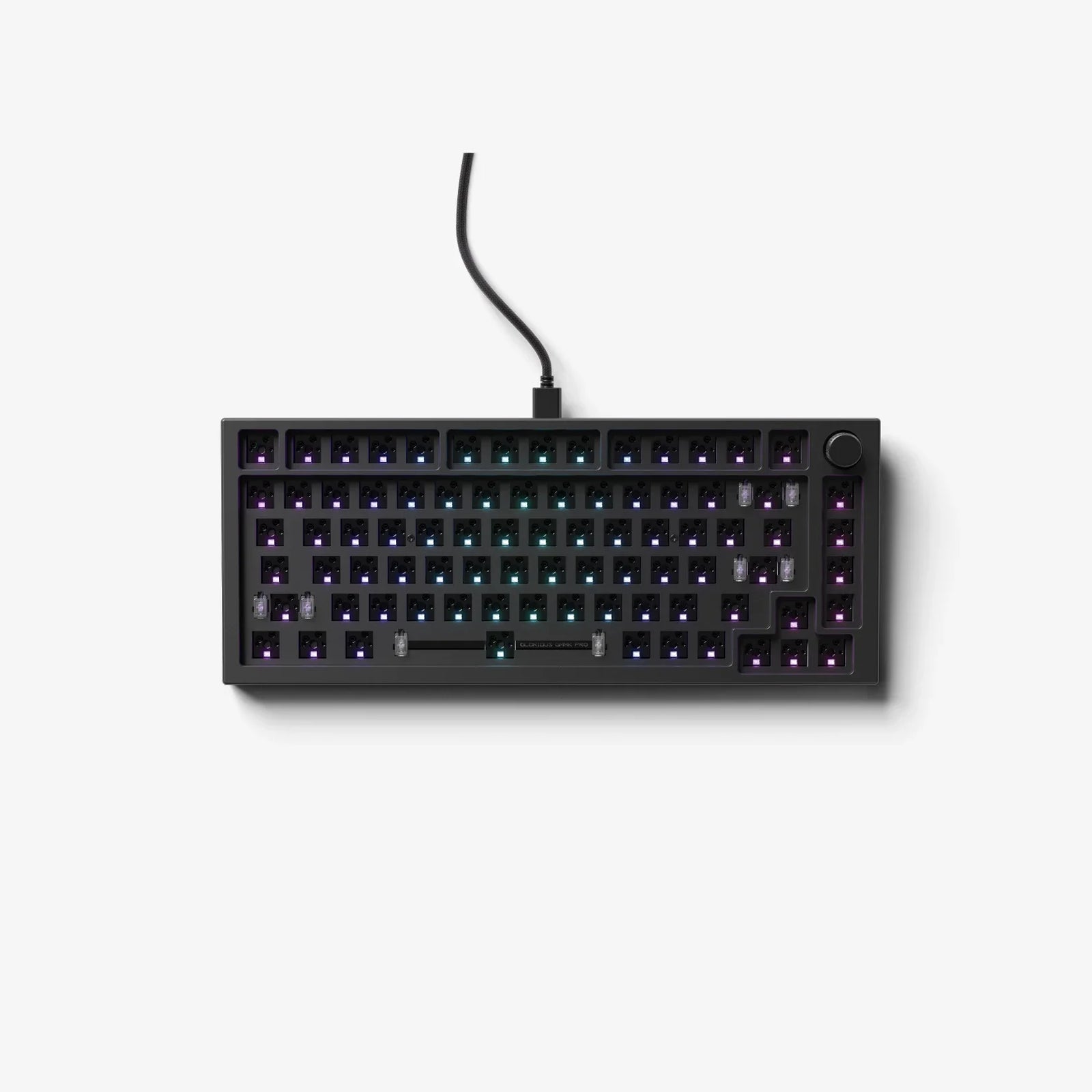
A heavy CNC-aluminum 75% barebones board with gasket mounting, 5-pin hot-swap sockets, QMK support, per-key RGB and a programmable rotary encoder.
5 products
Budget-conscious selections offering the best value and reliability for essential needs.
Unicomp
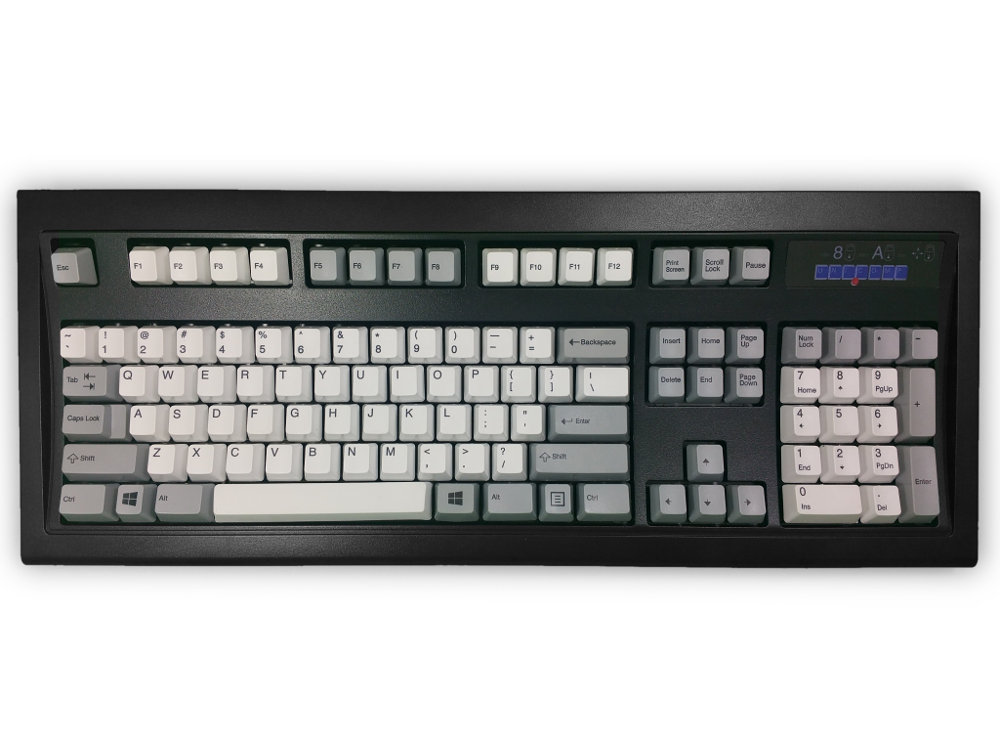
A newly manufactured 104-key buckling-spring keyboard with dye-sublimated PBT caps, a steel-backed chassis and the unmistakable tactile click of the IBM Model M lineage.
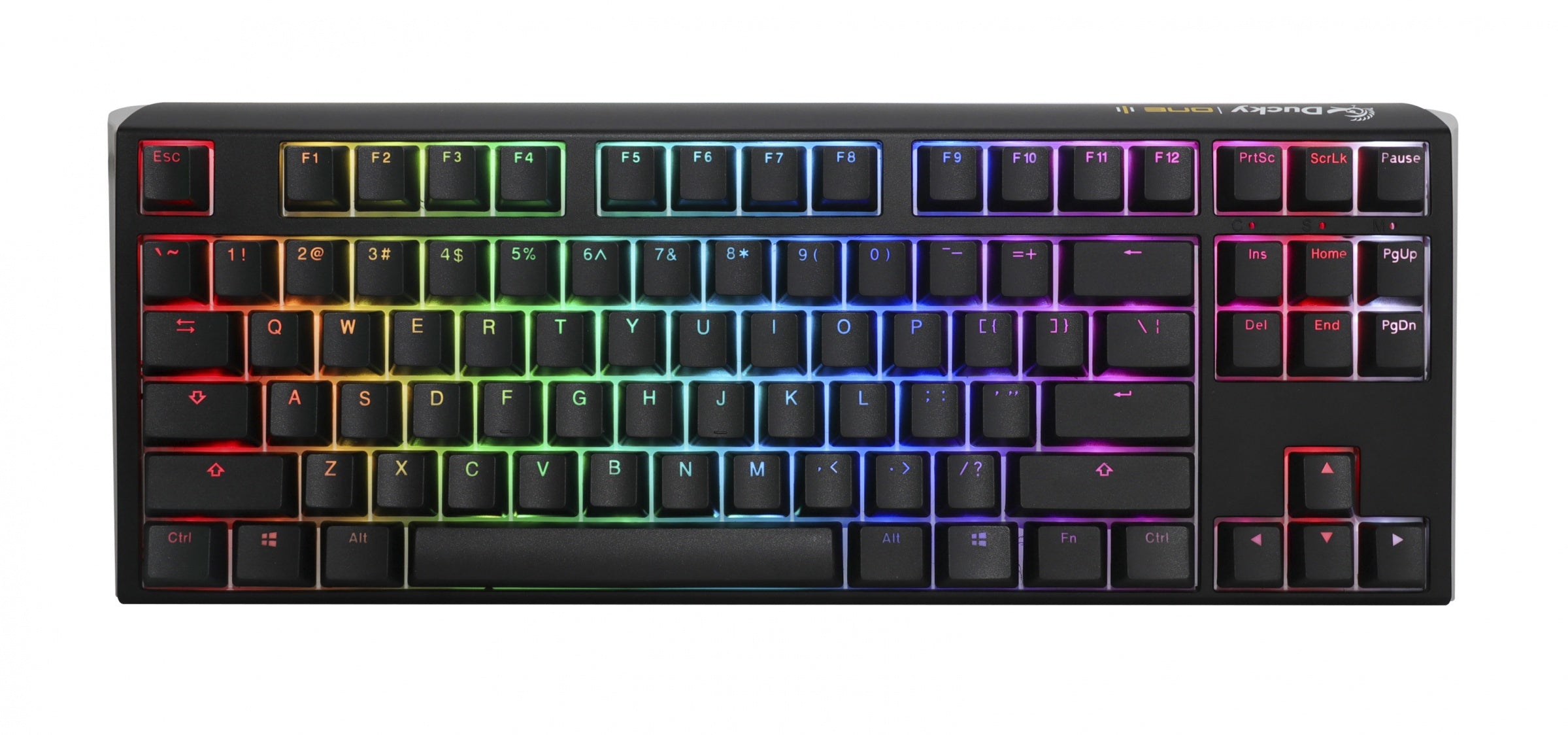
Ducky
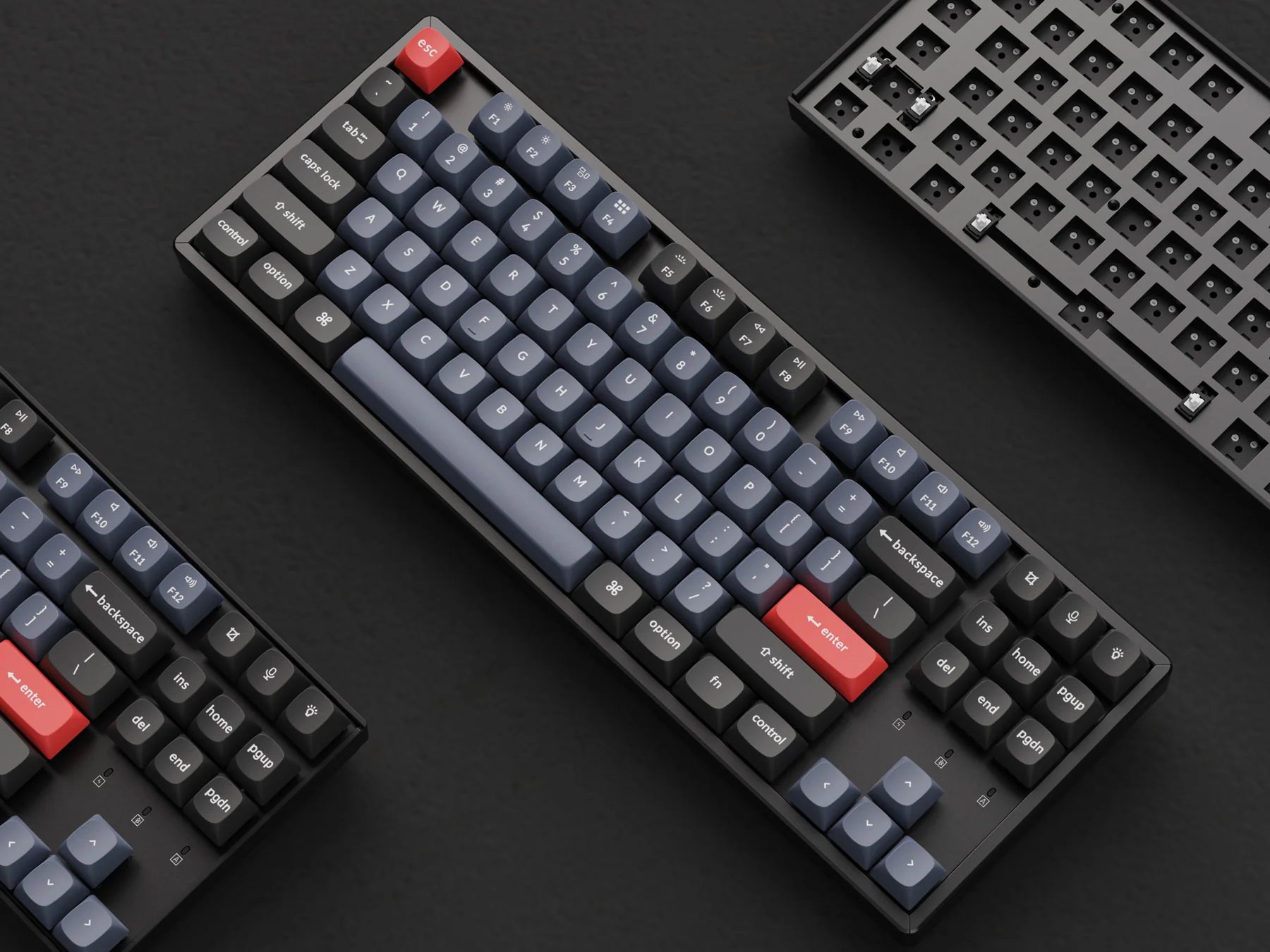
An 87-key wired board with Cherry MX switches, hot-swap sockets, double-shot PBT caps, per-key RGB and two-layer acoustic damping.
FILCO
A traditional 87-key wired board with plate-mounted Cherry MX switches, full USB rollover and a deliberately simple, software-free design.
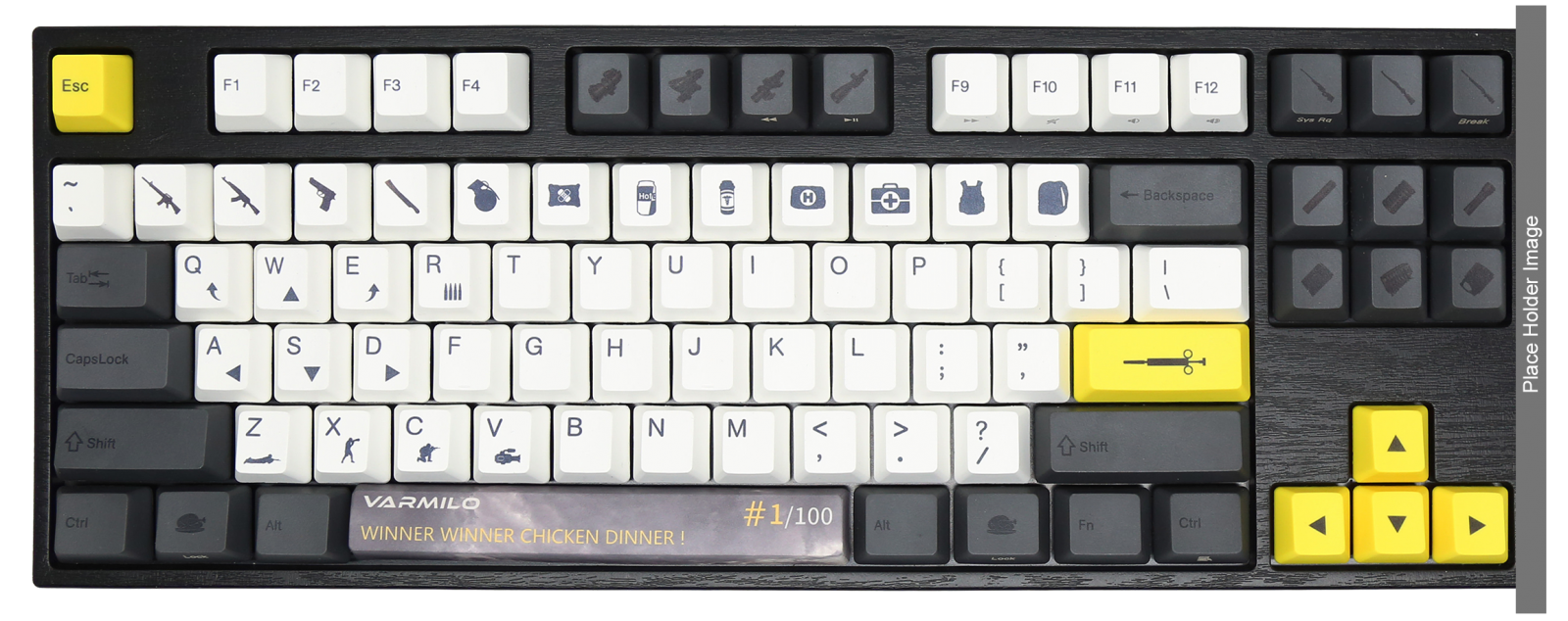
Buying guide
Start with the keys and shortcuts you actually use, then consider the keyboard’s width, front height, slope, and position beside the pointing device. A smaller layout can reduce mouse reach, but only if its missing keys or layers do not disrupt your work. OSHA recommends placing the keyboard directly in front of the user, keeping shoulders relaxed, elbows near keyboard height, and wrists straight rather than bent up, down, or sideways. Treat comfort as a workstation-fit question, not a promise attached to one switch type.
Try the board at normal desk height before committing. Check whether you can type without lifting your shoulders or extending your wrists, and whether the switch force remains comfortable during sustained use. Sound also matters in shared spaces: clicky, tactile, and linear switches can feel and sound different even in otherwise similar boards. If you use a palm support, match it to the keyboard’s front edge and use it to encourage straight wrists; OSHA notes that resting on a support while actively typing can inhibit wrist motion.
Inspect how the cable, case, switches, stabilizers, and circuit board can be serviced. Hot-swap sockets make a failed switch easier to replace, but they are not invulnerable: iFixit’s GK64 guide warns that pulling at an angle can damage the switch or PCB and includes checking that sockets sit flush. Ask whether replacement switches match the socket format and whether keycaps use a common stem and standard sizes. A soldered board may still be repairable, but it requires more tools and skill, so judge repairability by parts access and documentation rather than the hot-swap label alone.
Remapping can extend a keyboard’s useful life when workflows or operating systems change, but verify support for the exact PCB revision before buying. QMK’s documentation describes its Configurator as a graphical tool that generates firmware files, while its broader documentation covers keymaps, flashing, and supported hardware. That is more durable evidence than a vague “programmable” claim. Confirm that a default firmware image, reset method, and model-specific instructions remain available, and keep a known-good configuration after purchase.
Switch endurance is useful evidence, but it is not a whole-keyboard warranty. CHERRY rates its MX Standard switches for up to 100 million actuations per key and describes compatibility with many housings, keycaps, and layouts. That says something about the tested switch family, not the life of sockets, stabilizers, connectors, batteries, controllers, or legends. Compare the exact switch specification, then separately evaluate the board’s construction, warranty, replacement-part availability, and ease of opening without destructive fasteners.
FAQ
Use a keycap puller and a switch puller, work slowly, and keep removed parts organized. Do not twist or pull at an angle when removing a keycap or switch. Before installing a replacement, inspect its underside so the pins line up with the hot-swap socket holes, then press it in gently rather than forcing it. That process makes switch changes practical while reducing the risk of damaging the switch, socket, or keycap.
Often, yes. QMK provides a user-friendly Configurator for people who want a graphical workflow without programming knowledge, while its source-based route offers more control for advanced users. Before buying, confirm that the exact keyboard revision is supported and identify which workflow it uses. That check matters because a product family name alone may not tell you whether the board's controller and firmware can use the features you want.
Set the board so your forearms and wrists stay straight and level rather than choosing a tilt by appearance. UCLA's guidance describes a slightly open elbow angle of about 90–100 degrees and notes that tilt can help: a negative tilt, with the front higher than the back, can suit upright sitting, while a positive tilt may be needed when reclining. Keep the keyboard close and center the section you use most to limit reaching.
Disconnect the keyboard immediately, or power off a wireless model, and do not reconnect it to test. HP's maintenance guidance says to turn a spilled-on keyboard upside down for at least 30 minutes, remove affected keycaps, and let it air-dry for 24 hours before testing. Treat the delay as part of the recovery process: powering up while moisture remains can turn a cleanable spill into an electronics failure.
Match the cleaning level to use and buildup. HP describes a quick, no-disassembly clean as a weekly task, or every two to three days for heavy users; its regular keycap-removal clean is roughly monthly to every one or two months, and a deep clean is suggested every six to twelve months. Unplug or power off first, use short upright-can bursts for loose debris, and test the board after reassembly.
Honoring the visionaries whose work paved the way for the products we rely on today.
Alps Electric, now Alps Alpine, manufactures switches and supplied keyboards for computers including the original Macintosh and first iMac. Its Alps-branded mechanical switches are also documented in classic Apple IIc and Macintosh-era keyboard hardware.
Matias developed a mechanical keyswitch by recreating the original ALPS design after its continued production became uncertain. The company says its Click switch supports 50 million cycles, uses thicker materials, and is sold for DIY builders and keyboard manufacturers.
Dominic Beauchamp was the original developer of the ErgoDox project, an open-source split mechanical keyboard designed with ergonomics in mind. The project combined a columnar-stagger layout with easily sourced components, programmable firmware, and hardware files that users can modify.
QMK Firmware provides open-source keyboard firmware for Atmel AVR and Arm USB families, with a customizable experience and compatibility for more than 3,000 keyboards. Its maintained project gives customizable mechanical keyboards a continuing firmware layer beyond their original configuration.
Research last refreshed
Jeong Ho Kim, Lovenoor Aulck, Michael C. Bartha, Christy A. Harper, Peter W. Johnson · 2014
This comparative study measured force, muscle activity, comfort, and productivity for virtual, notebook, and desktop keyboards with different travel and tactile feedback. Conventional mechanically switched keyboards preserved tactile feedback and typing productivity, directly informing switch and travel choices.
Sarah M. Coppola, Philippe C. Dixon, Boyi Hu, Michael Y. C. Lin, Jack T. Dennerlein · 2019
This study compared four commercial keyboards using dome, scissor, and butterfly mechanisms and different travels. A short-travel dome device produced higher muscle activity, force, slower typing, and more discomfort; results show switch mechanism matters and travel alone does not predict keyboard ergonomics.
Milad Gholami, Alireza Choobineh, Mohammad Abdoli-Eramaki, Azizallah Dehghan, Mohammad Taghi Karimi · 2022
Using motion capture and OpenSim, this study tested keyboard placement at three desk distances. Moving the keyboard 8 cm from the desk edge substantially reduced wrist and elbow flexion and deviation, showing that keyboard position is a category-specific ergonomic design and setup factor.